If you have been searching for a Matterport alternative, the field changed significantly in May 2026 when SkyeBrowse launched its 360 virtual tour feature. SkyeBrowse is a cloud-based videogrammetry platform, a technology that builds 3D models from video rather than from stitched still photos, which means you can walk through any property with a 360 camera, upload the recording, and receive a navigable virtual tour plus a measurement-grade 3D model in minutes. This article compares SkyeBrowse and Matterport side by side so you can decide which platform fits your workflow and budget.
Key Takeaways
- SkyeBrowse converts 360 camera video into both a 3D model and a virtual tour in a single upload, with no proprietary camera required.
- Matterport excels at polished dollhouse-view marketing scans for real estate at scale but requires specific hardware and per-space subscription fees.
- SkyeBrowse uniquely covers exterior and drone capture in the same platform, while photo-stitching tools like Matterport, Kuula, and CloudPano are limited to interiors.
- A free tier (SkyeBrowse Lite) generates unlimited basic models at no cost, making it the most accessible option for teams testing video-based reality capture.
- SkyeBrowse's Premium tier reaches 0.25 inch survey-grade accuracy and Premium Advanced reaches 0.1 inch, both without ground control points; the entry tier runs roughly 2 to 6 inches, suitable for insurance documentation, construction verification, and property measurement.
Contents
- What is the best Matterport alternative?
- How does SkyeBrowse compare to Matterport?
- What hardware do you need to use SkyeBrowse instead of Matterport?
- Is there a free alternative to Matterport?
- What is cheaper than Matterport?
- FAQ
What is the best Matterport alternative?
The best Matterport alternative depends on your primary use case. For teams that need to capture both interiors and exteriors, or want measurement-grade 3D models in addition to a virtual tour, SkyeBrowse is the strongest option. For users who only need interior photo-stitching without any 3D geometry, platforms like Kuula and CloudPano are lighter-weight choices, though neither produces exportable point clouds or supports drone footage.
Matterport built its reputation on the real estate market: agents upload a Matterport Pro2 or Pro3 scan and get a polished dollhouse-view walkthrough that buyers can explore online. The experience is smooth and the brand is well known. However, that polish comes with a cost: you need Matterport hardware or a compatible DSLR/360 camera that has been approved for their Capture app, and you pay a monthly fee for every active space you keep published.
SkyeBrowse takes a different approach. Rather than stitching individual still frames the way traditional photogrammetry does, it uses videogrammetry, continuous video analysis, to reconstruct spatial geometry from motion. Because video captures thousands of overlapping frames automatically as you walk or fly, the reconstruction is faster and requires no tripod-to-tripod movement between positions. The result is a 3D model and a 360 Image Viewer walkthrough generated from the same upload.
For teams at inspections, insurance companies, construction firms, or public safety agencies who need a spatial record of a property, inside and outside, SkyeBrowse covers the entire site in one workflow. You can read more about the interior capture approach in the SkyeBrowse interior mapping guide and compare platform capabilities in the best interior mapping software roundup.
How does SkyeBrowse compare to Matterport?
SkyeBrowse and Matterport both produce navigable 3D virtual tours, but the underlying technology and scope differ substantially. Matterport uses LiDAR or structured-light scanning on its own cameras to produce a photorealistic dollhouse view optimized for marketing. SkyeBrowse uses videogrammetry from any 360 camera or drone, producing a measurement-grade point cloud alongside the tour, and it handles exterior and aerial capture that Matterport cannot.
The table below summarizes the key differences for teams evaluating the two platforms:
| Feature | SkyeBrowse | Matterport |
|---|---|---|
| Capture method | Video (360 cam, drone, phone) | LiDAR scan or approved 360 cam stills |
| Hardware required | Any 360 camera, drone, or phone | Matterport Pro2/Pro3 or approved partners |
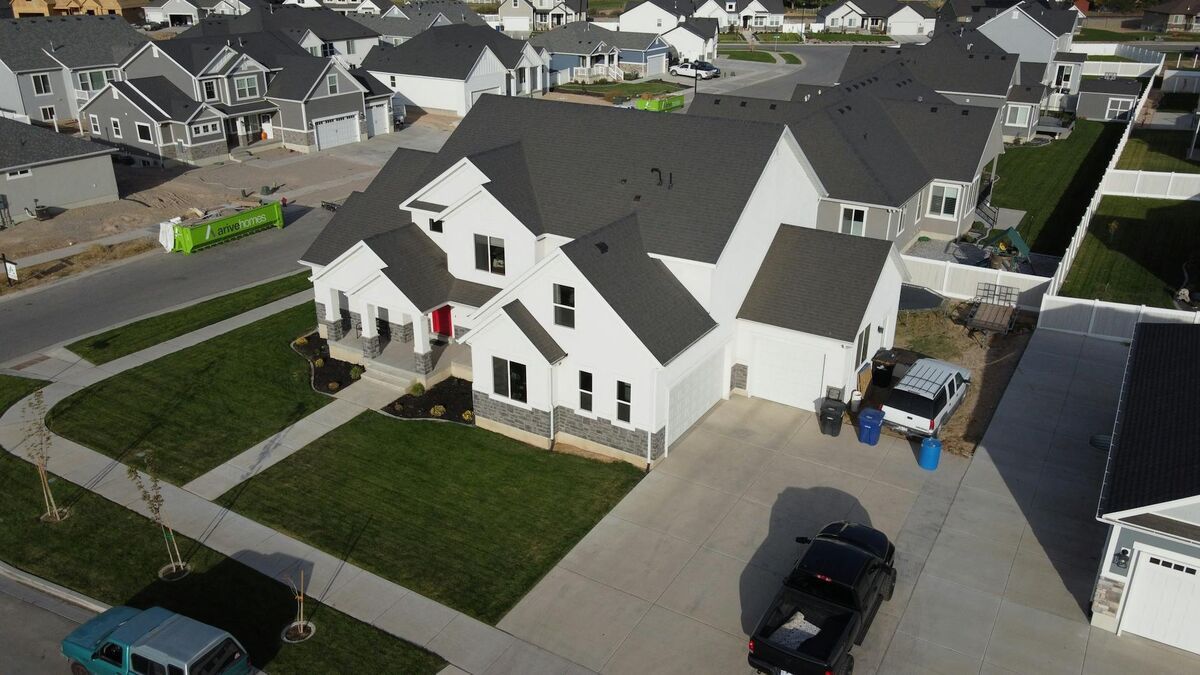
| Exterior / drone support | Yes, full drone mapping included | No |
| Processing time | Minutes after upload | Minutes to hours depending on scan size |
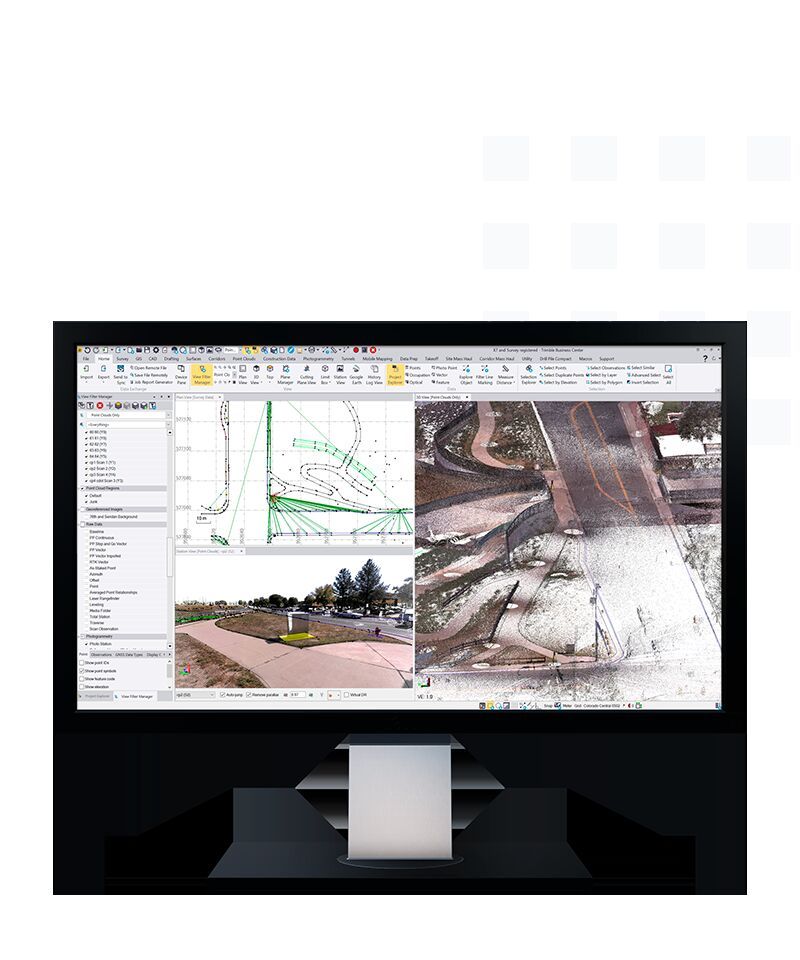
| Measurement output | Point cloud, 3D mesh, orthomosaic; survey-grade 0.25 inch (Premium) to 0.1 inch (Premium Advanced), 2-6 inch entry tier | Room dimensions and square footage; accuracy varies by camera model |
| Pricing model | Free tier + per-model credits | Monthly per-space subscription |
| Free tier | Yes (SkyeBrowse Lite, unlimited basic models) | Limited free plan (capped active spaces) |
| Export formats | LAZ, GLB, GeoTIFF | Matterport proprietary + limited OBJ export |
Matterport remains the dominant name in real estate virtual tours, and its polished UI for sharing listings with buyers is hard to beat for that specific workflow. Where SkyeBrowse wins decisively is anywhere a team needs measurement data alongside the tour, wants to cover the building exterior, or cannot justify the cost of Matterport-specific hardware.
For a broader comparison of 3D mapping platforms, see the best 3D mapping software guide.

What hardware do you need to use SkyeBrowse instead of Matterport?
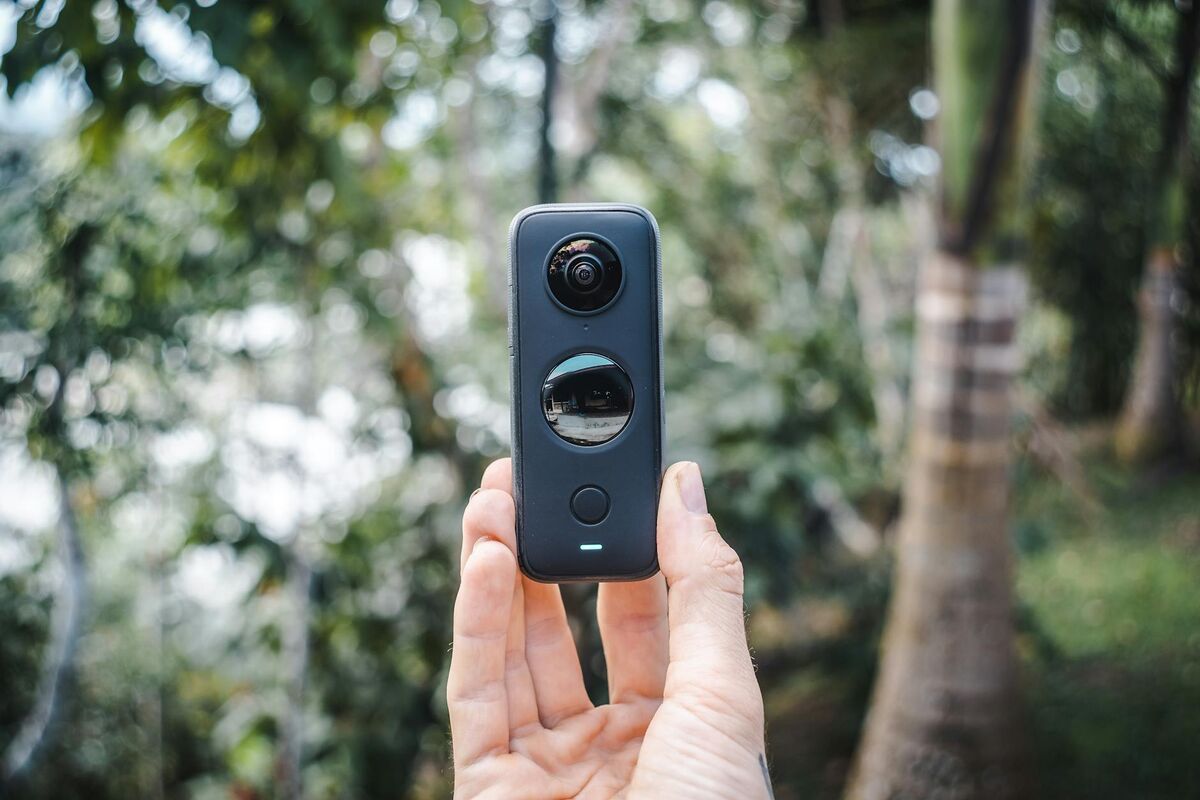
SkyeBrowse works with any 360 camera that records video in .MP4 or .MOV format. Popular options include the Insta360 X4, Ricoh Theta series, and GoPro Max. You can also use a standard smartphone or action camera for interior walkthroughs, or a DJI, Autel, or other compatible drone for aerial and exterior capture. No proprietary hardware is required.
This is one of the most practical differences between the two platforms. Purchasing a Matterport Pro3 camera runs into the thousands of dollars; a consumer 360 camera compatible with SkyeBrowse can be purchased for a few hundred. Many teams already own a drone or 360 camera and can start uploading to SkyeBrowse immediately without any additional equipment investment.
The workflow for an interior scan is straightforward: walk through the space at a steady pace while recording video on your 360 camera, then upload the .MP4 file through Universal Upload at app.skyebrowse.com. The platform also accepts body camera footage for documentation-focused workflows, and drone video (.MP4 or .MOV with optional telemetry files) for exterior mapping. A single subscription can cover all of these capture types, with no separate module or hardware tier required.
Matterport has expanded its ecosystem to support some third-party 360 cameras through the Matterport Capture app, but the approved device list is curated and the output quality is optimized for Matterport's own Pro hardware. SkyeBrowse imposes no such restriction: if the camera records video, the upload will work.
Is there a free alternative to Matterport?
Yes. SkyeBrowse Lite is a free tier that allows unlimited basic 3D model and virtual tour generation from 360 camera video uploads. It requires no credit card to start. Matterport offers a free plan, but it caps the number of active spaces you can keep published, which limits its usefulness for ongoing documentation work.
For teams testing video-based reality capture before committing to a paid plan, SkyeBrowse Lite removes the financial barrier entirely. You can upload your first 360 camera walkthrough, review the output, and assess whether the accuracy and tour quality meet your needs, all without spending a dollar.
Kuula and CloudPano also offer free tiers for hosting 360 photo tours, but neither platform builds a true 3D model from your captures. They display spherical panoramas that visitors can click through, but there is no underlying geometry, no measurements, and no exportable point cloud. If your goal is a polished photo tour for marketing, those platforms are adequate. If you need a spatial record with real-world dimensions, for an insurance claim, a property valuation, or a construction handoff, you need a platform that produces actual 3D geometry. That's where SkyeBrowse's free tier stands apart.
3DVista is another alternative with a free trial, but it is primarily a tour-publishing platform rather than a capture-and-reconstruct system; you still need an external scanner or camera system to generate the raw data.
What is cheaper than Matterport?
SkyeBrowse is cheaper than Matterport for most teams that need flexibility rather than high-volume recurring listings. SkyeBrowse Lite is free, and paid processing starts at $99 per model credit for Premium accuracy (approximately 0.25 inch). Matterport pricing is per space per month and scales quickly for teams managing dozens of active listings or job sites.
The total cost of ownership for Matterport includes three layers: hardware (Pro3 camera or approved alternative), software subscription (per active space per month), and any enterprise features like CRM integrations or custom domain hosting. For a real estate brokerage running 50 active listings, that monthly fee accumulates regardless of whether any particular space was recently updated.
SkyeBrowse's credit-based model works differently. You pay per model processed, and the resulting file is yours to host and share without a recurring per-space fee. For industries like insurance adjusting, construction documentation, or facilities management, where a property is captured once and the model is used for months, this translates to significantly lower total spend.
For organizations that need high-frequency capture across many properties, Matterport's volume plans may still be competitive. The right answer depends on your capture cadence and whether you need the marketing-focused features Matterport has refined over the years. Teams with mixed interior-and-exterior workflows, or those that already own drone hardware, will almost always find SkyeBrowse more cost-effective.
For real estate teams evaluating aerial 3D tools as part of a broader listing workflow, the SkyeBrowse real estate marketing page covers exterior and aerial capture specifically.
FAQ
Is there a free alternative to Matterport?
Yes. SkyeBrowse Lite lets you generate unlimited basic 3D models and virtual tours from 360 camera video at no cost. Visit app.skyebrowse.com to create a free account and upload your first scan. Kuula and CloudPano also have free tiers but produce panoramic photo tours without underlying 3D geometry or measurement output.
What is cheaper than Matterport?
SkyeBrowse is cheaper for teams that capture on an as-needed basis. The free tier covers unlimited basic models, and premium credits start at $99 per model, a one-time cost with no per-space subscription. Matterport charges monthly per active space, which adds up quickly for ongoing documentation work.
Does SkyeBrowse work with my existing 360 camera?
SkyeBrowse accepts .MP4 and .MOV video from any 360 camera, smartphone, drone, action camera, or body camera. There is no approved-device list. Popular 360 cameras like the Insta360 X4, Ricoh Theta Z1, and GoPro Max all work. See the best photogrammetry app guide for capture tips.
Can SkyeBrowse produce outdoor and drone scans that Matterport cannot?
Yes. Matterport is designed exclusively for indoor environments. SkyeBrowse processes drone video for exterior aerial mapping, producing orthomosaic maps, point clouds (.LAZ), and 3D meshes (.GLB) in addition to virtual tours. A single SkyeBrowse account covers interior walkthroughs and full property drone surveys.
How accurate is SkyeBrowse compared to Matterport?
SkyeBrowse's Premium plan delivers survey-grade, court-admissible accuracy of about 0.25 inch at 8K resolution, and Premium Advanced reaches about 0.1 inch with AI moving-object removal, both without ground control points. Videogrammetry accuracy scales with capture distance, so flying a drone closer or walking a 360 camera nearer the subject is what unlocks that precision. The entry-level Lite tier, built for fast general documentation, runs approximately 2 to 6 inches. Matterport's published Pro3 specification is approximately 20mm (about 0.8 inch) under ideal conditions, well behind SkyeBrowse's Premium and Premium Advanced accuracy.
Upload your first video free. Create a free SkyeBrowse account, upload a drone video, and get a 3D model processed in the cloud. Freemium organizations that have never had a paid plan can get their first full Commercial model for $5 (normally $24.99), with every Commercial tool, every export, and 90-day storage.