Photogrammetry vs orthomosaic comes up whenever a team plans a drone mapping program, and the two are often framed as competing options. They are related as method and product. Photogrammetry is the science of extracting measurements and spatial data from overlapping images, and an orthomosaic is one specific product that photogrammetry produces. Knowing that relationship, and when each output type serves your workflow, is the key to getting the most from any drone mapping program.
Key Takeaways
- Photogrammetry is a measurement technique, and an orthomosaic is one of several outputs it generates, so the comparison is between a method and its product.
- A single drone flight can produce three distinct output types simultaneously: an orthomosaic (2D map), a 3D mesh model, and a point cloud.
- Orthomosaics excel at area calculations, boundary documentation, and GIS import; 3D models are better for structural visualization, reconstruction, and court exhibits.
- Orthomosaic accuracy is set mostly at capture: ground sample distance, overlap, and how close the drone flies determine the detail every output inherits.
- SkyeBrowse generates all three output types from a single video upload, removing the need to plan separate flights for different deliverables.
Contents
- What is the difference between photogrammetry and an orthomosaic?
- What is photogrammetry?
- How does photogrammetry produce an orthomosaic?
- Orthomosaic vs 3D model vs point cloud: which output do you need?
- How accurate are photogrammetry outputs?
- How does SkyeBrowse generate all three outputs from one flight?
- FAQ
What is the difference between photogrammetry and an orthomosaic?
Photogrammetry is the process of measuring and reconstructing geometry from overlapping images. An orthomosaic is one of the products that process creates: a distortion-corrected, georeferenced 2D map. Photogrammetry can also produce 3D models, point clouds, and elevation models from the same capture, so the real choice is which output to deliver.
| Photogrammetry | Orthomosaic | |
|---|---|---|
| What it is | A method for measuring from overlapping images | A 2D map product |
| Input | Overlapping photos or video frames | Imagery plus a surface model from photogrammetry |
| Output | Orthomosaics, 3D meshes, point clouds, elevation models | One georeferenced image, usually GeoTIFF |
| Dimensions | 2D and 3D | 2D (top-down) |
| Typical question it answers | "What is the geometry of this scene?" | "What does this site look like from directly above, at true scale?" |
In practice, the decision teams actually face is which photogrammetry output to deliver. The sections below explain the method, how it produces an orthomosaic, and when an orthomosaic, a 3D model, or a point cloud is the better deliverable. For a deeper look at orthomosaic maps on their own, including orthophoto vs orthomosaic and how to make one, see our guide to orthomosaic mapping.
What is photogrammetry?
Photogrammetry is the process of taking measurements from photographs. By analyzing how the same physical point appears across dozens or hundreds of overlapping images taken from slightly different positions, software can reconstruct the geometry of a scene and produce 2D maps, 3D models, and precise distance measurements without any physical contact with the subject.
The word comes from the Greek roots for "light," "writing," and "measurement." Modern drone-based photogrammetry, sometimes called aerial photogrammetry, works by flying a drone in a systematic pattern over a site while the camera captures images at regular intervals. The software then identifies thousands of matching feature points across those images (a process called Structure from Motion, or SfM) and builds a geometric model of the scene.
Photogrammetry is a method. The outputs it produces (orthomosaics, 3D meshes, point clouds, digital elevation models) are products of that method. The American Society for Photogrammetry and Remote Sensing (ASPRS) defines the discipline broadly enough to encompass all of them. For a practical introduction, see SkyeBrowse's guide to drone 3D mapping.
How does photogrammetry produce an orthomosaic?
Photogrammetry produces an orthomosaic by matching features across overlapping images, building a 3D surface of the scene, and projecting each image onto that surface to remove camera tilt and terrain distortion. The corrected images are blended into one georeferenced map with consistent ground scale, ready for measuring and GIS.
The production pipeline runs through four stages: image capture, feature matching (SfM), dense point cloud generation, and orthorectification. During orthorectification, the software applies a digital elevation model to remove distortions caused by camera angle and terrain relief. The result is a single mosaic where every pixel represents a consistent ground scale.
Orthomosaics are delivered as GeoTIFF files, a raster format with embedded coordinate system data, so they import directly into GIS tools like ArcGIS and QGIS. The USGS describes orthoimagery as combining the image detail of a photograph with the geometric qualities of a map, which is why it serves as a foundational layer for national mapping.
Orthomosaic vs 3D model vs point cloud: which output do you need?
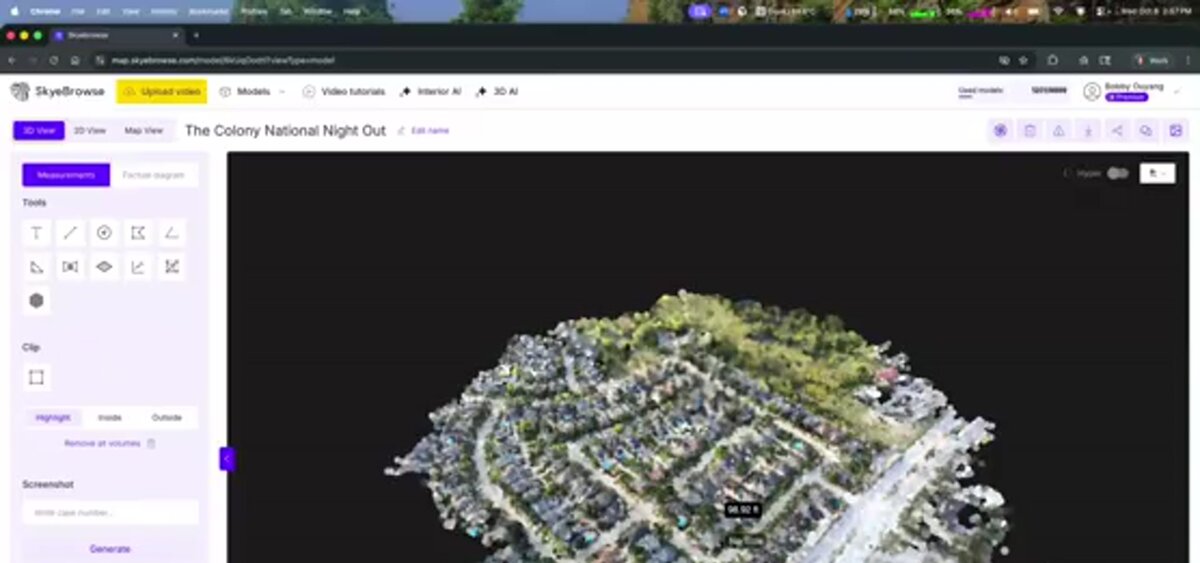
The right output depends on what you need to measure or communicate. Orthomosaics work best for 2D area analysis and GIS workflows. Three-dimensional mesh models are better for visualizing geometry, elevation changes, and structural details from any angle. Point clouds provide the raw spatial data that underpins both and are the starting point for detailed measurement in CAD and BIM.
Use the table below to match your use case to the right output type:
| Feature | Orthomosaic | 3D Mesh Model | Point Cloud |
|---|---|---|---|
| Format | GeoTIFF | GLB / OBJ | LAZ / LAS |
| Dimensions | 2D (top-down) | 3D (all angles) | 3D (raw points) |
| Best for | Area, boundary, GIS import | Visualization, reconstruction, court exhibits | Precise measurement, CAD/BIM integration |
| Measurable | Distance, area, perimeter | Distance, height, volume | Distance, volume, slope |
| File size | Medium | Large | Large |
| GIS compatible | Yes (native) | Limited | With conversion |
| Viewable by non-specialists | Yes | Yes (web viewer) | Requires specialist software |
| Common use cases | Agriculture, insurance, site planning | Accident reconstruction, inspections, construction progress | Surveying, engineering, digital twin |
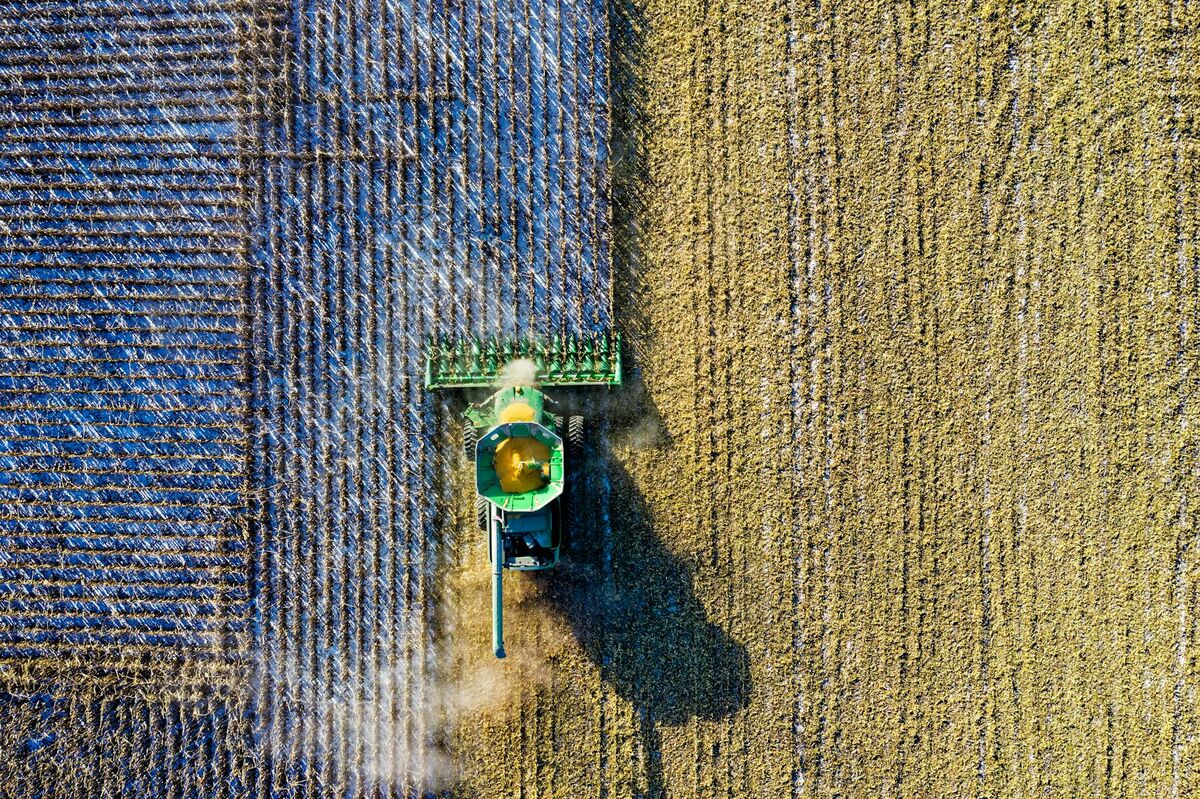
Orthomosaics are the right choice when you need to hand a deliverable to a GIS team, calculate crop acreage, document property boundaries for an insurance claim, or compare site conditions across multiple dates, where side-by-side orthomosaics make change detection straightforward.
Three-dimensional mesh models are the better option when you need to understand how a scene looks from ground level, communicate spatial relationships to a non-technical audience, or present evidence in court. A 3D model of a crash scene, for example, lets investigators walk through the scene virtually and measure sightlines in a way a flat orthomosaic cannot replicate. Read more about orthomosaic software for construction workflows specifically.
Point clouds occupy a different role: they are the dense set of georeferenced XYZ coordinates from which both orthomosaics and 3D meshes are derived. Engineers and surveyors working with CAD or BIM software often prefer to work directly with point clouds because they carry the most raw spatial information. ISO 19157, the international standard for geographic information data quality, provides the framework for evaluating the positional and completeness accuracy of point cloud datasets.
How accurate are photogrammetry outputs?
Accuracy in photogrammetry outputs is primarily a function of ground sample distance (GSD), image overlap, and how close the camera is to the subject. High grid flights near 400 feet trade detail for coverage. Flying closer shrinks GSD, and videogrammetry captured close to the scene reaches 0.5 inch on SkyeBrowse Commercial and Pro models and 0.1 inch on Public Safety & Enterprise. In an independent accuracy study by AirBorne Works, SkyeBrowse video models came closest to Leica BLK360 laser-scan ground truth on 8 of 9 measurements, outperforming photo-based Pix4D Mapper and Leica BLK3D.
GSD is the real-world size represented by one pixel. Flying lower and using a higher-resolution sensor both reduce GSD and improve accuracy. Photo-based grid missions commonly fly around 70 to 80 percent forward overlap and 60 to 70 percent sidelap; video captures overlap automatically because consecutive frames are a fraction of a second apart.
Separate relative accuracy (distances inside the model) from absolute accuracy (where the model sits on the earth). Drone GPS telemetry georeferences the model automatically, and SkyeBrowse reaches survey-grade relative accuracy without ground control. Ground control points, physical markers at known coordinates, or an RTK drone tie the deliverable to certified survey coordinates when a contract or court requires them.
Accuracy standards vary by output type. Orthomosaic accuracy is stated as root mean square error (RMSE) against ground check points. Point cloud accuracy is described by point density and vertical error. Mesh accuracy is derived from the underlying point cloud, so it matches the precision of the point data beneath it.
How does SkyeBrowse generate all three outputs from one flight?
SkyeBrowse is a cloud-based videogrammetry platform that converts drone video footage into all three output types in a single processing run. Upload one video file and the platform returns a georeferenced orthomosaic (GeoTIFF), a 3D mesh model (GLB), and a point cloud (LAZ) without any additional configuration.
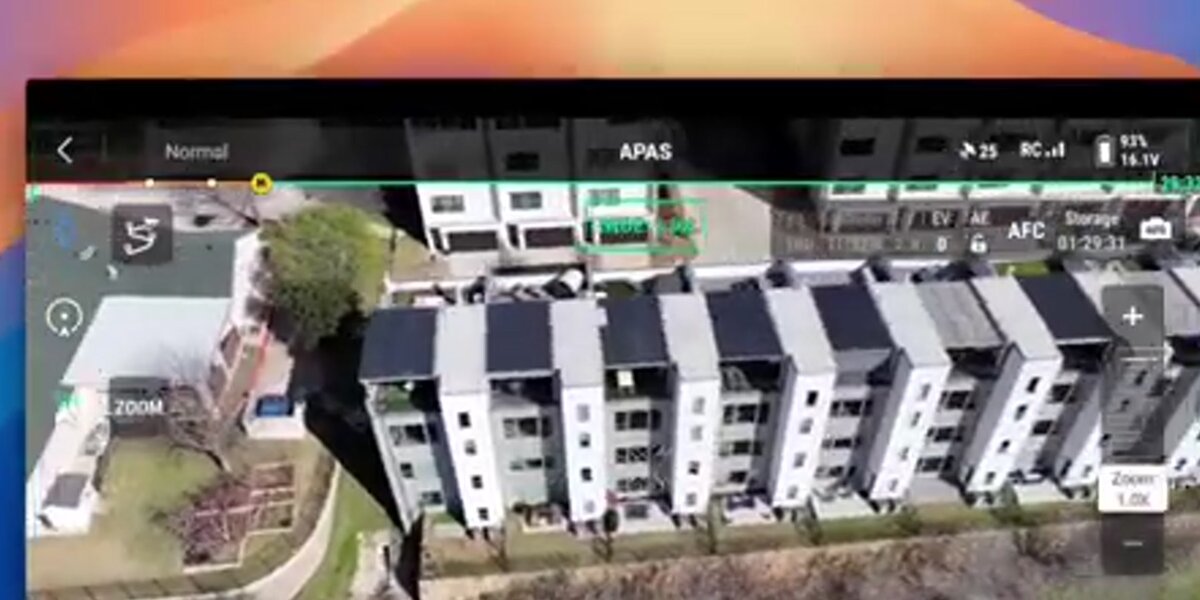
The videogrammetry approach treats video frames as a dense photo sequence: a one-minute clip at 30fps contains about 1,800 frames, more than most grid photo missions generate. SkyeBrowse's proprietary cloud pipeline reconstructs the scene entirely on AWS, so there is no desktop software to install.
Pairing video with a telemetry file (.SRT for DJI, .ASS for Autel) georeferences every output automatically. Commercial and Pro models process at 8K for 0.5 inch accuracy, and Public Safety & Enterprise processes at 16K Ultra with AI Moving Object Removal for 0.1 inch accuracy. The orthomosaic map is available in the viewer on every plan; GeoTIFF, GLB, and LAZ exports come with Pro models and Public Safety & Enterprise.
Because all three deliverables come from one capture, field crews skip the separate flight planning that traditional workflows require. One flight covers every downstream need: GIS import, court exhibit, or survey deliverable.
FAQ
Is an orthomosaic the same as photogrammetry?
No. Photogrammetry is the measurement technique: the process of deriving spatial data from overlapping images. An orthomosaic is one type of output that the photogrammetry workflow can produce. Other outputs from the same process include 3D mesh models, point clouds, and digital elevation models.
When should I use an orthomosaic instead of a 3D model?
Use an orthomosaic when you need accurate 2D measurements, area calculations, or GIS integration, for example crop analysis, insurance boundary documentation, or site planning. Choose a 3D model when you need to visualize height, depth, or geometry from multiple angles, such as for structural inspections, accident reconstruction, or construction progress monitoring.
Can one drone flight produce both an orthomosaic and a 3D model?
Yes. Platforms like SkyeBrowse process a single drone video capture into an orthomosaic (GeoTIFF), a 3D mesh model (GLB), and a point cloud (LAZ) simultaneously. You never have to choose at capture time, because all three output types come from the same flight. See SkyeBrowse's full range of drone 3D mapping capabilities for details.
What file formats do photogrammetry outputs use?
Orthomosaics are typically delivered as GeoTIFF files for GIS compatibility. Three-dimensional mesh models are commonly exported in GLB or OBJ format for viewing in web browsers and 3D tools. Point clouds are delivered in LAZ or LAS format, which is compatible with most surveying and engineering software. SkyeBrowse supports all three export formats from a single processing run.
What is the difference between photogrammetry and LiDAR?
LiDAR uses laser pulses to measure distances directly, producing point clouds that can reach the ground through gaps in vegetation canopy. Photogrammetry derives geometry from overlapping photographs using computer vision and also captures true color, which LiDAR alone does not. Photogrammetry and videogrammetry cost far less and reach survey-grade accuracy when captured close to the subject; LiDAR is mainly chosen for bare-earth mapping under heavy vegetation.
Upload your first video free. Create a free SkyeBrowse account, upload a drone video, and get a 3D model processed in the cloud. Freemium organizations that have never had a paid plan can get their first full model for $5 (normally $24.99), with every Pro tool and export and 90-day storage.