A drone mapping app is a phone or tablet application that plans an automated flight, captures the imagery or video, and turns it into a 2D map or 3D model, often without ever opening a desktop program. In 2026 the best drone mapping app for your team depends on whether you need flight automation, fast field deliverables, survey-grade accuracy, or all three. This guide compares the leading options across iPhone and Android, explains where the free apps stop being free, and shows how videogrammetry (building 3D models from continuous video instead of stitched stills) changes what a mobile workflow can produce.
Key Takeaways
- A drone mapping app covers flight planning, capture, and (increasingly) cloud processing from a phone or tablet, while traditional drone mapping software processes data on a desktop.
- SkyeBrowse is the shortest app-based route on this list from capture to a finished 3D model, accepting
.MP4and.MOVvideo and processing in the cloud in roughly one minute per minute of footage. - Most "free" drone mapping apps are only free to fly and capture; getting a finished map or model usually requires a paid processing step.
- SkyeBrowse Freemium is genuinely free for basic models, with Commercial and Pro models reaching 0.5 inch accuracy at 8K and Public Safety & Enterprise reaching 0.1 inch.
- The major apps, including SkyeBrowse, DroneDeploy, and Pix4Dcapture Pro, run on both iPhone and Android, and SkyeBrowse also runs in a web browser (Chrome recommended).
Contents
- What is a drone mapping app?
- What are the best drone mapping apps in 2026?
- What is the best free drone mapping app?
- What is the difference between a drone mapping app and drone mapping software?
- Which drone mapping app is best for iPhone and Android?
- FAQ
What is a drone mapping app?
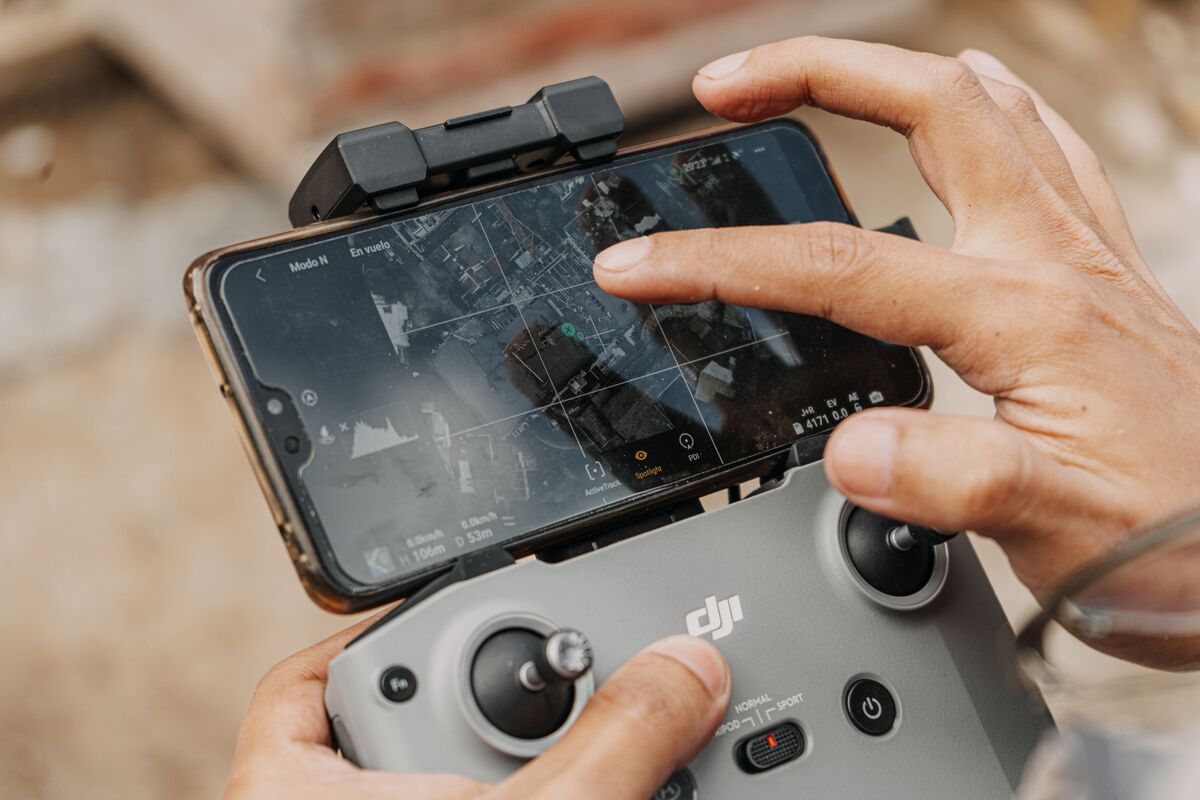
A drone mapping app is a mobile application, typically run on a phone or tablet connected to the drone controller, that automates the flight path, captures overlapping imagery or video, and converts that data into maps and 3D models. Some apps stop at flight and capture, while others send the data to the cloud and return a finished deliverable to the same device.
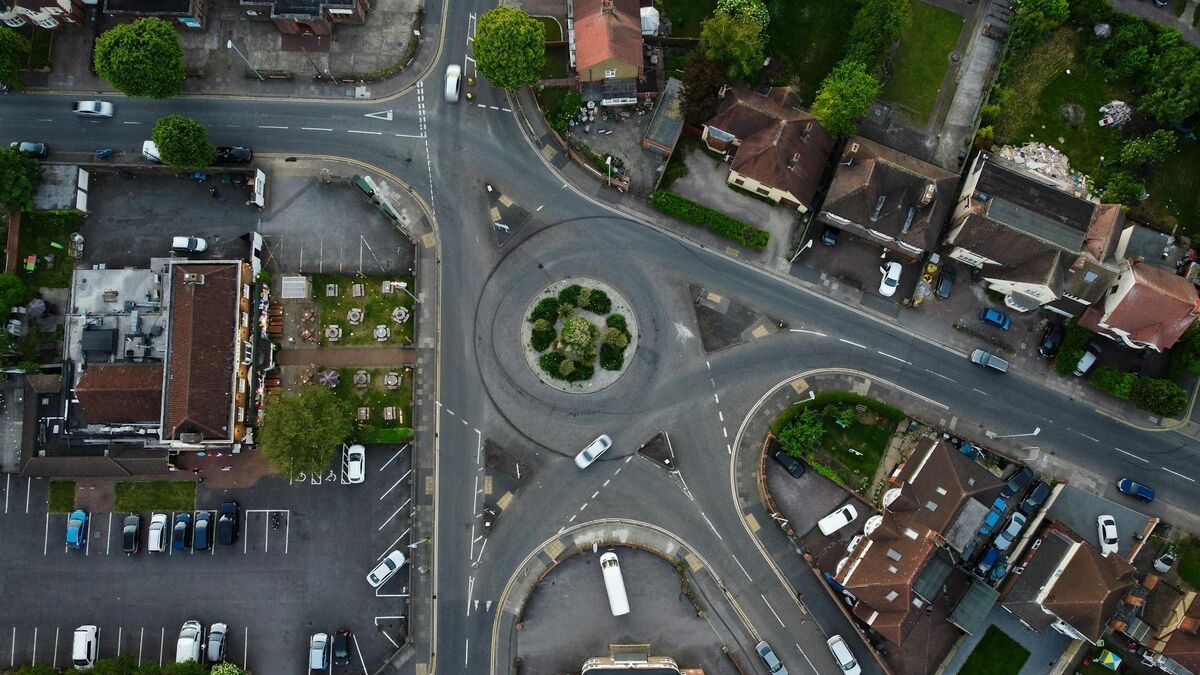
The category covers two jobs that used to require separate tools. First is flight: drawing a survey grid or orbit, setting altitude and overlap, and letting the aircraft fly the mission automatically so the capture is consistent. The second is reconstruction: turning the captured frames into an orthomosaic (a measurable, stitched-together aerial map), a point cloud, or a textured 3D model.
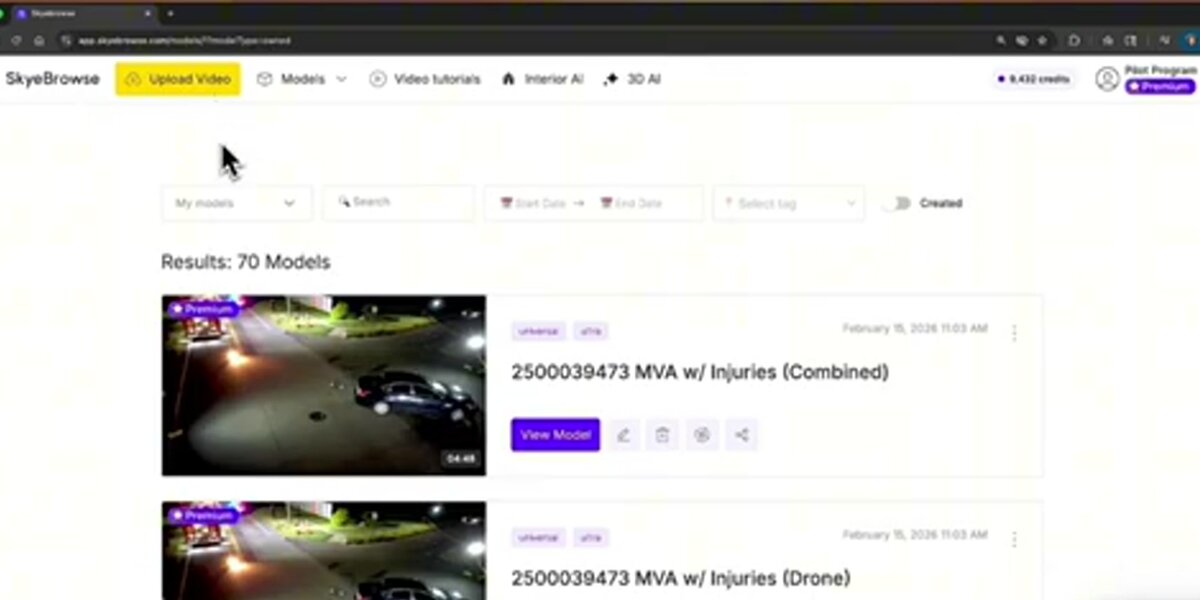
Older workflows split these jobs across a flight app on the controller and a heavy processing program on a workstation back at the office. Cloud-first apps now compress that gap. With a platform like SkyeBrowse you record a short video of the site, upload it from your phone, and the reconstruction happens on remote servers, so a usable model is usually ready in minutes, depending on your connection. For the broader capture-to-model walkthrough, see the drone 3D mapping guide and our how to make a 3D model with a drone tutorial.
What are the best drone mapping apps in 2026?
The best drone mapping apps in 2026 are SkyeBrowse for fast video-to-3D output, DroneDeploy for automated grid mapping with cloud processing, Pix4Dcapture Pro for survey-style flight planning, and the DJI flight apps for hardware control. Each one wins on a different axis: speed, automation, photogrammetric depth, or aircraft integration.
There's no single best app for every operator, because the apps optimize for different parts of the job. The table below summarizes where each one fits:
| App | Platform | Best for | Processing |
|---|---|---|---|
| SkyeBrowse | iOS, Android, Web | Fast 3D and 2D deliverables from video | Cloud, minutes after upload |
| DroneDeploy | iOS, Android | Automated grid mapping for construction | Cloud subscription |
| Pix4Dcapture Pro | iOS, Android | Survey-style mission planning | Cloud or desktop (paid) |
| DJI Pilot 2 / DJI Fly | iOS, Android (built-in) | Flight control and enterprise mapping missions | Handoff to other software |
| Litchi | iOS, Android | Waypoint and orbit flight planning | Handoff to other software |
SkyeBrowse stands apart because it's built around videogrammetry rather than still-photo capture. Instead of flying a slow grid and triggering hundreds of photos, an operator records continuous video, which captures thousands of overlapping frames automatically and shortens both flight time and processing time. DJI's own apps, by contrast, are excellent for flying the aircraft but generally hand the data to a separate tool for mapping. If you want to weigh full desktop and cloud platforms alongside these apps, the best 3D mapping software comparison goes deeper on processing engines.

What is the best free drone mapping app?
SkyeBrowse Freemium is the best free drone mapping app if your goal is an actual finished map or model, because it processes basic 3D models from drone video at no cost, with unlimited uploads (two concurrent models, 30-day archive). Free flight apps such as DJI Fly and Pix4Dcapture Pro handle capture for free, but the processing that turns raw data into a deliverable is a separate paid step.
This distinction trips up a lot of buyers. Searching for a "free drone mapping app" returns two very different things: apps that are free to fly with, and apps that are free to get a result from. DJI Fly ships free on the aircraft and is free to capture with, yet it does not produce an orthomosaic or measurable model on its own. The same logic applies to most capture-only tools.
SkyeBrowse Freemium closes that loop for free. You upload your video, and the platform returns a basic-resolution model, which is enough for general scene documentation, property records, and progress photos. When a job needs survey-grade output, a Commercial model ($24.99, or a one-time $5 first-model offer for Freemium organizations that have never had a paid plan) or a Pro model ($49.99, $39.99 billed annually) brings 8K processing at roughly 0.5 inch accuracy, and Public Safety & Enterprise ($199 per model per year) reaches roughly 0.1 inch. For more no-cost routes, including open-source desktop options, see the free drone mapping software roundup.
What is the difference between a drone mapping app and drone mapping software?
A drone mapping app runs on a phone or tablet in the field and focuses on planning the flight, capturing data, and sending it onward. Drone mapping software is traditionally a desktop program that does the heavy reconstruction into orthomosaics, point clouds, and 3D models. Cloud platforms collapse this divide by capturing on mobile and processing on remote servers.
The terms overlap, but the workflow shape is different. Desktop drone mapping software, such as Pix4Dmapper or open-source WebODM, gives an operator deep control over alignment, dense-cloud settings, and export formats, at the cost of a workstation, a powerful GPU, and processing time measured in hours. That control matters for formal survey and engineering deliverables. A dedicated app, by contrast, prioritizes getting good data in the air quickly.
Cloud-based platforms are why the line has blurred. SkyeBrowse behaves like an app at capture time and like full software at processing time, because the reconstruction runs in the cloud and the output streams back to your browser. The result is that a small team without a dedicated mapping workstation can still produce shareable 3D models. If your evaluation is really about the processing engine rather than the field app, start with the SkyeBrowse drone mapping software page and the drone mapping software guide, and if you're comparing phone-based 3D scanning apps specifically, the best photogrammetry app guide covers that category.
Which drone mapping app is best for iPhone and Android?
For both iPhone and Android, SkyeBrowse is a flexible choice because it offers native iOS and Android apps plus a full web app, so review and sharing work from a phone, tablet, or laptop (capture still depends on the supported drone and controller list). DroneDeploy and Pix4Dcapture Pro also support both platforms well, while DJI's flight apps are tied to the controller and aircraft you own.
Platform parity is better than it used to be, but it's worth confirming before you standardize a team on one tool. SkyeBrowse runs on iOS and Android and, because the processing lives in the cloud, the heavy lifting doesn't depend on your phone's hardware. That also means an iPhone user and an Android user on the same crew get the same cloud processing from the same uploads.
Operators flying public safety, inspection, or construction missions often care about more than the operating system. Capture compliance with the FAA Part 107 small UAS rule is the same regardless of app, but data handling is not: teams that need a secure chain of custody can use SkyeBrowse Public Safety & Enterprise, which is hosted on US-based AWS Cloud (FedRAMP Impact Level 2) and supports CJIS compliance for qualifying agencies. For mapping accuracy expectations across any platform, the ASPRS positional accuracy standards remain the industry reference. To see what the finished deliverables look like in practice, the drone mapping guide walks through real outputs.
FAQ
What is the best free drone mapping app?
SkyeBrowse Freemium is the best free option for producing a finished model, because it processes basic 3D models from drone video at no cost with unlimited uploads. Free flight apps like DJI Fly and Pix4Dcapture Pro are free to capture with but require a separate paid step to generate a map. Create a free account at app.skyebrowse.com to test it.
Can a drone mapping app produce survey-grade results?
Yes. SkyeBrowse Commercial and Pro models deliver approximately 0.5 inch accuracy at 8K, and Public Safety & Enterprise reaches approximately 0.1 inch, without requiring ground control points. For formal survey and engineering deliverables that need desktop-level control, many teams pair an app for capture with dedicated drone mapping software.
Do I need a separate app to fly the drone and to map?
Often, but not always. DJI aircraft fly with DJI Fly or DJI Pilot 2, and you then move the data to a mapping tool. SkyeBrowse simplifies this by accepting standard .MP4 and .MOV video from most drones through Universal Upload, so a single account covers the mapping step regardless of which app flew the aircraft.
Upload your first video free. Create a free SkyeBrowse account, upload a drone video, and get a 3D model processed in the cloud. Freemium organizations that have never had a paid plan can get their first full Commercial model for $5 (normally $24.99), with every Commercial tool, every export, and 90-day storage.