Polycam vs Matterport is really a question about what you want at the end of the job: a portable 3D file you own, or a hosted tour you can send a client a link to. Both tools use photogrammetry or LiDAR-assisted scanning, the process of building a 3D model from overlapping photos or depth data, but they solve different problems. This guide compares matterport vs polycam on pricing, export freedom, and platform fit so you can pick the one that matches your workflow instead of paying for features you will not use.
Key Takeaways
- Polycam is a capture-and-export app; Matterport is a capture-and-hosting platform built around browser-based virtual tours.
- Polycam Pro costs about $26.99 per month as of 2026, with every paid tier including direct 3D file export. Matterport's exportable MatterPak bundles are gated behind the Professional plan and up, plus per-space hosting fees.
- Matterport wins on managing a portfolio of tours across many properties; Polycam wins if you need the raw mesh or point cloud in hand the same day.
- Neither app is designed for drone-based exterior capture; that gap is where a videogrammetry platform like SkyeBrowse complements either tool.
Contents
- What do Polycam and Matterport actually do differently?
- How does Polycam vs Matterport pricing compare in 2026?
- Which tool gives you a model you can actually export and own?
- Is Polycam or Matterport better for real estate versus AEC work?
- Is there an alternative to both Polycam and Matterport?
- FAQ
What do Polycam and Matterport actually do differently?
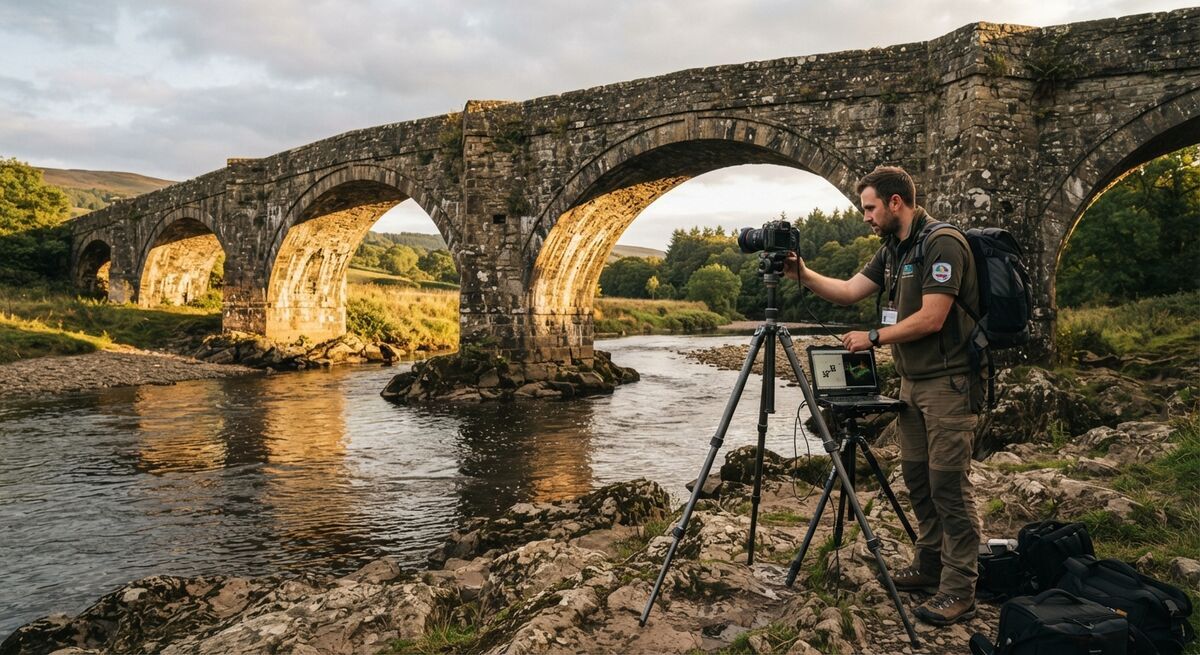
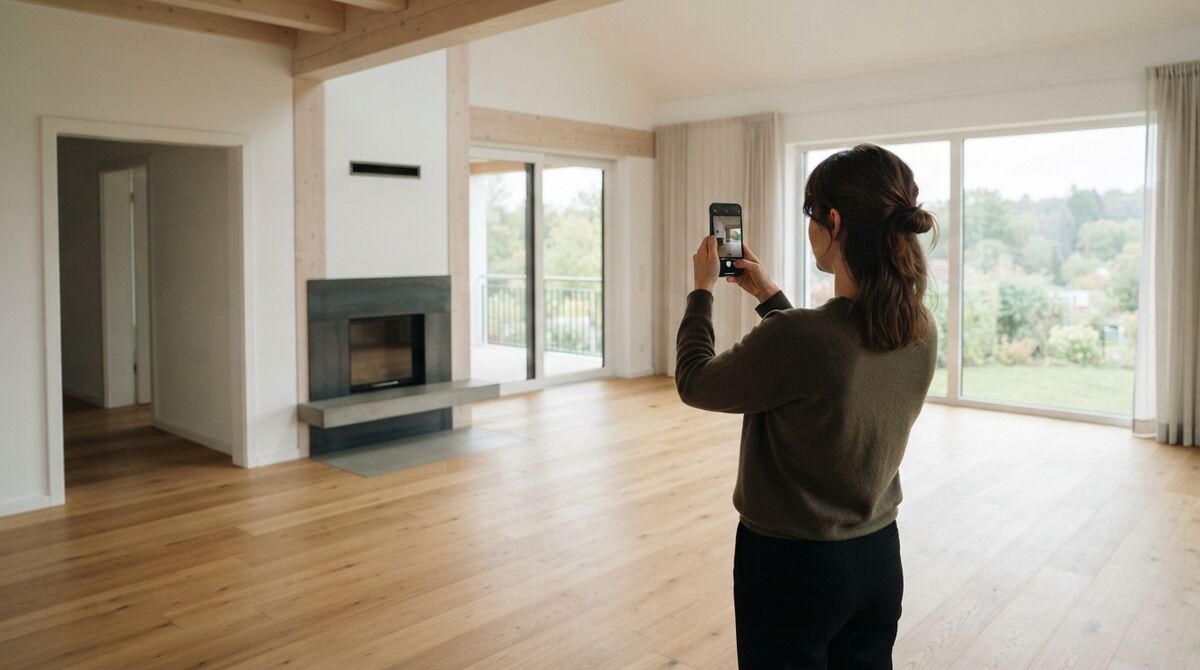
Polycam is a mobile and desktop app that turns your phone's camera or LiDAR sensor into a 3D scanner, producing a downloadable mesh or point cloud you can open elsewhere. Matterport is a capture-plus-hosting platform: you scan a space with a phone, a 360-degree camera, or Matterport's own Pro3 camera, and the result lives as an interactive, dollhouse-view tour on Matterport's servers. One hands you a file; the other hands you a link.
Polycam supports photogrammetry mode on any modern smartphone camera and LiDAR mode on iPhone and iPad Pro models with a LiDAR sensor, which speeds up capture of small to medium objects and rooms. Matterport's software works with a wider range of hardware, from a standard smartphone to 360 cameras to its own dedicated capture device, but the output is optimized for its viewer rather than for portability. If you have already read our Polycam review, you know the app leans hard into exportability across formats like OBJ, GLTF, and USDZ. Matterport leans into the polished, guided walkthrough experience real estate agents use to market listings.
How does Polycam vs Matterport pricing compare in 2026?
Polycam's Pro plan runs about $26.99 per month, or roughly $150 to $200 per year depending on whether you buy through the App Store or the web, as of 2026. Matterport's paid tiers start near $12 per month billed annually for the Starter plan with limited active spaces, but the Professional plan most professionals actually need runs about $69 per month, and Matterport also charges ongoing hosting fees of about $20 per month per active space beyond what your plan includes.
The pricing models reflect the products' different jobs. Polycam charges a flat subscription regardless of how many scans you store, because the app is not hosting anything long-term for you. Matterport's cost scales with how many spaces you keep live and shareable, because every active tour consumes Matterport's hosting infrastructure. A single-use scan favors Polycam's flat fee. A growing portfolio of listings or facility scans favors negotiating Matterport's Business tier, which runs about $309 per month for larger space counts (pricing as of 2026, verified via matterport.com/plans).
| Polycam | Matterport | |
|---|---|---|
| Pricing (2026) | Free tier; Pro about $26.99/mo | Free tier; Starter about $12/mo; Professional about $69/mo; Business about $309/mo, plus ~$20/mo hosting per active space beyond plan limits |
| Platform/OS | iOS, Android, web, macOS | iOS, Android, web; Pro3 camera hardware supported |
| Input type | Phone camera (photogrammetry) or LiDAR sensor | Phone, 360 camera, or Matterport Pro3 camera |
| Processing model | On-device and cloud processing, fast turnaround | Cloud processing into hosted 3D tour |
| Key outputs | Exportable mesh/point cloud (OBJ, GLTF, USDZ), floor plans | Hosted virtual tour, dollhouse view, MatterPak export on higher tiers |
| Best-fit user | Individual creators needing a portable 3D file fast | Real estate teams and facility managers needing a shareable, ongoing tour library |
Which tool gives you a model you can actually export and own?
Polycam. Every paid Polycam plan includes direct export of your scan as a standard mesh, point cloud, or CAD-friendly format the moment processing finishes. Matterport treats raw export as a premium add-on: MatterPak bundles containing the OBJ mesh, point cloud, and panoramic imagery are only available for purchase on Professional plans and above, and the platform is built around keeping your model inside its own viewer.
This distinction matters most if your deliverable is a file that goes into another pipeline, a CAD drawing, a game engine asset, or a 3D print. Polycam was built for that path from day one. Matterport can get you there on paper, but you are paying for hosting infrastructure you may not need just to unlock the export. If your actual goal is a tour link you can text a buyer or embed on a listing page, Matterport's approach is the more direct route and Polycam would require extra work to replicate the polished walkthrough viewer.
Is Polycam or Matterport better for real estate versus AEC work?
Matterport is the stronger default for real estate marketing because of its polished tour viewer, MLS integrations, and floor plan generation aimed at buyers browsing listings. For AEC (architecture, engineering, and construction) documentation, Matterport's Professional and Business tiers add CAD/BIM export options and multi-space project organization that suit tracking a portfolio of buildings over time. Polycam fits both fields when the need is a fast, one-off scan rather than an ongoing hosted library.
Real estate agents lean on Matterport because buyers expect the dollhouse view and guided walkthrough experience it popularized, and the per-listing hosting cost is easy to justify against a commission. AEC teams doing progress documentation, punch lists, or as-built verification often want a model they can drop directly into existing CAD or BIM software, which is where Polycam's export-first approach or Matterport's higher-tier CAD/BIM add-ons both come into play depending on budget. According to the American Society for Photogrammetry and Remote Sensing (ASPRS), photogrammetric accuracy depends heavily on capture density and overlap, which is why interior scanning apps like these two generally outperform single-photo estimation tools for room-scale measurement work.
Is there an alternative to both Polycam and Matterport?
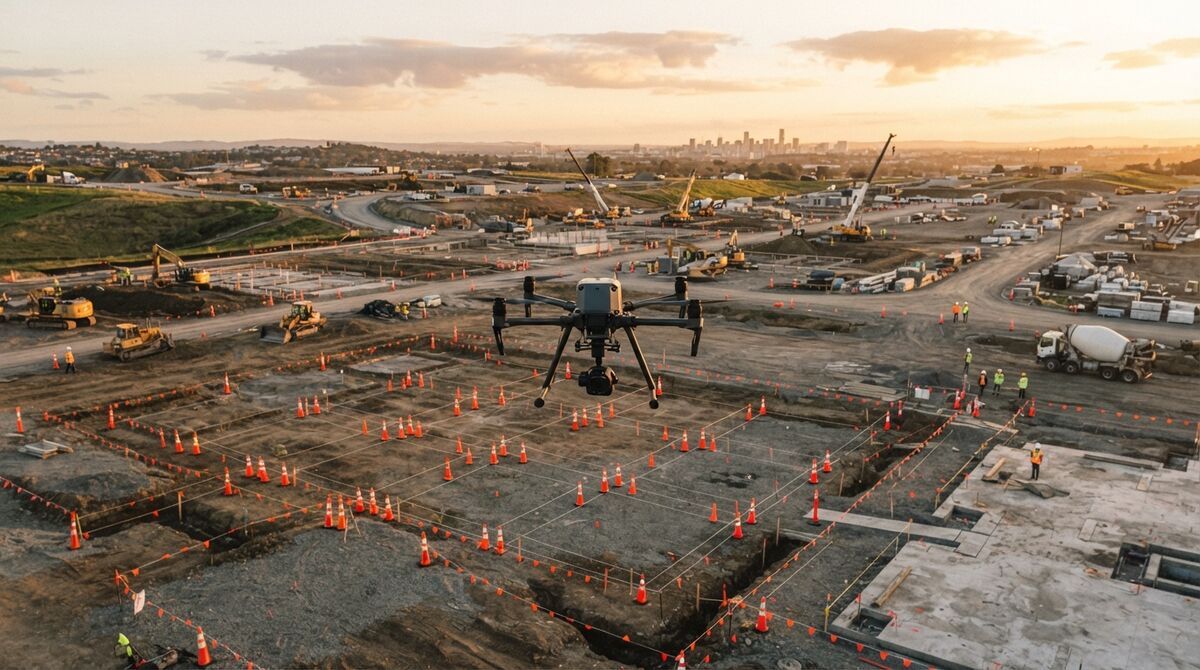
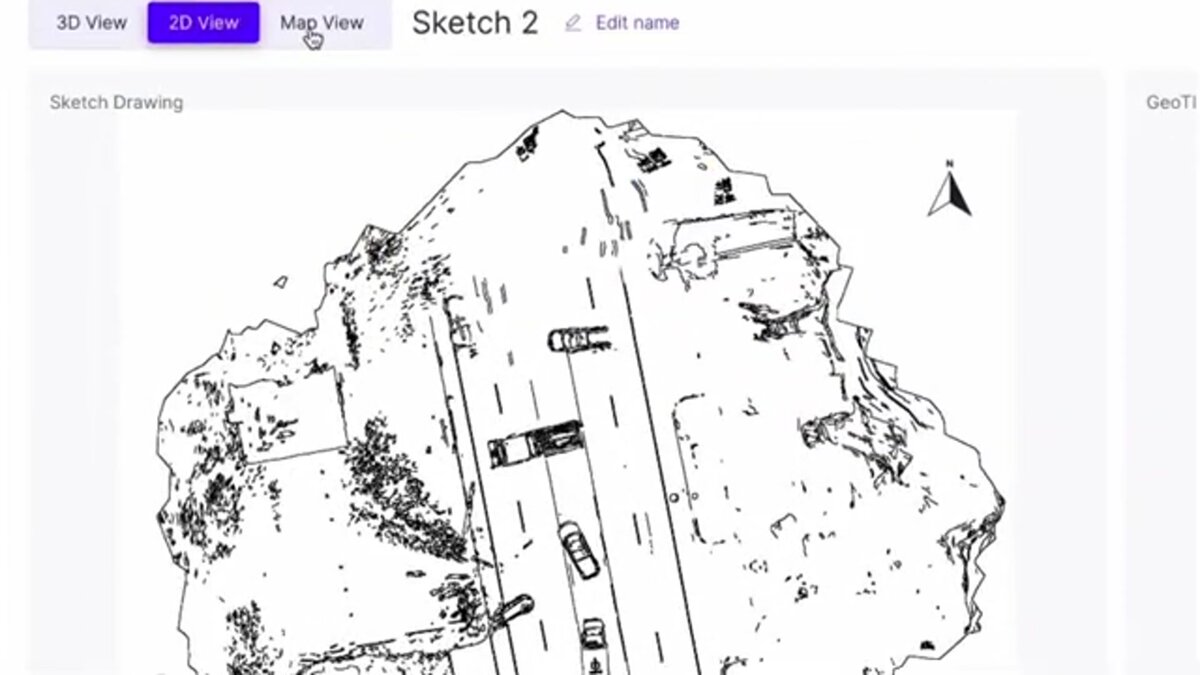
If your project includes the outside of a building, a site, or a large area that neither app is built to cover efficiently, SkyeBrowse fills that gap. It is a cloud-based videogrammetry platform, meaning it builds 3D and 2D maps from ordinary video instead of individual photos, and it processes drone footage of building exteriors, roofs, and full properties into an exportable model in the same session you capture it.
SkyeBrowse was built for teams who need exterior and site-scale coverage that a handheld scanner cannot reach quickly, plus interior coverage from a simple walkthrough video, all landing in one measurable model rather than a hosted-only tour. Uploads happen through app.skyebrowse.com from .MP4 or .MOV footage captured on a phone or drone, with no dedicated capture hardware required. Depending on the plan, output accuracy ranges from 0.5 inch on Commercial and Pro up to 0.1 inch on Public Safety & Enterprise processing, and models export as LAZ point clouds, GLB meshes, or GeoTIFF orthomosaics, the kind of files a Polycam user would recognize and a Matterport user would otherwise pay extra to unlock. For a closer side-by-side, see our dedicated SkyeBrowse vs Matterport and SkyeBrowse vs Polycam comparisons, and our guide to building a 3D walkthrough from captured footage.

FAQ
Can I export a 3D model from Matterport the way I can from Polycam?
Only partially. Matterport's Professional and Business plans unlock MatterPak bundles (OBJ mesh, point cloud, and panoramic images) for purchase, but the core product is built around hosting a browser-based tour, not handing you a portable model. Polycam is built the other way around: every paid plan includes direct export to OBJ, GLTF, USDZ, and other common 3D formats as a standard feature, not an add-on.
Is Polycam cheaper than Matterport?
For a single user scanning occasionally, yes. Polycam Pro runs about $26.99 per month or roughly $150 to $200 per year depending on the billing path, as of 2026. Matterport's entry paid tier starts near $12 per month billed annually, but real usage requires the Professional plan at roughly $69 per month plus hosting fees per active space, which usually lands above Polycam's cost for equivalent output.
Which is better for construction and AEC documentation, Polycam or Matterport?
Matterport's floor plans, CAD/BIM exports on higher tiers, and multi-space project organization make it a stronger fit for ongoing AEC documentation across a portfolio of buildings. Polycam is better suited to a single fast scan you need to drop into a CAD file or game engine today. Neither is purpose-built for drone-based exterior mapping, which is where a videogrammetry platform like SkyeBrowse fits alongside either tool.
Upload your first video free. Create a free SkyeBrowse account, upload a drone video, and get a 3D model processed in the cloud. Freemium organizations that have never had a paid plan can get their first full Commercial model for $5 (normally $24.99), with every Pro tool and export included and 90-day storage.