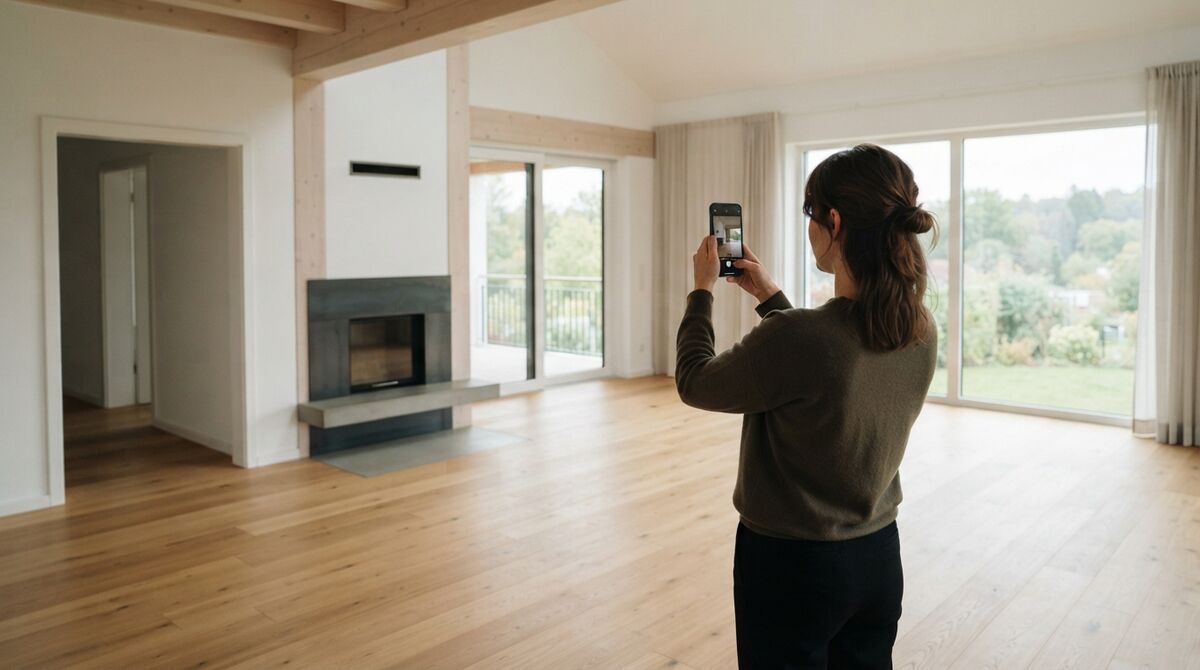
Polycam vs Scaniverse is the question anyone shopping for a phone-based 3D scanning app runs into first. Both apps use photogrammetry, the process of reconstructing a 3D model from overlapping photos, or LiDAR depth sensors to turn a room or object into a scannable 3D model on an iPhone or Android device. Scaniverse vs polycam comparisons usually come down to free-tier limits and export formats, since both apps look similar in a demo video but behave very differently once you try to get a usable file out.

Key Takeaways
- Polycam Pro costs about $26.99/month (or roughly $150-$200/year depending on billing channel) as of 2026; Scaniverse's classic on-device scanning remains free, with new Plus ($20/month) and Pro ($50/month) cloud tiers added by owner Niantic Spatial.
- Polycam's free tier restricts exports to GLTF only; unlocking OBJ, FBX, STL, or point cloud formats requires a paid plan.
- Scaniverse's free "Classic" mode still allows unlimited on-device gaussian splat generation and mesh export with no subscription.
- Both apps support LiDAR mode on compatible iPhone Pro and iPad Pro models, and both now generate gaussian splats, a rendering technique that produces lifelike 3D scenes from source images or video.
- Neither app is built for scanning a building exterior or job site. That is a drone videogrammetry job.
Contents
- What is the core difference between Polycam and Scaniverse?
- How do Polycam and Scaniverse pricing and free tiers compare?
- Which app handles LiDAR and gaussian splats better?
- Is there a step up from phone scanning for larger spaces?
- Which app should you download first?
- FAQ
What is the core difference between Polycam and Scaniverse?
Polycam is a cross-platform 3D capture app with a broader tool set, including web-based processing, room planning, and business-oriented export formats, monetized through a subscription model. Scaniverse, now owned by Niantic Spatial, built its reputation on a genuinely free on-device scanning mode, and has recently layered in paid cloud-processing tiers for advanced features while keeping the core scanning workflow free.
Both apps let you capture a room or object with your phone's camera or LiDAR sensor and generate a 3D model in a few minutes. Polycam has leaned into being a full capture-to-export platform, with tools spanning photogrammetry, LiDAR scanning, room planning, and gaussian splat generation, plus web tools for processing and viewing. Scaniverse built its early user base on being the free alternative, and even after Niantic's 2021 acquisition and its recent Niantic Spatial rebrand, the core on-device scanning experience remains free. The 2026 difference is less about raw capability, since both now do photogrammetry, LiDAR, and splats, and more about which limitations you hit first when you try to export or scale up usage.
How do Polycam and Scaniverse pricing and free tiers compare?
Polycam's free tier is capped at GLTF-only exports, with Basic, Business ($400/year/user), and Enterprise tiers unlocking more formats and point cloud data. Scaniverse's classic on-device mode remains free with mesh and splat export, while its new Plus and Pro tiers, priced at $20/month and $50/month, add credit-based cloud processing for 360-degree camera splats and commercial usage rights.
| Polycam | Scaniverse | |
|---|---|---|
| Pricing (2026) | Free (GLTF only); Pro about $26.99/month; Business about $400/year/user; Enterprise custom | Free (on-device Classic mode); Plus $20/month; Pro $50/month; Enterprise custom |
| Platform / OS | iOS, Android, web, Apple Vision Pro | iOS, Android, web |
| Input type | Photos, video, LiDAR (iPhone/iPad Pro) | Photos, video, LiDAR (iPhone/iPad Pro), 360-degree camera |
| Processing model | On-device and cloud, tiered by plan | On-device free; cloud credit-based on paid plans |
| Key outputs | Mesh, gaussian splat, point cloud (paid tiers), floorplans | Mesh, gaussian splat (SPZ format), point cloud (BYOD) |
| Best-fit user | Teams needing professional export formats and web workflows | Hobbyists and creators wanting free splats with no subscription |
The practical takeaway is that free-tier Polycam is fine for viewing and sharing a scan but frustrating the moment you need a specific file format for CAD or game engine work. Scaniverse's free tier is more generous for casual on-device use but nudges toward its paid credits once you want cloud-based processing or 360-degree camera capture. Neither company positions its free tier as broken, both are functional, but "free" now means different things for each app than it did a few years ago. See our full Polycam review for a deeper breakdown of its plans and accuracy.
Which app handles LiDAR and gaussian splats better?
Both Polycam and Scaniverse support LiDAR capture on iPhone Pro and iPad Pro models with a practical range of a few meters, and both generate gaussian splats, a technique that renders scenes as clouds of soft, light-accurate points rather than a traditional polygon mesh. The meaningful difference is in export: Scaniverse's proprietary SPZ splat format reduces file size significantly for sharing, while Polycam's splat tools lean toward Unity and Unreal Engine plugin workflows for game and VFX use.
LiDAR mode in either app produces noticeably better geometry indoors than photo-only capture, especially on textureless surfaces like plain walls, because the depth sensor doesn't need visual features to triangulate distance. Outdoors or on reflective and glass surfaces, both apps fall back to photogrammetry accuracy, which depends heavily on lighting and image overlap. For gaussian splats specifically, Scaniverse markets itself around a large public map of user-contributed splats and community discovery, while Polycam markets its splat tools more toward commercial and creative production pipelines with editing tools layered on top.
Is there a step up from phone scanning for larger spaces?
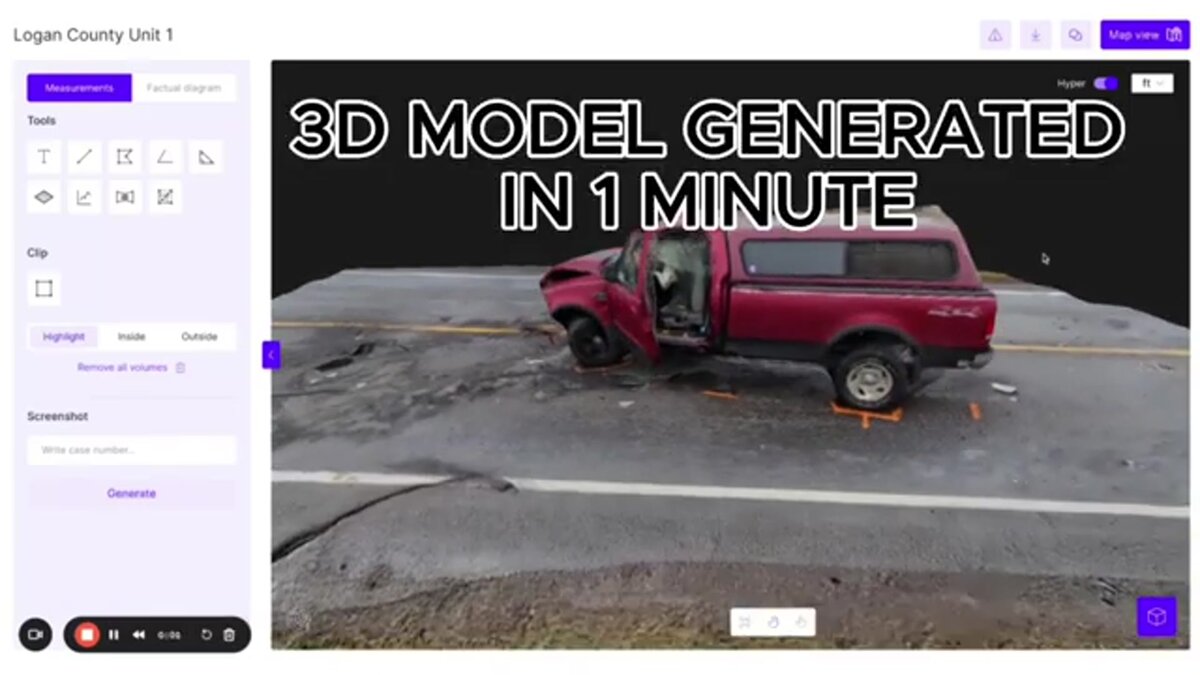
Polycam and Scaniverse both top out at room or object scale, limited by LiDAR range and the practicality of walking around a subject with a phone. When the subject is a building, a job site, or an outdoor property, drone video processed through SkyeBrowse is the step up, covering acreage a handheld scanner cannot reach while staying free to start. Accuracy holds up at that scale: in an independent accuracy study by AirBorne Works, SkyeBrowse video models came closest to Leica BLK360 laser-scan ground truth on 8 of 9 measurements, outperforming photo-based Pix4D Mapper and Leica BLK3D.
Phone scanning apps are excellent for what they're built for: furniture, small rooms, interior walkthroughs, and objects you can physically walk around. They are not built to capture a roofline, a multi-acre site, or the exterior of a commercial building, since LiDAR range on an iPhone tops out around a few meters and photogrammetry accuracy degrades over larger, less-controlled capture areas. SkyeBrowse fills that gap by processing drone video, MP4 or MOV footage uploaded through Universal Upload or the SkyeBrowse Flight App, into a measurable 3D or 2D map in the cloud at app.skyebrowse.com, with a free tier that includes unlimited uploads and two concurrent models. For interior work where a drone isn't practical, SkyeBrowse also supports phone-video interior mapping, giving teams one platform that spans indoor walkthroughs and outdoor aerial coverage instead of switching between a scanning app and a separate drone tool. See our comparison of SkyeBrowse vs Polycam and our roundup of the best photogrammetry apps for more on where each tool fits.
Which app should you download first?
Download Scaniverse first if you want to try 3D scanning with zero cost and no subscription pressure, since its Classic on-device mode covers most hobbyist and creator needs. Download Polycam first if you already know you need specific export formats like OBJ or point cloud data for professional CAD, VFX, or game engine work, since its paid tiers are built around that use case.
Many users end up with both apps installed, since neither costs anything to try and each has strengths the other doesn't fully match. A good rule of thumb: use Scaniverse for quick, shareable scans and splats you want to post or view casually, and reach for Polycam when a client or project needs a specific deliverable format. If you're scanning phones-and-tablets scale objects for AI training data or asset libraries, our guide on Pocket 3D AI covers that adjacent workflow in more depth.

FAQ
Is Scaniverse still free in 2026?
Scaniverse's classic on-device scanning, including unlimited gaussian splat generation, remains free with no subscription required. Niantic Spatial, which now owns Scaniverse, added paid Plus ($20/month) and Pro ($50/month) tiers on top for cloud-based processing and features like 360-degree camera splats, so the app is no longer free across every feature, only for its original on-device workflow.
Which app is better for LiDAR scanning on iPhone?
Both Polycam and Scaniverse support LiDAR mode on compatible iPhone Pro and iPad Pro models, and both are commonly cited as top choices for iPhone LiDAR scanning. Polycam's LiDAR export is limited to GLTF on its free tier, while Scaniverse's classic on-device workflow exports mesh and splat formats without a subscription.
Can Polycam or Scaniverse scan a whole building?
Both are built for room and object-scale capture, not full building exteriors or multi-acre sites. For a building, job site, or property-scale 3D model, drone-based videogrammetry platforms like SkyeBrowse are the more practical tool, since they capture aerial coverage a phone scanner physically cannot reach.
Upload your first video free. Create a free SkyeBrowse account, upload a drone video, and get a 3D model processed in the cloud. Freemium organizations that have never had a paid plan can get their first full Commercial model for $5 (normally $24.99), with every Pro tool and export included and 90-day storage.