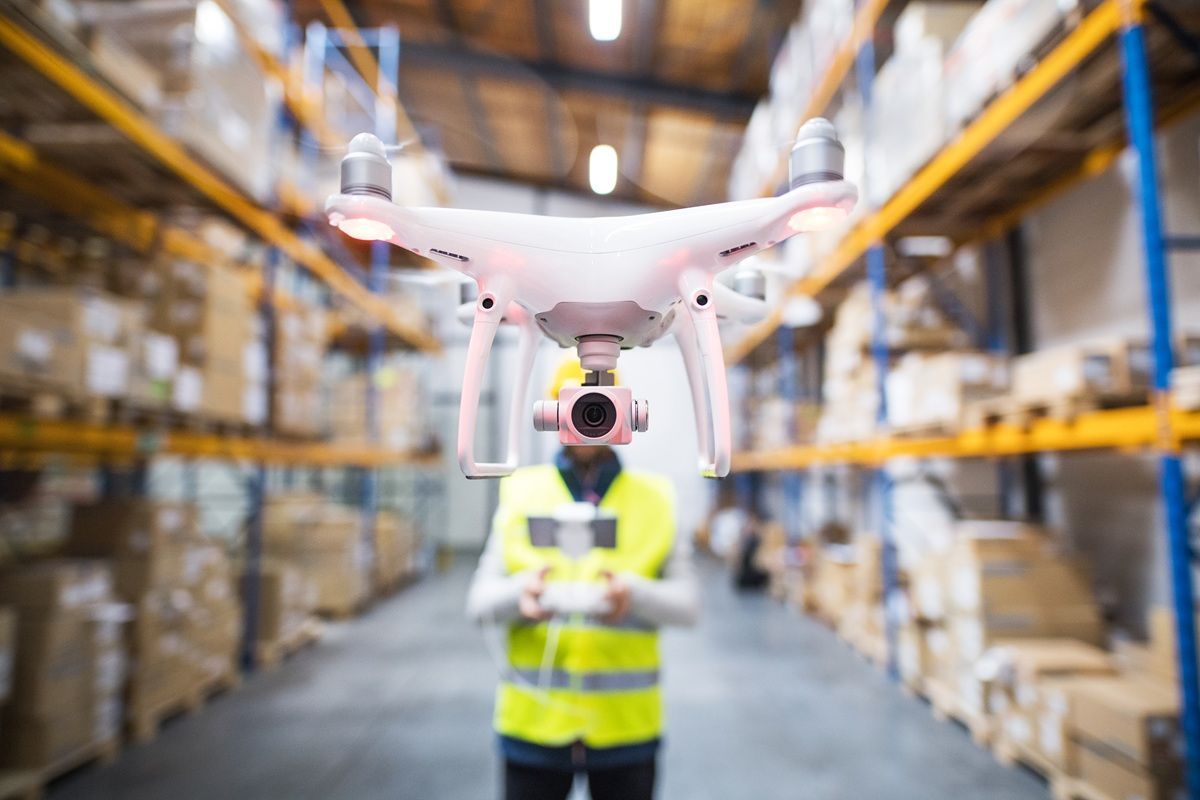
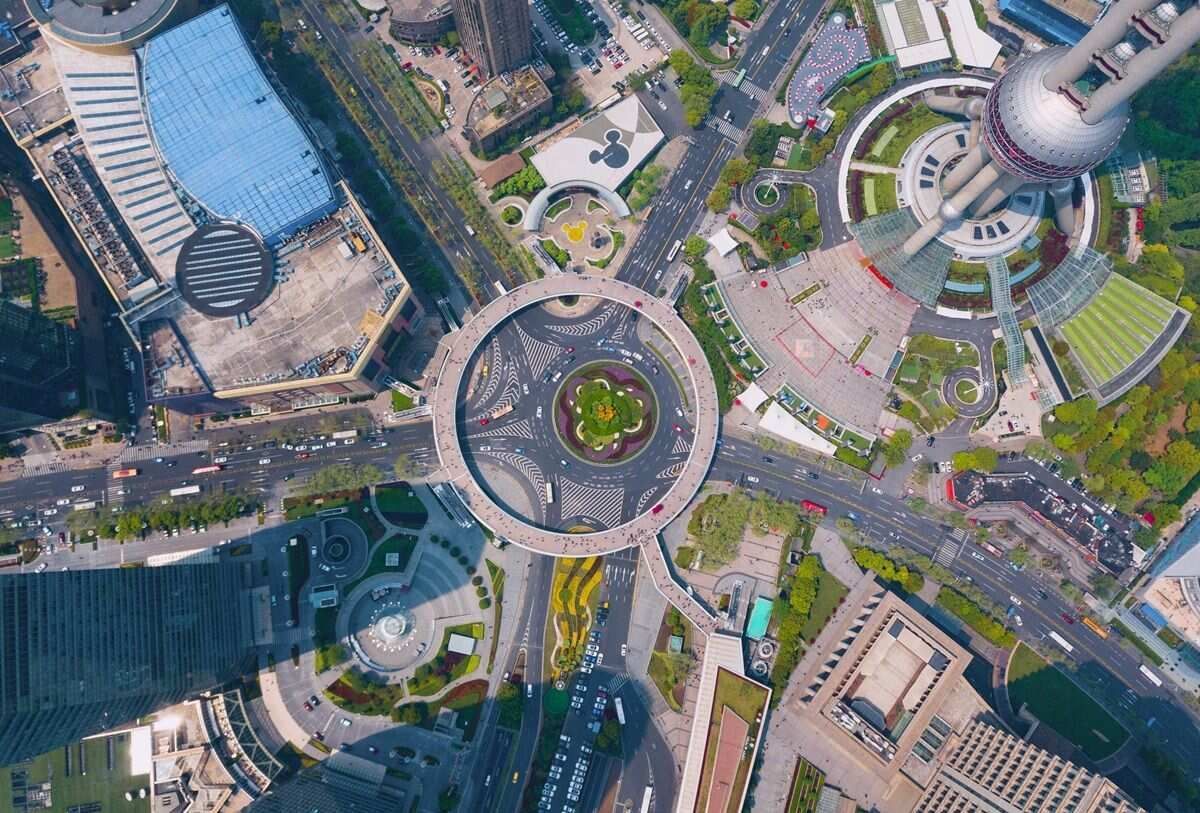
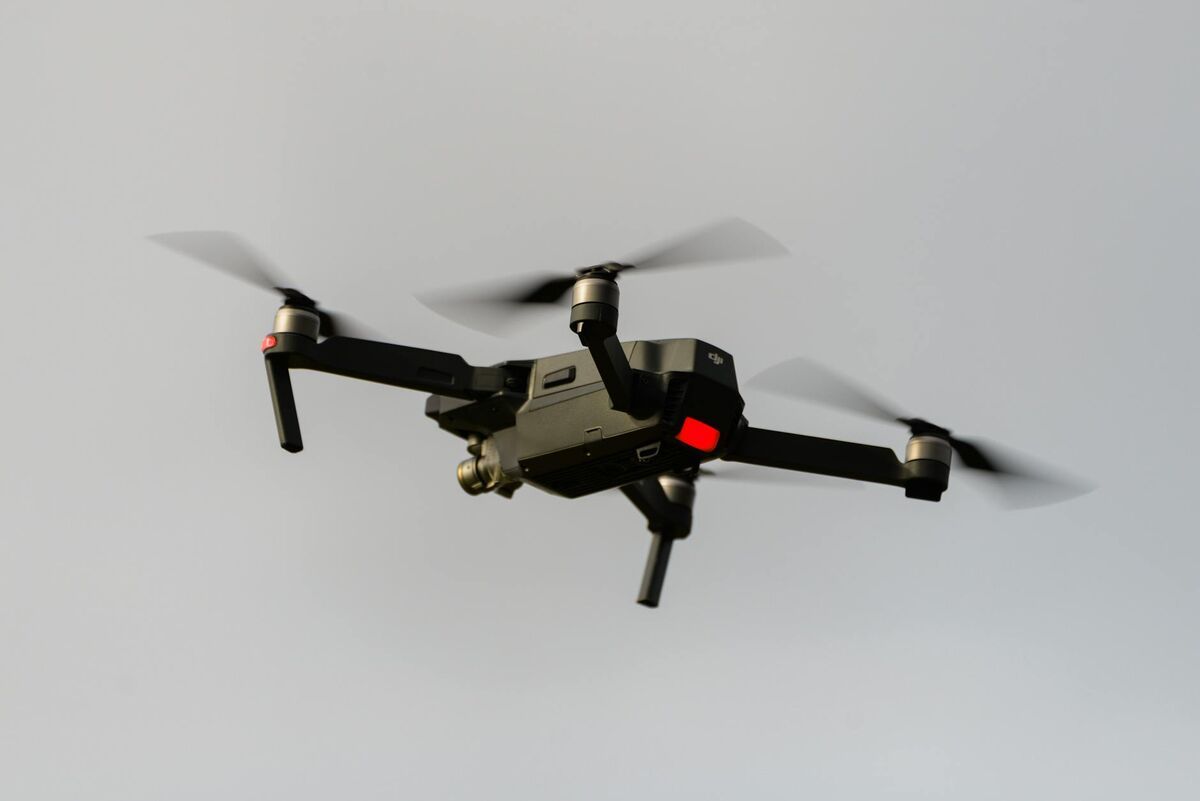
An orthomosaic is a single aerial map stitched from many overlapping drone or aircraft images, with camera tilt, lens distortion, and terrain relief removed so the scale is the same everywhere in the image. Because every pixel carries a real-world coordinate, an orthomosaic map can be measured like a survey drawing and layered with property lines, utilities, or design plans in GIS and CAD. This guide explains how orthomosaic mapping works, how an orthomosaic differs from an orthophoto and a regular aerial photo, how to make one with a drone, what accuracy to expect, and which software produces them.
Key Takeaways
- An orthomosaic is a geometrically corrected, georeferenced aerial map with uniform scale, so distances and areas read correctly anywhere on the image.
- Orthomosaic mapping works in four stages: capture overlapping imagery, align it into 3D, project it onto a surface model to remove distortion, then blend the pieces into one map.
- Ground sample distance (the ground size of one pixel) sets the detail. With 4K video at 100 feet, expect roughly 0.5 inch per pixel.
- SkyeBrowse generates an orthomosaic automatically from drone video on every plan, and Pro and Public Safety & Enterprise models export it as GeoTIFF or trace it into a CAD site plan.
- Orthomosaics are the standard 2D deliverable for construction, public safety, insurance, agriculture, and environmental work.
Contents
- What is an orthomosaic?
- What is the difference between an orthophoto and an orthomosaic?
- How is an orthomosaic map different from a regular aerial photo or satellite image?
- How does orthomosaic mapping work?
- How do you make an orthomosaic map with a drone?
- What are orthomosaic maps used for?
- How accurate is an orthomosaic?
- What orthomosaic software should you use?
- FAQ
What is an orthomosaic?
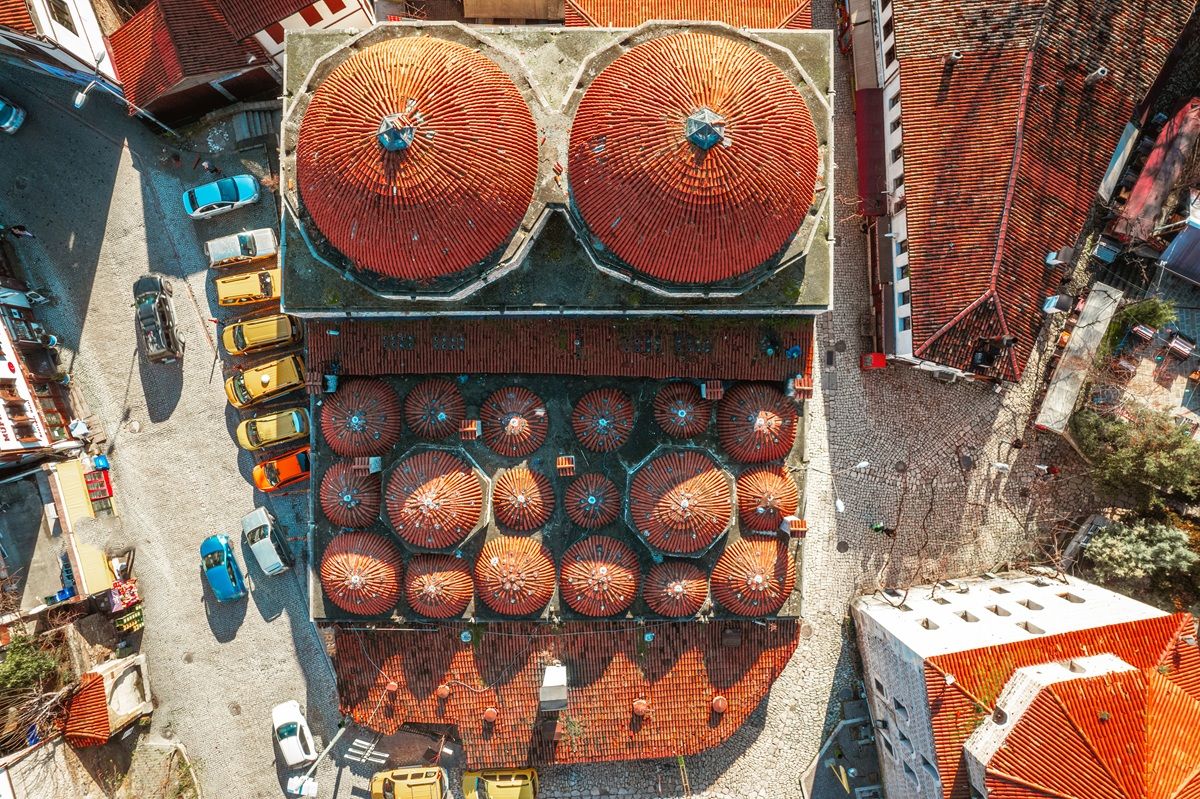
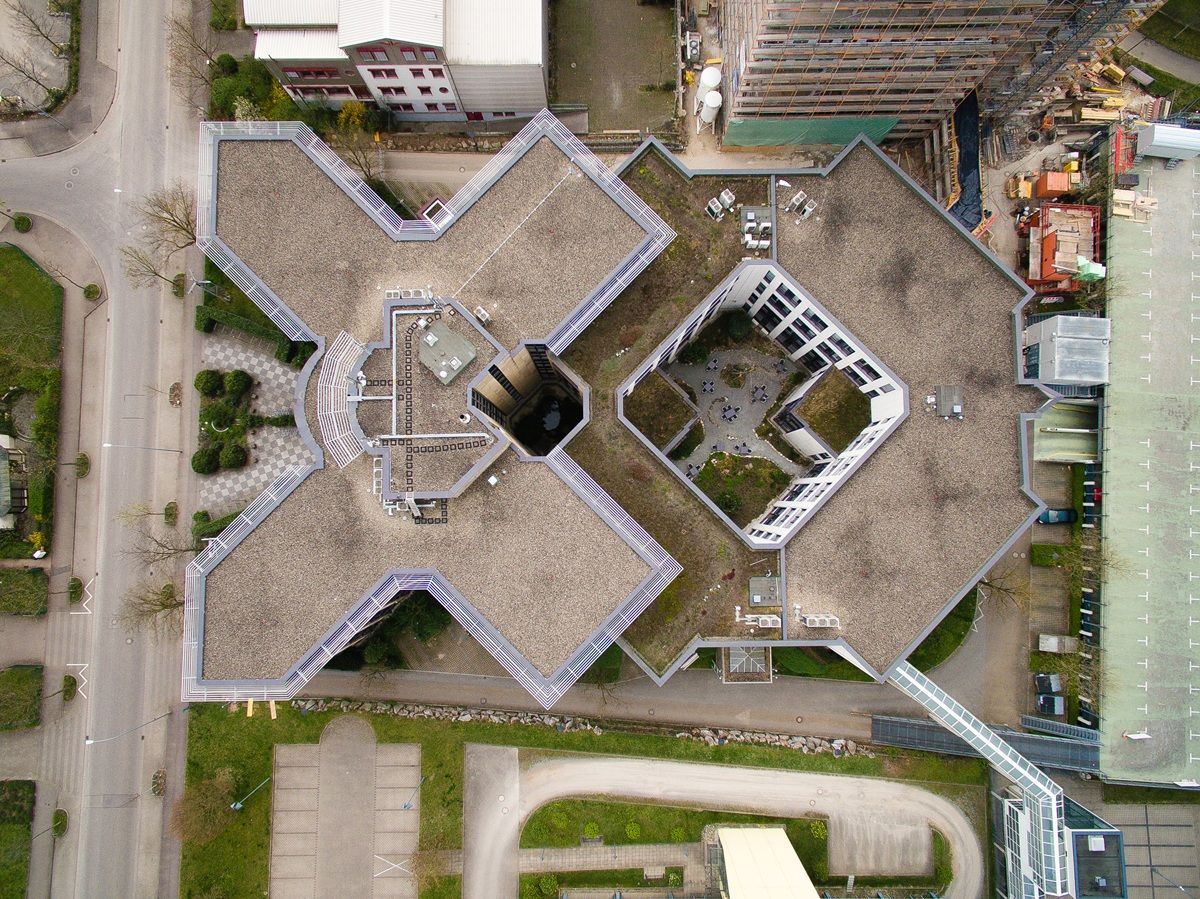
An orthomosaic is a large, georeferenced aerial image built by stitching many overlapping photos or video frames together after correcting each one for camera tilt, lens distortion, and terrain relief. The result has uniform scale, so you can measure distances and areas directly and overlay it on maps, survey data, or design drawings.
The word combines "ortho," meaning straight or correct, with "mosaic," meaning many pieces assembled into one picture. The correction step is called orthorectification. It makes the image behave like a map in which every point is viewed from directly above, instead of a photo in which objects lean away from the center of the frame.
The USGS describes orthoimagery as aerial imagery in which displacement caused by camera tilt and terrain has been removed, combining the image characteristics of a photograph with the geometric qualities of a map. Drone orthomosaics apply the same principle at much higher resolution and on demand: instead of waiting for a manned flight or a satellite pass, a team can fly a site in the morning and measure the map by lunch.
An orthomosaic is usually delivered as a GeoTIFF file, which stores the image together with its coordinate system so GIS and CAD software places it in the correct location automatically.
What is the difference between an orthophoto and an orthomosaic?
An orthophoto is a single aerial image that has been orthorectified to remove tilt and terrain distortion. An orthomosaic is many orthophotos blended into one continuous map covering an entire site. The terms are often used interchangeably, but an orthophoto covers one frame while an orthomosaic covers the full project area.
One drone image covers only a small footprint, so mapping a property, a job site, or a crash scene takes dozens to thousands of images. Each one is orthorectified, then the software chooses seamlines between neighboring images, balances color and exposure, and merges them into a single file. That merged product is the orthomosaic.
You will also see "orthoimage" (the general term for any orthorectified image), "orthomap," and "ortho" in vendor documentation. They describe the same family of products; what matters is whether the deliverable covers your whole area at the resolution and accuracy you need.
How is an orthomosaic map different from a regular aerial photo or satellite image?
A regular aerial photo has perspective distortion: tall objects lean, scale changes across the frame, and hills shift features out of position, so measurements are unreliable. An orthomosaic map removes that distortion. Compared with satellite imagery, a drone orthomosaic is far sharper and as current as the last flight.
| Oblique or regular drone photo | Satellite or online map imagery | Drone orthomosaic | |
|---|---|---|---|
| Viewpoint | Perspective from one camera position | Top-down, corrected | Top-down, corrected |
| Scale | Changes across the frame | Uniform | Uniform |
| Detail | High, but distorted | Typically tens of centimeters per pixel | Often under an inch per pixel |
| Currency | Current | Months or years old | Same day |
| Measurable | No | Coarse only | Yes, distances and areas |
| Georeferenced | No | Yes | Yes, from drone GPS, RTK, or ground control |
A useful mental model: a drone orthomosaic is like a private version of an online satellite map, captured on your schedule at resolution high enough to see curb cracks, skid marks, or roof flashing.
How does orthomosaic mapping work?
Orthomosaic mapping works in four stages. Overlapping images or video frames are captured, software matches features across them to recover camera positions and a 3D surface, each image is projected onto that surface to remove distortion, and the corrected pieces are blended into one georeferenced map.
- Capture. A drone collects overlapping imagery, either still photos on a grid or continuous video. Overlap lets the software see each ground point from several angles.
- Alignment. Structure from Motion matches thousands of features between images to calculate where each camera was and builds a sparse 3D point cloud.
- Surface model. Dense matching produces a detailed point cloud and a digital surface model (DSM), an elevation grid of the ground plus buildings, trees, and equipment.
- Orthorectification and mosaicking. Each image is projected onto the surface model, which removes the lean of tall objects and the shift caused by terrain. Seamlines and color balancing merge the pieces into one map, and GPS, RTK, or ground control places it on the earth.
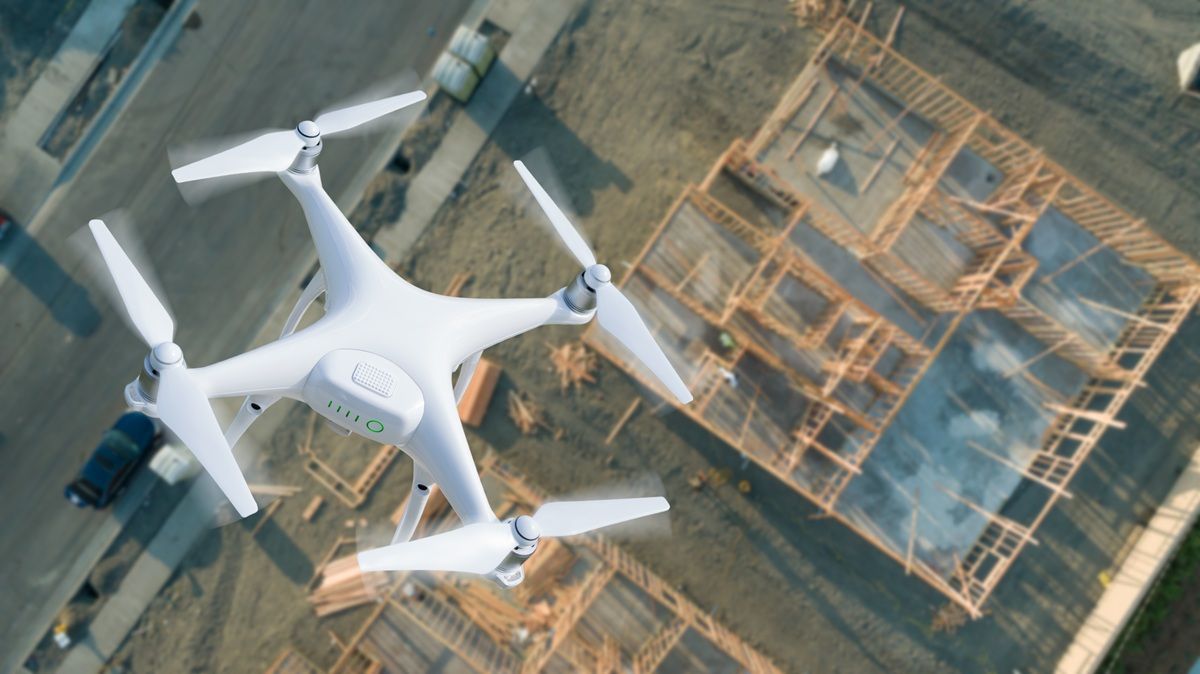
The surface model is what separates a measurable orthomosaic from a simple stitched panorama. Without height information, software can only warp images to fit together; it cannot correct a building roof that appears displaced from its footprint. This same pipeline is applied photogrammetry, which is why the two terms come up together; our photogrammetry vs orthomosaic comparison explains how the method relates to each of its outputs.
How do you make an orthomosaic map with a drone?
To make an orthomosaic map with a drone, choose the area and target resolution, fly with enough overlap or a continuous video path, record GPS telemetry, and process the imagery in mapping software. Video-based platforms like SkyeBrowse build the orthomosaic automatically from a single upload in minutes, with no manual stitching.
1. Define the area and resolution. Decide how much detail you need. Lower altitude gives a smaller ground sample distance and more detail but takes longer to cover the area. Commercial flights in the US stay at or below 400 feet under FAA Part 107.
2. Plan the flight. Photo-based workflows fly a lawnmower grid with roughly 70 to 80 percent front overlap and 60 to 70 percent side overlap. Video-based workflows capture overlap automatically because consecutive frames are a fraction of a second apart. In the SkyeBrowse Flight App, WideBrowse runs automated grid missions for areas over an acre, with Cross Grids for extra coverage, and Orbit mode handles small scenes.
3. Record telemetry and control. Turn on the drone's GPS subtitle file (.SRT for DJI, .ASS for Autel) so the map is georeferenced. Add RTK or a few ground control points when the deliverable must sit on certified survey coordinates.
4. Fly in good conditions. Even overcast light avoids harsh shadows and blown highlights. Avoid flying in high wind, which blurs frames and breaks overlap.
5. Process the data. Upload to app.skyebrowse.com through Universal Upload. Processing runs at roughly one minute per minute of video, and every model includes the orthomosaic map, a 3D model, and a point cloud from the same capture.
6. Check and deliver. Measure a known distance on the map to confirm scale, then share the link or export a GeoTIFF for GIS and CAD teams. On Pro and Public Safety & Enterprise models, AI Site Plan traces the orthomosaic into a CAD site plan you can export as DXF or GeoJSON.
What are orthomosaic maps used for?
Orthomosaic maps are used anywhere a team needs current, measurable aerial imagery: construction site planning and progress, crash and crime scene diagrams, insurance and roof claims, agriculture and land management, environmental monitoring, utilities, and real estate. Because they are georeferenced, they overlay directly on parcels, utilities, and design plans.
- Construction: pre-construction base maps, weekly progress comparisons, haul road and laydown planning, and site plans for closeout. See how orthomosaics fit into 3D mapping for construction.
- Public safety: scale diagrams of crash and crime scenes, fire and disaster damage assessment, and pre-plans for schools and large venues. An orthomosaic captured in minutes lets a road reopen sooner.
- Insurance and roofing: measurable overhead views of roofs and property damage for claims and estimates.
- Agriculture and land: field boundaries, drainage, crop stand counts, and acreage.
- Environmental and utilities: shoreline and erosion tracking, vegetation encroachment on lines and pipelines, and before-and-after records.
- Surveying and GIS: current base layers for planning, permitting, and parcel review.
For many of these jobs, the orthomosaic is paired with a 3D model from the same flight; our orthomosaic vs 3D model guide covers when each output is the better deliverable.
How accurate is an orthomosaic?
Orthomosaic accuracy has two parts: ground sample distance, which sets the smallest detail visible, and positional accuracy, which describes how closely features match their true locations. Flying closer improves both. SkyeBrowse Commercial and Pro models resolve to 0.5 inch, and Public Safety & Enterprise to 0.1 inch. In an independent accuracy study by AirBorne Works, SkyeBrowse video models came closest to Leica BLK360 laser-scan ground truth on 8 of 9 measurements, outperforming photo-based Pix4D Mapper and Leica BLK3D.
Ground sample distance (GSD) is the ground size of one pixel. It depends on altitude, sensor size, focal length, and image width: GSD equals sensor width times altitude, divided by focal length times image width in pixels. With a typical drone shooting 4K video, GSD is roughly 0.5 inch per pixel at 100 feet and about 2 inches at 400 feet. Our ground sample distance guide walks through the math.
Positional accuracy is reported as root mean square error (RMSE) against independent checkpoints. The ASPRS Positional Accuracy Standards for Digital Geospatial Data define accuracy classes for orthoimagery and require that accuracy be reported against a documented testing process.
It also helps to separate relative accuracy (distances and areas inside the map) from absolute accuracy (where the map sits on the earth). SkyeBrowse delivers survey-grade relative accuracy without ground control, and drone GPS telemetry georeferences the map automatically. When a deliverable must match state-plane survey coordinates exactly, an RTK drone or a few ground control points add certified absolute positioning.
What orthomosaic software should you use?
Choose orthomosaic software by capture method, turnaround, and who needs the result. Cloud videogrammetry platforms turn drone video into an orthomosaic in minutes with no workstation. Photo-based desktop and cloud tools process planned grid photo sets and take longer. Open-source options are free but self-hosted.
| Platform | Input | Processing | Orthomosaic output | Best for |
|---|---|---|---|---|
| SkyeBrowse | MP4 or MOV video | Cloud, minutes | In-viewer map on every plan; GeoTIFF export on Pro and Public Safety & Enterprise | Fast site documentation, public safety, construction, insurance |
| Pix4D | Photos | Desktop or cloud, hours depending on dataset | GeoTIFF | Large planned photo surveys |
| DroneDeploy | Photos | Cloud, hours depending on dataset | GeoTIFF, map tiles | Construction fleet programs |
| Agisoft Metashape | Photos | Desktop, hardware dependent | GeoTIFF | Research and heritage projects |
| OpenDroneMap / WebODM | Photos | Self-hosted | GeoTIFF | Teams that prefer open source |
Every tool above writes GeoTIFF, so the main tradeoff is workflow. Photo-based tools expect a planned grid mission and a processing queue. SkyeBrowse accepts a simple orbit or manual video and returns the orthomosaic, a 3D model, and a point cloud together, which suits teams that need the map the same hour. Freemium accounts include the orthomosaic in the viewer for measuring and sharing; GeoTIFF export comes with Pro models ($49.99) and Public Safety & Enterprise. For a broader platform comparison, see the drone mapping software guide and best orthomosaic software for construction.
FAQ
What is an orthomosaic?
An orthomosaic is a single aerial map stitched from many overlapping drone or aircraft images, with camera tilt, lens distortion, and terrain relief removed so the scale is uniform everywhere. Each pixel has a real-world coordinate, so you can measure distances and areas directly and load the map into GIS or CAD software.
What is the difference between an orthophoto and an orthomosaic?
An orthophoto is one aerial image that has been orthorectified. An orthomosaic is many orthorectified images blended into one continuous map that covers an entire site. People often use the terms interchangeably, but an orthomosaic is the stitched product.
What is the difference between photogrammetry and an orthomosaic?
Photogrammetry is the process of measuring and reconstructing geometry from overlapping images. An orthomosaic is one of the outputs that process produces, alongside 3D models, point clouds, and elevation models. The photogrammetry vs orthomosaic comparison covers the relationship in detail.
What file format is an orthomosaic?
Orthomosaics are usually delivered as GeoTIFF, a TIFF image with embedded coordinate data that opens in ArcGIS, QGIS, AutoCAD Civil 3D, and Google Earth Pro. Large maps are also served as web map tiles, and JPG or PNG copies are common for reports.
Can you make an orthomosaic from drone video?
Yes. Videogrammetry platforms such as SkyeBrowse extract frames from continuous drone video, reconstruct the scene, and generate the orthomosaic automatically. Adding the drone's .SRT or .ASS telemetry file georeferences the map, and most models are ready within minutes of upload. See the drone 3D mapping guide for capture tips.
Upload your first video free. Create a free SkyeBrowse account, upload a drone video, and get an orthomosaic and 3D model processed in the cloud. Freemium organizations that have never had a paid plan can get their first full model for $5 (normally $24.99), with every Pro tool and export, including GeoTIFF, and 90-day storage.