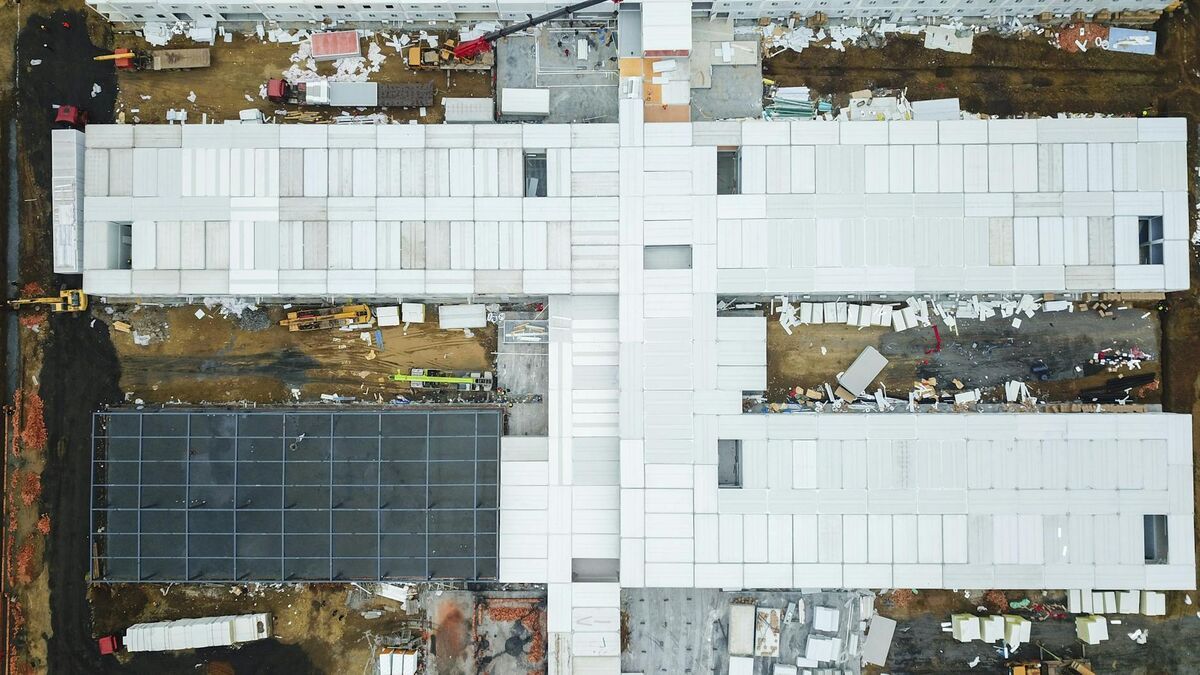
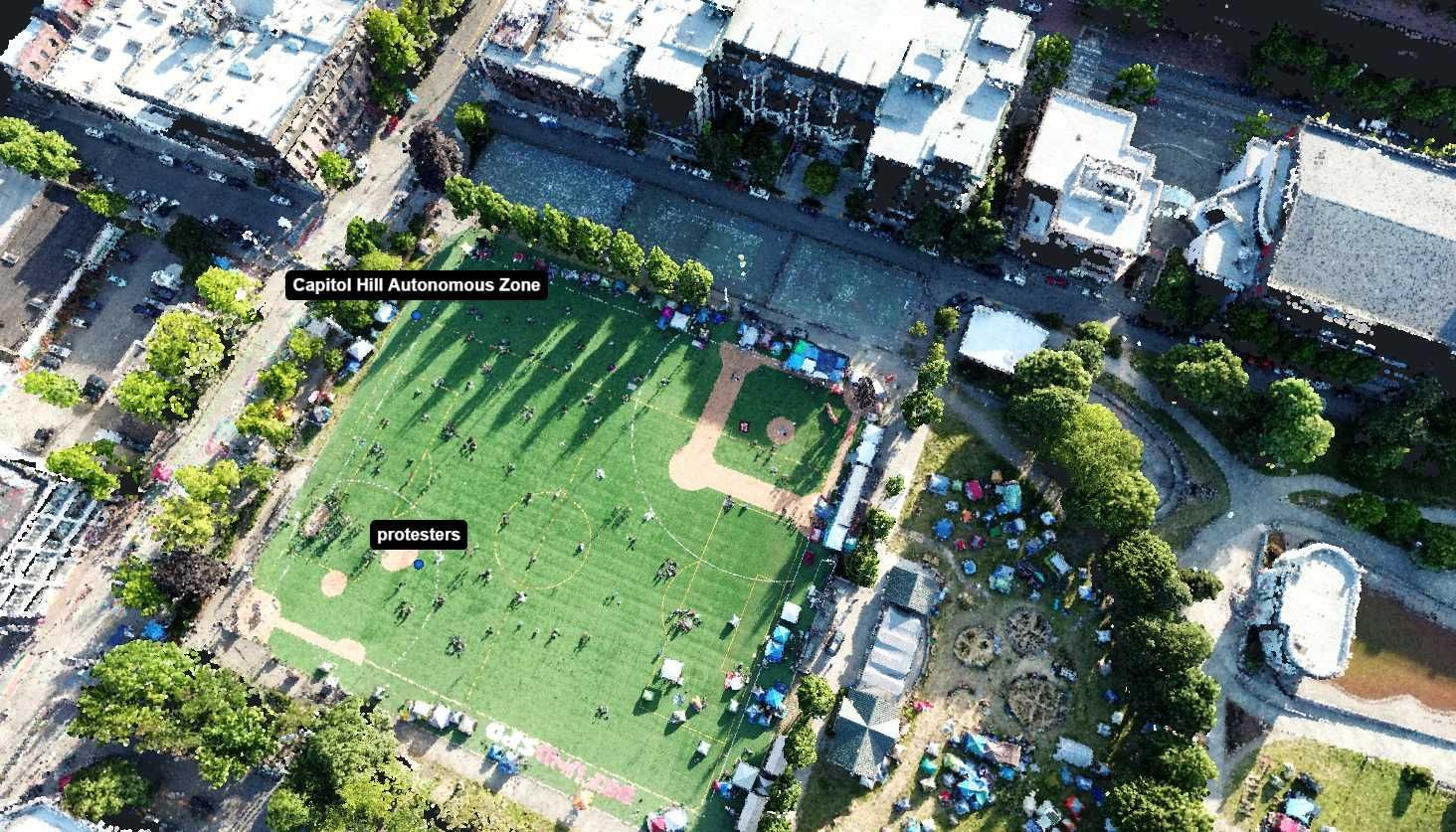
Construction managers lose weeks tracking whether schedules match reality on site. The right progress monitoring tool converts uncertainty into documented snapshots, so stakeholders see actual conditions without waiting for manual reports or delayed walkthroughs.
Contents
Evaluation Criteria
Implementation Checklist
Buyer Checklist
Change Management and Training
Pricing Models and Procurement
Risk and Compliance Considerations
Decision Matrix Template
Extended FAQ
Practical Tips for Selection
Evaluation Workflow Example
Stakeholder Alignment
FAQ
What separates effective monitoring tools
Cloud dashboards vs field capture platforms
When real-time visibility matters most
Integration with project management software
Cost breakdowns and scalability
Get a SkyeBrowse quote
What Separates Effective Monitoring Tools
Progress monitoring tools succeed when they remove friction between field conditions and office decisions. The critical factors are capture frequency, stakeholder accessibility, and whether the output answers "are we on schedule?" without requiring translation. A good system documents conditions fast enough that changes can be addressed within the same construction phase.
Cloud Dashboards vs Field Capture Platforms
| Platform Type | Best For | Common Gaps |
|---|---|---|
| Cloud-based dashboards (Procore, Autodesk BIM 360) | Centralized reporting and workflow management | Depends on manual photo uploads and field notes |
| Drone photogrammetry services | Large site overviews and volumetric tracking | Weekly or biweekly cadence limits agility |
| 360 camera rigs (Matterport, HoloBuilder) | Interior walkthroughs and as-built documentation | Time-consuming setup, limited outdoor use |
| SkyeBrowse Videogrammetry | Fast turnaround from any video source, 3D + orthomosaic outputs | Requires basic video capture training |
Cloud platforms excel at organizing data but rely on someone feeding them fresh information. Photogrammetry services provide high detail but often operate on fixed intervals that miss mid-week changes. 360 rigs work well indoors but slow down when coverage areas expand.
Ready to Transform Your Construction Documentation and Progress Monitoring?
Learn how SkyeBrowse can help your team document sites faster and make data-driven decisions with same-day processing.
When Real-Time Visibility Matters Most
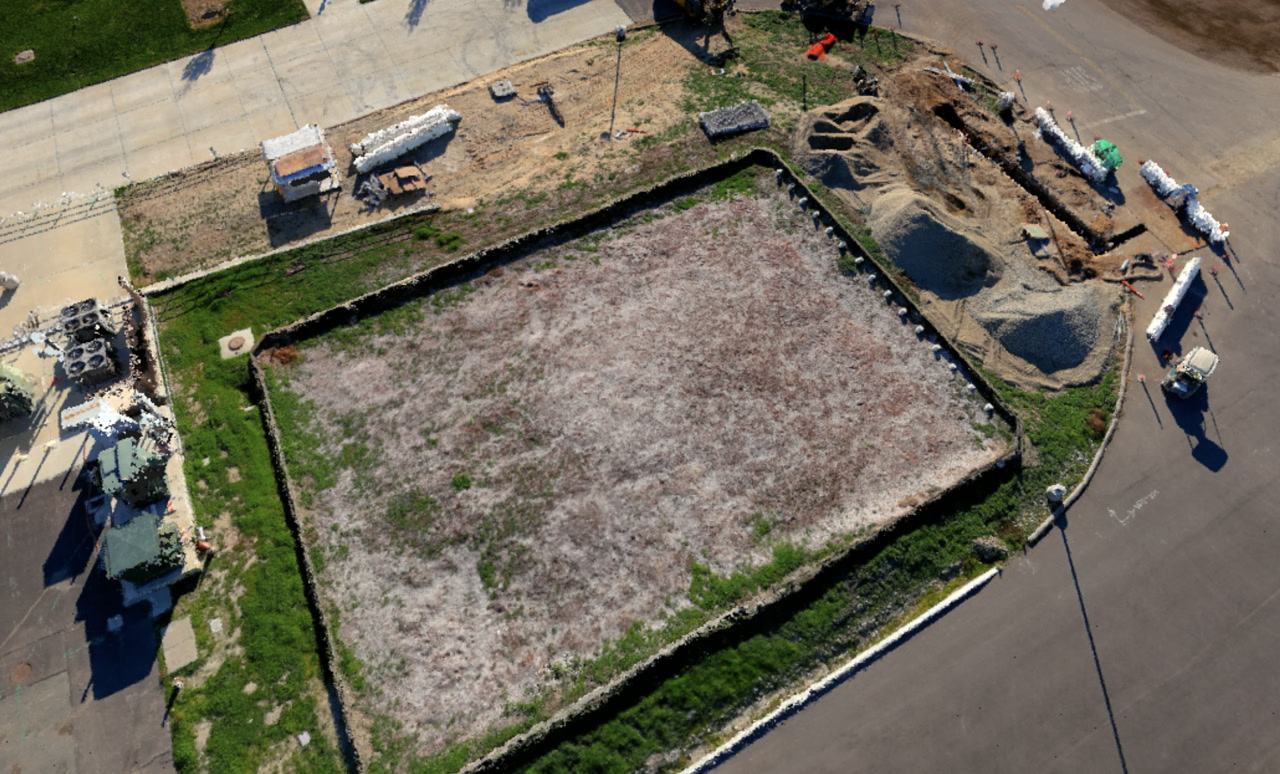
Time-sensitive decisions need models that reflect current conditions, not last week's flyover. SkyeBrowse processes video at roughly a 1:1 ratio, so a 90-second site orbit generates a 3D model and orthomosaic in about two minutes. Superintendents can capture a quick update during morning rounds, upload via Universal Upload, and review measurements before lunch.
This speed advantage helps resolve disputes quickly. When a subcontractor questions as-built dimensions or a schedule slip needs documentation, having a model from that same day removes ambiguity. Commercial and Pro deliver 8K resolution with 0.5 inch accuracy, and Public Safety & Enterprise pushes that to 16K with 0.1 inch precision for high-stakes verification.
Integration with Project Management Software
Standalone monitoring tools create silos. The best setups export directly to formats your team already uses—LAZ for point clouds, GLB for 3D visualization, GeoTIFF for GIS overlays. SkyeBrowse outputs all three, so teams can pull measurements into CAD software, overlay orthomosaics onto site plans, or share interactive 3D models with clients without file conversion headaches.
AWS GovCloud hosting means agencies working with public infrastructure projects get CJIS-ready workflows and audit trails. Commercial teams benefit from the same controlled sharing and long-term retention guarantees, which matter when warranty claims or litigation surface years later.
Cost Breakdowns and Scalability
Traditional progress monitoring involves scheduled drone service contracts or dedicated survey crews. A typical monthly service for a mid-sized site runs $1,500-$3,000, and rush requests carry premiums. In-house photogrammetry requires trained pilots, expensive processing software, and hardware that depreciates quickly.
SkyeBrowse shifts cost to per-capture pricing, so small projects stay affordable and large projects scale without locking in recurring fees. A single operator with a consumer drone or smartphone can document a site in 10 minutes versus the 3 hours and four-person crew that manual methods demand. That $360 to $25 shift per capture means more frequent updates without blowing the budget.
Field tip: schedule captures at consistent intervals tied to construction milestones rather than calendar dates. A model before concrete pour, one after formwork removal, and one at rough-in provides clearer accountability than arbitrary weekly flyovers. Tag each model with the milestone name so the archive becomes a reference library for future disputes or lessons learned.
Teams that adopt this cadence find it easier to justify change orders because the documentation trail shows exactly when conditions deviated from plans. That clarity reduces arguments and speeds approvals.
When selecting a monitoring tool, test it against your actual site complexity. A flat parking lot redevelopment has different needs than a vertical high-rise or a site with multiple active zones. SkyeBrowse handles all three because video capture adapts to terrain, structure height, and access constraints without requiring specialized camera arrays or flight planning software.
Evaluation Criteria
A strong evaluation compares accuracy, processing speed, output formats, and compliance needs. Teams should also assess how the tool fits existing workflows and hardware.
Core criteria:
- Accuracy requirements (evidence‑grade vs reference‑grade).
- Processing speed and turnaround time.
- Export formats like LAZ, GLB, and GeoTIFF.
- Compliance and retention policies.
Scoring each tool consistently makes vendor comparisons defensible.
Implementation Checklist
A successful rollout depends on training, capture standards, and data governance.
Checklist:
- Define capture protocols and QA steps.
- Train operators with a short playbook.
- Establish file naming and storage policies.
- Validate exports inside the tools your team already uses.
These steps reduce adoption friction and prevent inconsistent outputs.
FAQ
How long does setup take? Most teams can pilot within days using existing cameras.
What data do we keep? Retention should match operational and legal requirements.
Is training required? A short workflow checklist is usually enough for consistent capture.
Buyer Checklist
A structured checklist keeps procurement focused on outcomes rather than feature lists.
Checklist questions:
- Does the tool meet required accuracy thresholds?
- Are exports compatible with existing CAD/GIS tools?
- What training and support are included?
A checklist helps teams compare platforms consistently and defend their selection.
Change Management and Training
Even the best platform fails without adoption. A short change‑management plan keeps teams aligned during rollout.
Training tips:
- Start with a pilot group and expand.
- Provide short capture checklists.
- Establish a QA reviewer for early models.
This approach reduces friction and helps standardize results across teams.
Pricing Models and Procurement
Pricing structures vary by provider. Understanding pay‑per‑model versus subscription models helps teams select the right fit for their usage volume.
Procurement tips:
- Estimate annual capture volume before choosing a plan.
- Compare storage and retention policies.
- Validate contract terms around data ownership.
A clear procurement plan prevents cost surprises later.
Risk and Compliance Considerations
Compliance requirements influence platform choice. Public safety teams need CJIS‑ready workflows, while commercial teams may prioritize flexibility.
Considerations:
- Audit trails and access controls.
- Data retention timelines.
- Export formats required for legal or regulatory review.
Aligning risk requirements with platform capabilities avoids costly re‑work.
Decision Matrix Template
A decision matrix makes procurement defensible. Scoring each tool across key categories provides a clear justification for selection and simplifies stakeholder reviews.
Suggested categories:
- Accuracy and resolution options.
- Processing speed and turnaround.
- Export formats and interoperability.
- Compliance, retention, and security.
- Total cost of ownership.
Teams can weight categories based on mission requirements, then compare results across vendors. This creates a transparent selection process and reduces the risk of choosing a tool that does not align with operational needs.
Extended FAQ
How do we choose the right accuracy tier? Select evidence‑grade tiers for legal workflows and lighter tiers for reference use.
How fast can teams onboard? Many teams can run a pilot within days using existing equipment.
What exports are essential? LAZ, GLB, and GeoTIFF cover most operational needs.
Is CJIS required for commercial use? Typically not, but public safety or government work may require it.
How do we estimate cost? Compare usage volume against pay‑per‑model and subscription options.
Can we use existing hardware? Yes, most tools accept standard drone or phone video.
How do we manage storage? Define retention policies and archive completed projects.
What training is needed? A short capture checklist and QA review process is usually sufficient.
Practical Tips for Selection
Selecting a platform is easier when teams focus on operational fit rather than feature lists. Short pilots and clear scoring criteria reduce decision risk.
Tips:
- Run a small pilot with real operators, not only vendors.
- Score tools against a small set of mission‑critical criteria.
- Gather feedback from downstream users like analysts or project managers.
This approach creates buy‑in and reduces the chance of adoption issues later.
Evaluation Workflow Example
An evaluation workflow starts with a pilot on a real project. Operators run the capture, exports are reviewed by analysts, and leadership scores the tool against the decision matrix. Feedback is collected from field staff and report reviewers. If the tool meets requirements, rollout begins with a small group before expanding organization‑wide.
This workflow ensures that the selection is grounded in operational reality rather than marketing claims.
Stakeholder Alignment
Procurement decisions are smoother when stakeholders agree on goals. Aligning operations, finance, and IT early prevents late‑stage objections.
Alignment steps:
- Define success metrics before evaluating tools.
- Confirm compliance requirements with IT and legal.
- Establish budget expectations with finance.
This alignment shortens the decision cycle and supports faster adoption.
In practice, the best tool is the one teams will use consistently. A slightly simpler workflow often delivers better results than a complex system that slows adoption.
Try SkyeBrowse Free
Construction progress monitoring demands documentation tools matching project velocity—delivering results within hours supporting same-day decisions rather than waiting days for traditional photogrammetry processing or scheduling weekly service contractors. Whether your projects require daily update capability during critical construction phases, milestone documentation supporting payment approval, or comprehensive as-built records for warranty and facility management handoff, SkyeBrowse provides Universal Upload flexibility (accepting drone, smartphone, 360° camera, or body-worn camera video) and near-instant processing (approximately 1:1 video-to-processing ratio) ensuring documentation never becomes project bottleneck.
Construction teams shift from 3-hour manual documentation by 4-person survey crews costing $360 per capture to 10-minute single-operator smartphone or drone documentation with $25-$75 processing costs—reducing per-capture expenses by 85-93%. This efficiency enables frequent documentation matching construction cadence—capturing before concrete pours, after formwork removal, at rough-in completion, and pre-final inspection—rather than limiting documentation to monthly intervals justified under traditional cost structures.
Upload your first video free. Create a free SkyeBrowse account, upload a drone video, and get a 3D model processed in the cloud. Freemium organizations that have never had a paid plan can get their first full Commercial model for $5 (normally $24.99), with every Pro tool and export included and 90-day storage.