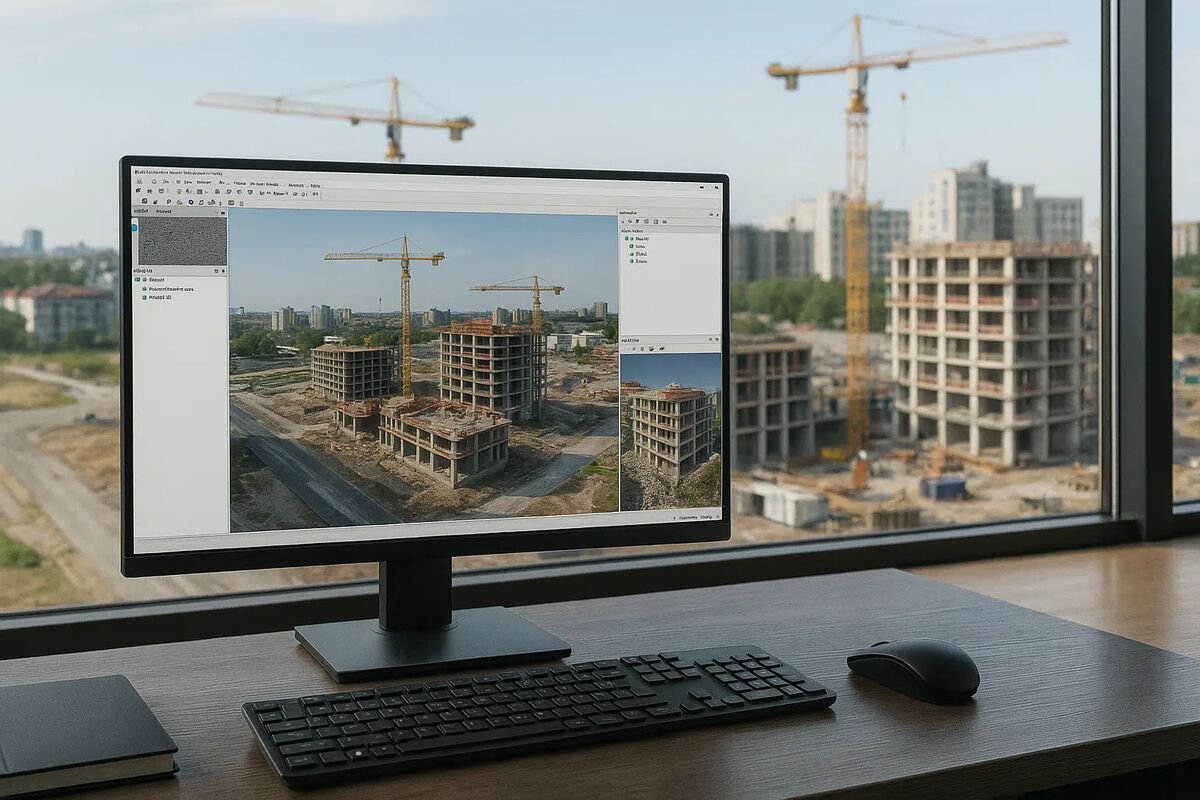
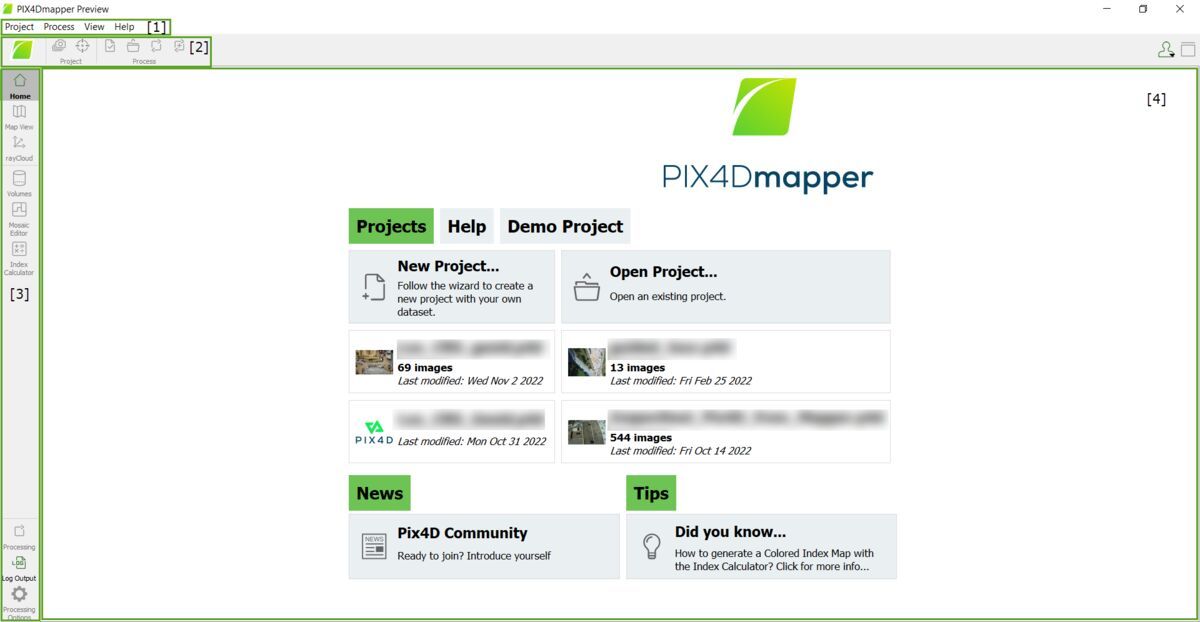
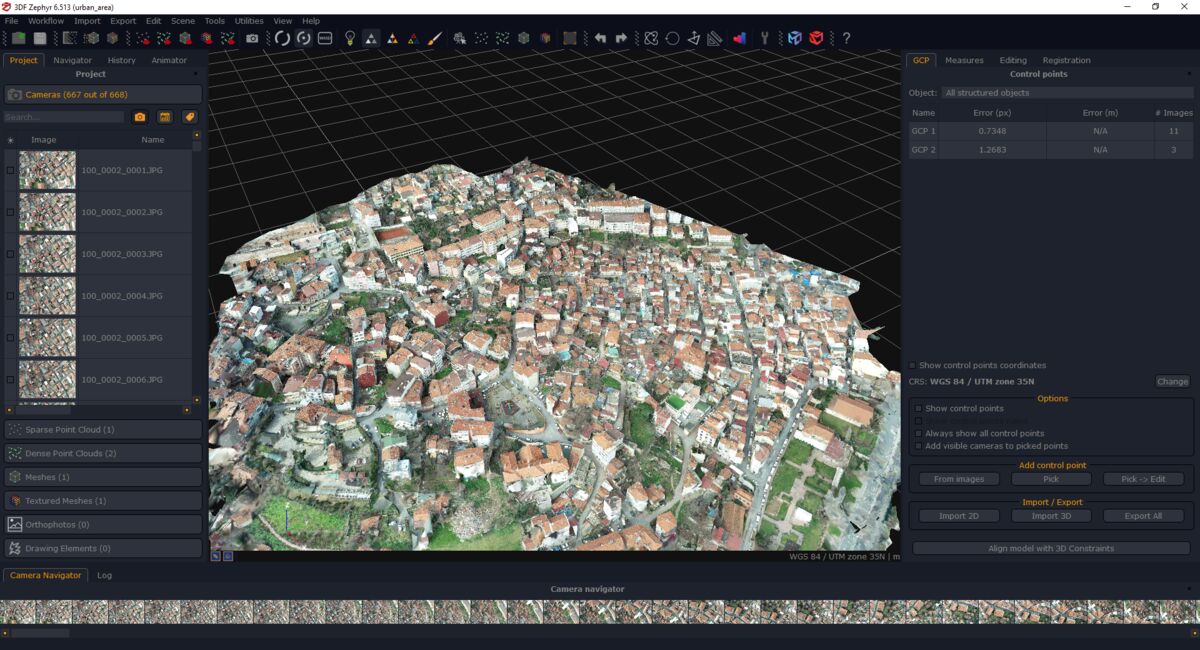
3DF Zephyr is a Windows desktop photogrammetry application from 3Dflow (Italy) that processes photos into 3D models with a wizard-guided interface. SkyeBrowse is a cloud platform that converts standard video into 3D models using patented videogrammetry. One offers a gentler introduction to photogrammetry. The other eliminates the need to learn photogrammetry at all.
Contents
- Capture Input
- Processing Speed
- Hardware Requirements
- Accuracy and Measurement
- Operator Training
- Pricing
- Compliance and Data Security
- Feature-by-Feature Comparison
- The Bottom Line
- Related Comparisons
- Get a SkyeBrowse Recommendation
Capture Input
3DF Zephyr follows the standard photogrammetry pipeline: overlapping photographs captured with sufficient coverage and consistent lighting. The software includes a video frame extraction tool, but extracting frames from video and then running photogrammetry on those frames is a multi-step workaround, not a native video workflow. The Aerial edition adds GCP import for georeferenced output. Every project still begins with photo planning, structured capture, and manual import.
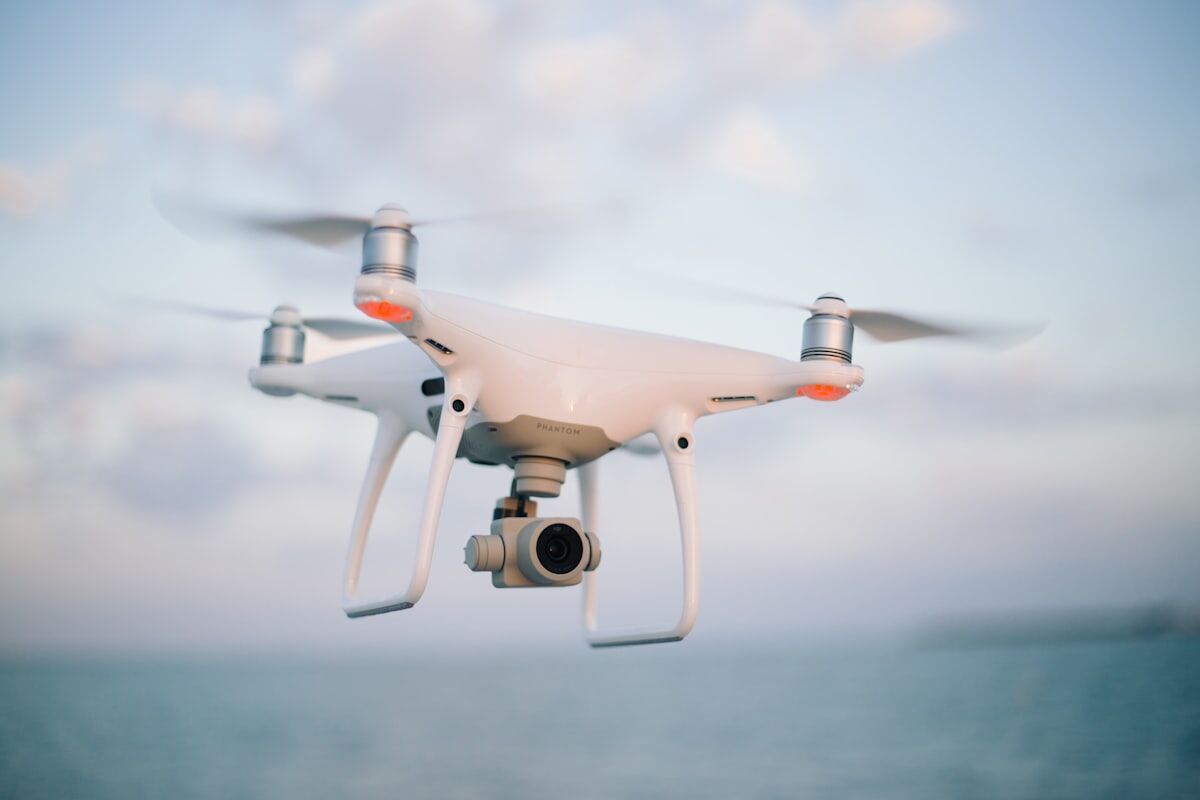
SkyeBrowse processes video directly. Any .MP4 or .MOV file from any device: drone, smartphone, body-worn camera, 360-degree camera. No frame extraction. No photo planning. No GCP placement. Universal Upload means the operator records video and uploads a single file. The platform handles everything from frame analysis to finished model without the operator touching a single intermediate step.
Processing Speed
3DF Zephyr processes locally on the operator's Windows machine. Each stage (alignment, dense cloud, mesh, texture) runs sequentially on desktop hardware. Processing time ranges from tens of minutes for small projects to hours for large photo sets, and speed depends entirely on the GPU installed. There is no cloud processing option. Every dataset competes for time on the same local machine.
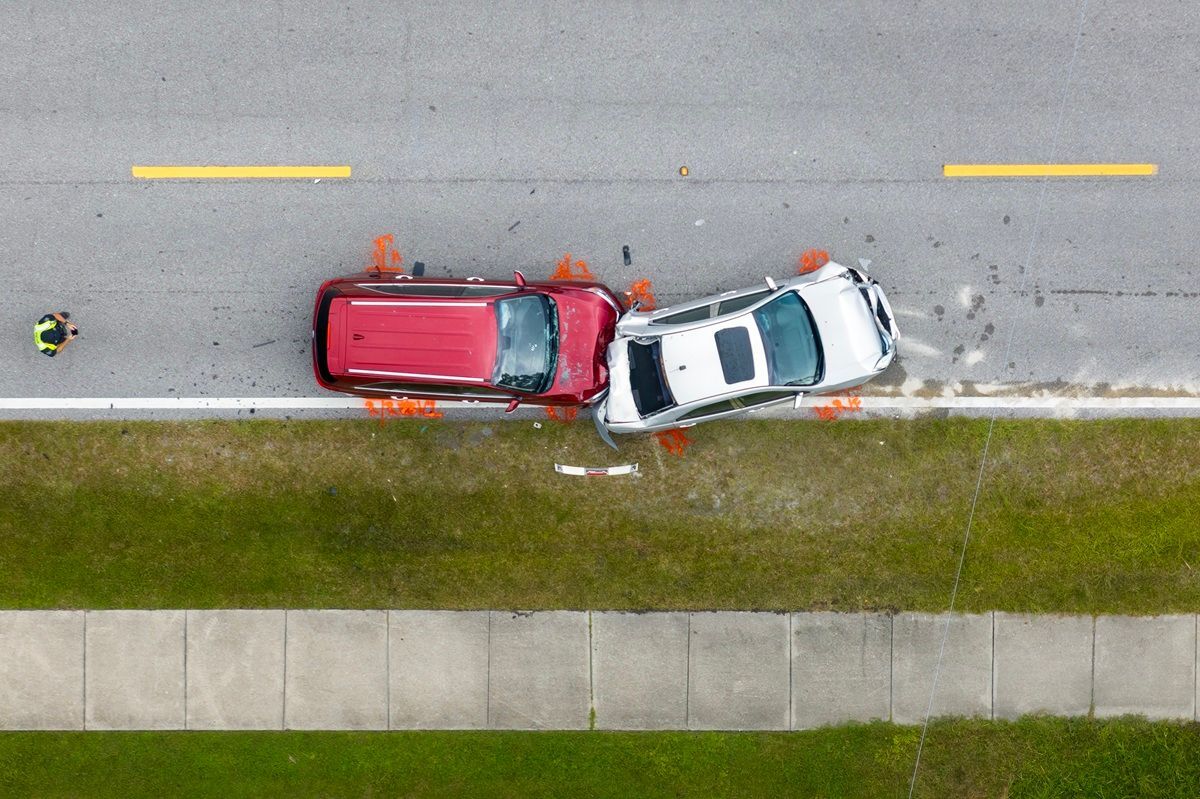
SkyeBrowse processes in the cloud at a 1:1 ratio. Ten minutes of video returns a finished model in roughly ten minutes. No local compute bottleneck. No sequential stage monitoring. No overnight batch runs. For teams documenting crash scenes, fire damage, or construction progress under time pressure, the gap between desktop hours and cloud minutes determines whether the model is available for same-shift decision-making.
Hardware Requirements
3DF Zephyr requires a Windows machine with GPU acceleration. NVIDIA GPUs with adequate VRAM are recommended for practical processing speeds. Without a capable GPU, processing times stretch to impractical lengths. A processing-ready Windows workstation costs $2,000 to $4,000+. The software is Windows-only, which excludes macOS and Linux users entirely.
SkyeBrowse requires a web browser and an internet connection. Any operating system. Any device. A field tablet, a department laptop, a smartphone. Processing runs in the cloud, so the operator's hardware never limits output quality or speed. The hardware cost is zero, and there is no platform restriction.
Accuracy and Measurement
3DF Zephyr Aerial with GCPs can achieve centimeter-level positional accuracy. The Pro and Lite editions produce dense point clouds and meshes with accuracy that depends on photo quality, overlap, lighting, and operator configuration. Accuracy is not a fixed specification; it is an outcome of how well the operator captured and configured the project. Poor inputs produce unpredictable outputs with no guaranteed floor.
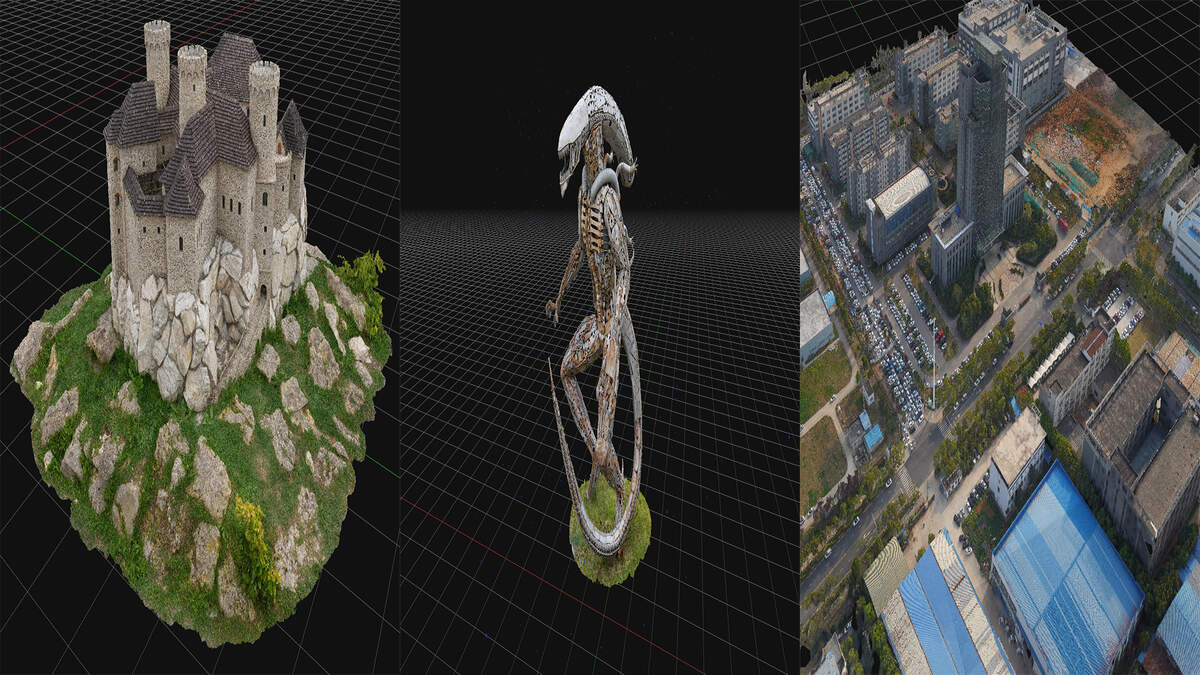
SkyeBrowse delivers fixed, tier-based accuracy that does not vary with operator skill. Public Safety & Enterprise achieves 16K resolution with 0.1-inch accuracy and AI moving object removal that cleans bystanders and passing vehicles from the scene. Commercial and Pro provide 8K resolution at 0.5-inch accuracy. These specifications are consistent across every operator and every capture because the cloud pipeline controls the reconstruction, not the user.
Operator Training
3DF Zephyr is more approachable than Metashape or RealityCapture thanks to its wizard-guided interface. But it is still photogrammetry software. Operators must understand image overlap requirements, recognize alignment failures, interpret quality reports, and configure mesh resolution and export coordinate systems. Moving from the Free edition (50 photos) to the Aerial edition introduces GCP workflows and georeferencing concepts that add weeks to the learning curve.
SkyeBrowse trains operators in a single session. Record stable video with complete coverage. Upload. Review the model. No photogrammetry vocabulary. No quality report interpretation. No coordinate system configuration. Officers, firefighters, adjusters, and inspectors produce usable 3D models on their first capture. When the person documenting the scene will never open a photogrammetry GUI, SkyeBrowse is the only workflow that works.
Pricing
3DF Zephyr uses tiered perpetual licensing. Free (50 photos), Lite ($149, 500 photos), Pro ($3,400, unlimited), Aerial (~$4,200, adds GCPs and orthomosaics). The Free tier is too limited for any real scene documentation. Scaling to Pro or Aerial costs thousands, and none of these tiers include cloud processing. Add a $2,000-$4,000 GPU workstation and the total investment for a functioning 3DF Zephyr deployment is significant.
SkyeBrowse uses a subscription model tiered by output quality. Every tier includes cloud processing, AWS GovCloud hosting, browser-based sharing, and 5-year guaranteed data retention. No hardware purchase. No per-edition feature gating. Scene documentation drops from $360 (3 hours, 4 officers) to $25 (10 minutes, 1 operator). The total cost of ownership comparison favors SkyeBrowse before the first model is processed.
Compliance and Data Security
3DF Zephyr has no compliance infrastructure. Data lives on the operator's local Windows machine. CJIS compliance, evidence chain-of-custody, audit trails, and FedRAMP alignment are entirely the agency's responsibility. For public safety teams handling evidentiary data, there is no built-in path to compliance.
SkyeBrowse is purpose-built for regulated environments. AWS GovCloud (US) hosting at FedRAMP Impact Level 2. CJIS-compliant workflows with audit trails and controlled sharing. 5-year guaranteed model storage on Public Safety & Enterprise. Exports in LAZ (forensic reconstruction tools), GLB (courtroom 3D walkthroughs), and GeoTIFF (GIS integration). The compliance layer is part of the platform, not something the agency must build around a desktop application.
Feature-by-Feature Comparison
| Feature | 3DF Zephyr | SkyeBrowse |
|---|---|---|
| Capture Input | Overlapping photos (frame extraction as workaround) | Any video (.MP4/.MOV) from any device |
| Processing | Desktop, Windows-only, GPU-accelerated, minutes to hours | Cloud, ~1:1 ratio, minutes |
| Hardware Required | $2,000-$4,000+ Windows GPU workstation | Browser and internet connection |
| Accuracy | Centimeter-level (Aerial + GCPs, operator-dependent) | 0.1 in (Public Safety & Enterprise), 0.5 in (Commercial and Pro), consistent |
| Training Time | Days to weeks (wizard helps, still photogrammetry) | Single session |
| Pricing | Free (50 photos) to $4,200 perpetual + hardware | Subscription (all-inclusive) |
| Compliance | None | CJIS (Public Safety & Enterprise), FedRAMP Impact Level 2, AWS GovCloud |
| Data Retention | Operator-managed local storage | 5-year guaranteed |
| Platform | Windows only | Any device, any OS |
| AI Cleanup | None | Moving object removal (Public Safety & Enterprise) |
The Bottom Line
3DF Zephyr makes photogrammetry more accessible than its enterprise competitors, but it still requires photogrammetry knowledge, a Windows GPU workstation, and hours of processing time. SkyeBrowse removes all three requirements. For operational teams that need a 3D model from video in minutes with built-in compliance, SkyeBrowse is the clear choice.
Try SkyeBrowse Free
SkyeBrowse produces 3D models from video without desktop software, GPU hardware, or photogrammetry training. If your team needs compliant, fast scene documentation from any capture device, request a demo.
Upload your first video free. Create a free SkyeBrowse account, upload a drone video, and get a 3D model processed in the cloud. Freemium organizations that have never had a paid plan can get their first full Commercial model for $5 (normally $24.99), with every Pro tool and export included and 90-day storage.