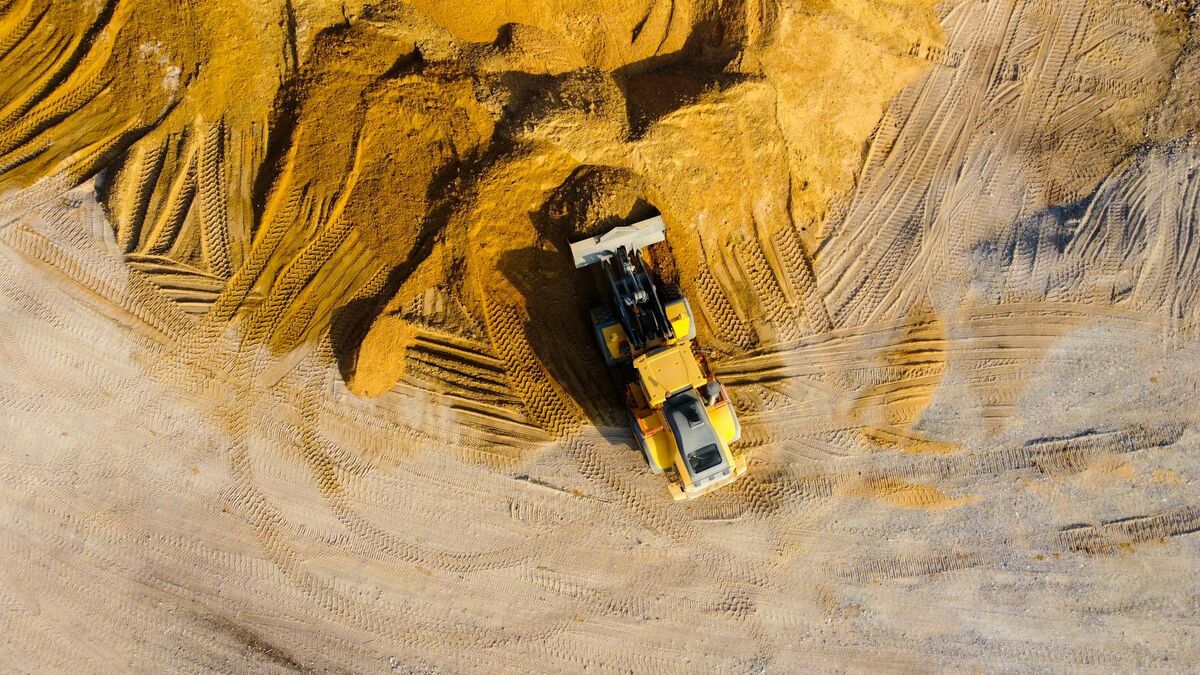
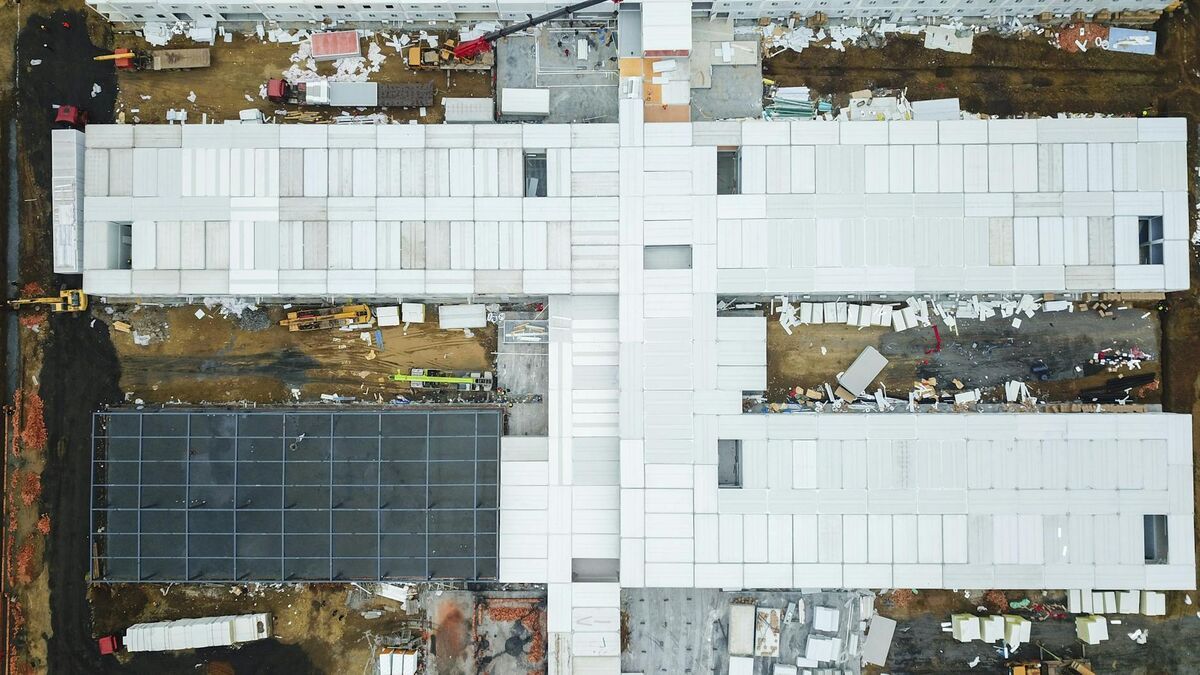
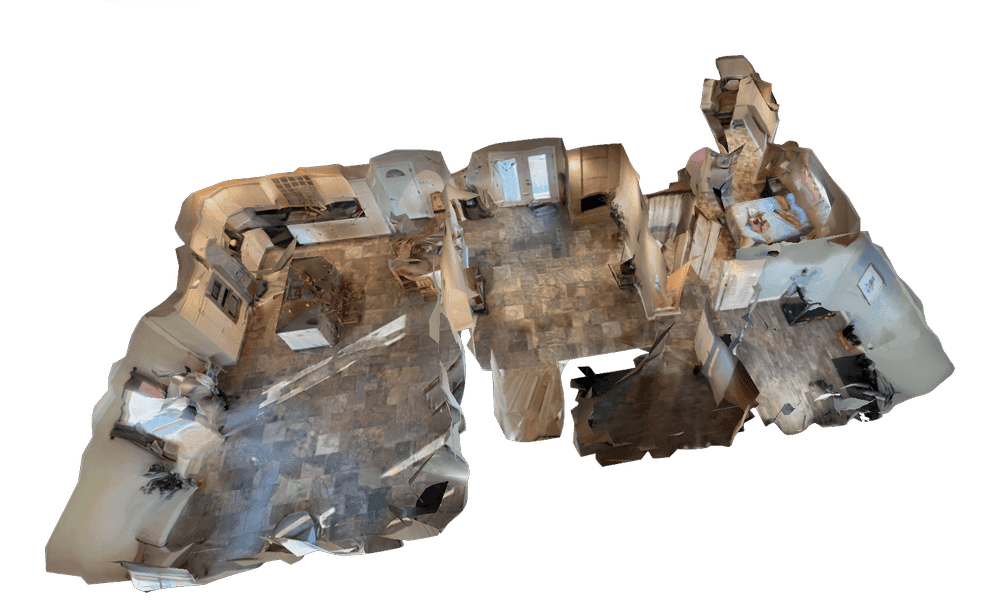
Drone 3D mapping is the process of flying an unmanned aerial vehicle over a site and converting the captured data into a three-dimensional digital representation of terrain, structures, and infrastructure. Whether called 3D drone mapping, UAV 3D mapping, or simply 3D mapping with a drone, the workflow follows the same core pattern: capture overlapping aerial imagery or continuous video, process it through photogrammetry or videogrammetry software, and receive measurable deliverables like point clouds, textured meshes, and orthomosaics. Construction managers, public safety agencies, insurance adjusters, and surveyors rely on drone 3D mapping to document sites faster than ground crews ever could.
Key Takeaways
- Video-based drone 3D mapping (videogrammetry) reduces processing time from 1-12 hours down to 2-10 minutes compared to traditional photo-based photogrammetry, with no desktop GPU or mission planning software required.
- A single orbit flight captures side geometry, corners, and elevation changes in one pass, whereas photo-based grid missions require 200-500+ still images and dedicated workstation processing.
- SkyeBrowse's processing tiers scale to the use case: Freemium (basic resolution) for documentation and progress snapshots, Commercial and Pro (0.5 inch at 8K) for construction measurement, and Public Safety & Enterprise (0.1 inch at 16K with AI moving-object removal) for forensic and courtroom deliverables.
- Over 1,200 agencies worldwide, primarily in public safety, use SkyeBrowse, with models processed on US-based AWS infrastructure and CJIS-focused chain-of-custody controls covering accident reconstruction, crime scenes, and tactical pre-planning.
- All commercial drone 3D mapping in the United States requires an FAA Part 107 Remote Pilot Certificate; ground control points and RTK/PPK corrections are only needed when absolute positional accuracy is specified.
Contents
- What is drone 3D mapping and how does it work?
- What is the difference between video-based and photo-based drone 3D mapping?
- What software do you need for drone 3D mapping?
- How accurate is drone 3D mapping?
- What industries use drone 3D mapping?
- What equipment do you need for 3D mapping with a drone?
- Related Guides
- FAQ
What is drone 3D mapping and how does it work?
Drone 3D mapping uses overlapping aerial imagery or continuous video to reconstruct a georeferenced three-dimensional representation of a site. The drone captures the scene from multiple angles, and processing software aligns the data to produce a point cloud, a textured 3D mesh, and a 2D orthomosaic, a geometrically corrected aerial image that can be measured like a map.
The core technology is photogrammetry, the science of extracting spatial measurements from photographs or video frames. As documented by the USGS unmanned aircraft systems program, photogrammetric methods have been used in aerial surveying for decades, but drones have reduced the cost and complexity of data capture by orders of magnitude. For the latest developments in capture technology and processing software, see our photogrammetry news coverage.
The workflow follows three steps: capture aerial data (video or photos), upload to processing software, and receive deliverables. For video-based drone 3D mapping with SkyeBrowse, the capture step is a simple orbit flight. For photo-based mapping, it requires a planned grid flight collecting hundreds of overlapping still images.
What is the difference between video-based and photo-based drone 3D mapping?
Video-based drone 3D mapping processes continuous video frames to build a 3D map, while photo-based mapping stitches together hundreds of individual still photographs. The video approach simplifies capture to a single orbit flight and compresses processing from hours to minutes. The photo approach is the older, more established workflow for wide-area grid surveys, but it requires mission planning software and longer processing times, and it doesn't produce more accurate measurements: with SkyeBrowse, camera distance to the subject sets the accuracy ceiling, down to 0.1 inch on Public Safety & Enterprise. In an independent accuracy study by AirBorne Works, SkyeBrowse video models came closest to Leica BLK360 laser-scan ground truth on 8 of 9 measurements, outperforming photo-based Pix4D Mapper and Leica BLK3D.
| Factor | Video-Based (Videogrammetry) | Photo-Based (Photogrammetry) |
|---|---|---|
| Capture method | Orbit flight, continuous video | Grid flight, 200-500+ photos |
| Processing time | 2 to 10 minutes | 1 to 12+ hours |
| Hardware needed | Any device with a browser | Desktop workstation with GPU |
| Learning curve | Low | High |
| Best for | Rapid site documentation, daily progress, inspections | Large-area surveys, high-resolution orthomosaics |
Video-based 3D drone mapping is particularly useful when speed matters: accident scenes that need to reopen to traffic, construction sites requiring daily progress captures, or insurance claims where a same-day 3D map saves weeks of back-and-forth. Any team doing 3D mapping using drone video can go from flight to finished model in under ten minutes.

What software do you need for drone 3D mapping?
Drone 3D mapping software converts raw aerial data into usable 3D outputs. The right choice depends on whether you capture video or photos, how fast you need results, and whether you need cloud or desktop processing.
SkyeBrowse processes .MP4 and .MOV video from any drone into 3D maps through cloud-based videogrammetry, with no desktop hardware required and exports including LAZ point clouds, GLB meshes, and GeoTIFF orthomosaics. Photo-based alternatives like Pix4D and Agisoft Metashape need a GPU workstation and processing times measured in hours. For a full breakdown of platforms, feature checklists, and pricing tiers across video-based and photo-based tools, see the drone mapping software guide.
How accurate is drone 3D mapping?
Drone 3D mapping accuracy ranges from survey-grade (0.1 inch) to documentation-grade depending on capture distance, processing tier, and whether ground control points are used. For most construction monitoring, insurance documentation, and public safety applications, relative accuracy (the consistency of measurements within the map) matters more than absolute positional accuracy.
Per ASPRS positional accuracy standards, both methods can meet professional mapping thresholds. SkyeBrowse's processing tiers scale accuracy to the use case:
- Freemium (free): basic resolution. Suitable for site overviews, progress snapshots, and general documentation.
- Commercial and Pro: 8K resolution, 0.5 inch accuracy. Suitable for construction measurement, property assessment, and detailed as-built records.
- Public Safety & Enterprise: 16K resolution, 0.1 inch accuracy with AI-powered moving object removal and full CJIS compliance. Suitable for forensic documentation, courtroom evidence, and high-precision deliverables.
On every tier, flying or walking the camera closer to the subject tightens accuracy further, without a laser sensor or ground control points.
Drone measuring software built into the 3D viewer lets teams pull distance, area, angle, and volume measurements directly from the processed model without exporting to third-party CAD or GIS tools. SkyeBrowse includes distance measurement, drawing, and annotation on the free tier, and adds area, angle, and volume tools on every paid plan, so on-screen measurement works from any browser and you don't need a CAD license to read a model.
For projects requiring absolute positional accuracy, such as legal boundary surveys, add ground control points and RTK/PPK corrections. See our ground control points guide for details on when GCPs matter.
What industries use drone 3D mapping?
Drone 3D mapping serves any field that needs spatial documentation of real-world sites at scale. The speed of video-based mapping has expanded adoption beyond traditional surveying firms into industries where time-to-insight is critical.
- Construction: Daily progress monitoring, stockpile volume measurements, cut-and-fill tracking, and as-built documentation.
- Public safety: Accident reconstruction, crime scene documentation, tactical pre-planning, and fire investigation. Over 1,200 agencies use SkyeBrowse, with models processed on US-based AWS infrastructure and CJIS-focused workflows.
- Insurance: Roof assessment, storm damage documentation, and property claims mapping.
- Infrastructure: Bridge inspections, utility corridor surveys, and telecom tower documentation.
- Surveying: Topographic surveys, boundary verification, and terrain analysis for civil engineering.
All commercial drone operations in the United States require a Part 107 Remote Pilot Certificate from the FAA.
What equipment do you need for 3D mapping with a drone?
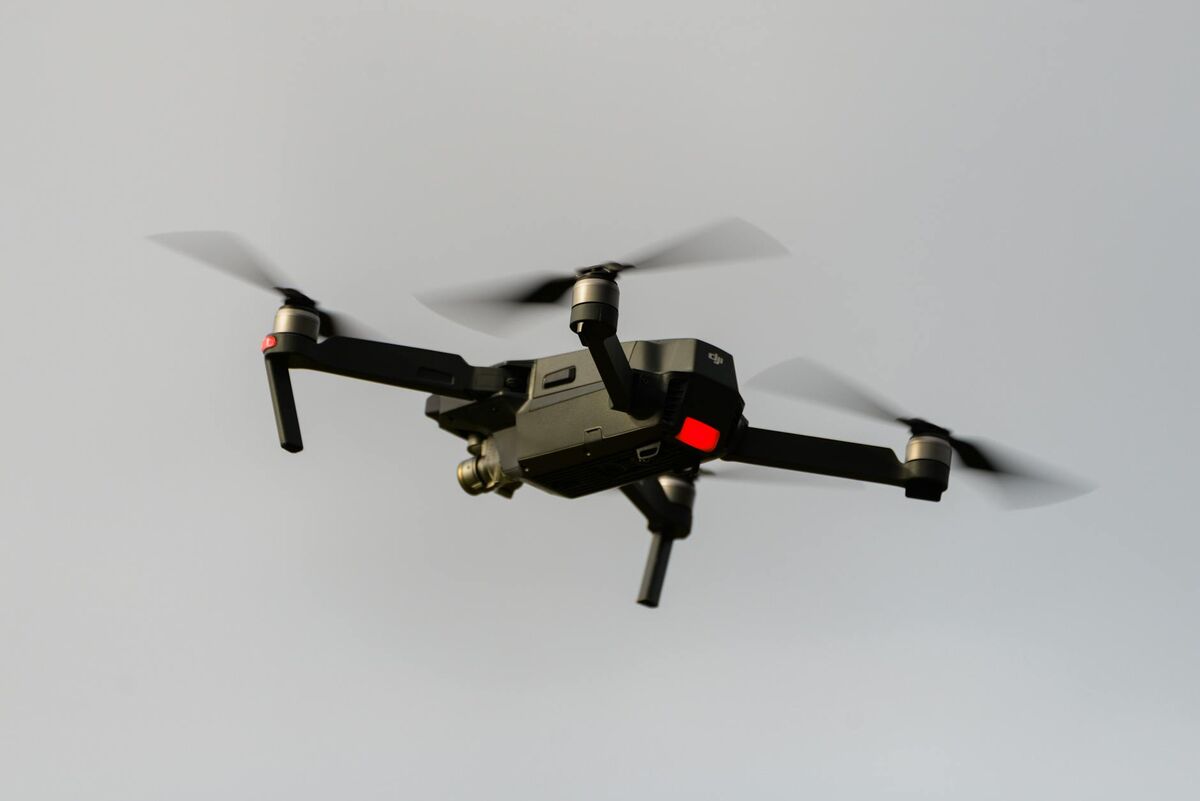
Most quadcopter or multirotor drones with a stabilized camera that record MP4 or MOV video can produce a usable 3D map through Universal Upload. The quality of the final model depends more on flight technique and processing software than on the drone itself.
For video-based 3D mapping with a drone, the hardware bar is intentionally low: almost any stabilized camera drone is a capable 3D mapping drone once paired with the right processing platform. Consumer quadcopters like the DJI Mini 4 Pro capture enough video quality for documentation-grade maps. Enterprise platforms like the DJI Matrice 350 RTK add RTK positioning and higher-resolution sensors for survey-grade deliverables.
Quadcopter 3D mapping requires only three components:
- A drone with a stabilized camera: DJI, Autel, or Skydio platforms recording MP4 or MOV video (check the supported drones list for Flight App automation)
- Processing software: SkyeBrowse for video-based cloud processing, or Pix4D/Agisoft for photo-based desktop processing
- A Part 107 Remote Pilot Certificate: required by the FAA for all commercial drone operations in the US
For teams using DJI hardware, the SkyeBrowse Flight App automates the orbit capture pattern, eliminating the need for separate mission planning software. See our DJI Mavic 3E setup guide and DJI Matrice 350 RTK guide for hardware-specific workflows.
Related Guides
- Drone mapping software: the video-to-3D platform page, with plans, supported drones, and the upload workflow.
- Drone mapping guide: the educational pillar on how drone mapping works, capture methods, accuracy, and cost.
- Drone mapping software: how to choose a platform, pricing models, and a feature checklist.
- UAV mapping software: the enterprise and government procurement angle on UAV mapping platforms.
- 3D mapping software: a ranked comparison across drone, indoor, and mobile capture methods.
FAQ
How is drone 3D mapping different from drone 3D modeling?
Drone 3D mapping covers an entire site or area, including terrain, buildings, and infrastructure at scale. Drone 3D modeling focuses on reconstructing a single object or structure in detail. For single-object workflows, see our guide to making a 3D model with a drone.
What drones work for 3D mapping?
Most consumer and enterprise drones that record .MP4 or .MOV video work for video-based 3D mapping. Popular options include the DJI Mavic 3 Enterprise, DJI Matrice 350 RTK, Autel EVO II series, and DJI Mini 4 Pro. See our DJI Mavic 3E mapping guide for a hardware-specific walkthrough.
How long does drone 3D mapping take?
With video-based processing through SkyeBrowse, a 3D site map is ready in 2 to 10 minutes depending on video length and resolution tier. Traditional photo-based processing takes 1 to 12 hours for the same area.
Upload your first video free. Create a free SkyeBrowse account, upload a drone video, and get a 3D model processed in the cloud. Freemium organizations that have never had a paid plan can get their first full Commercial model for $5 (normally $24.99), with every Pro tool and export included and 90-day storage.