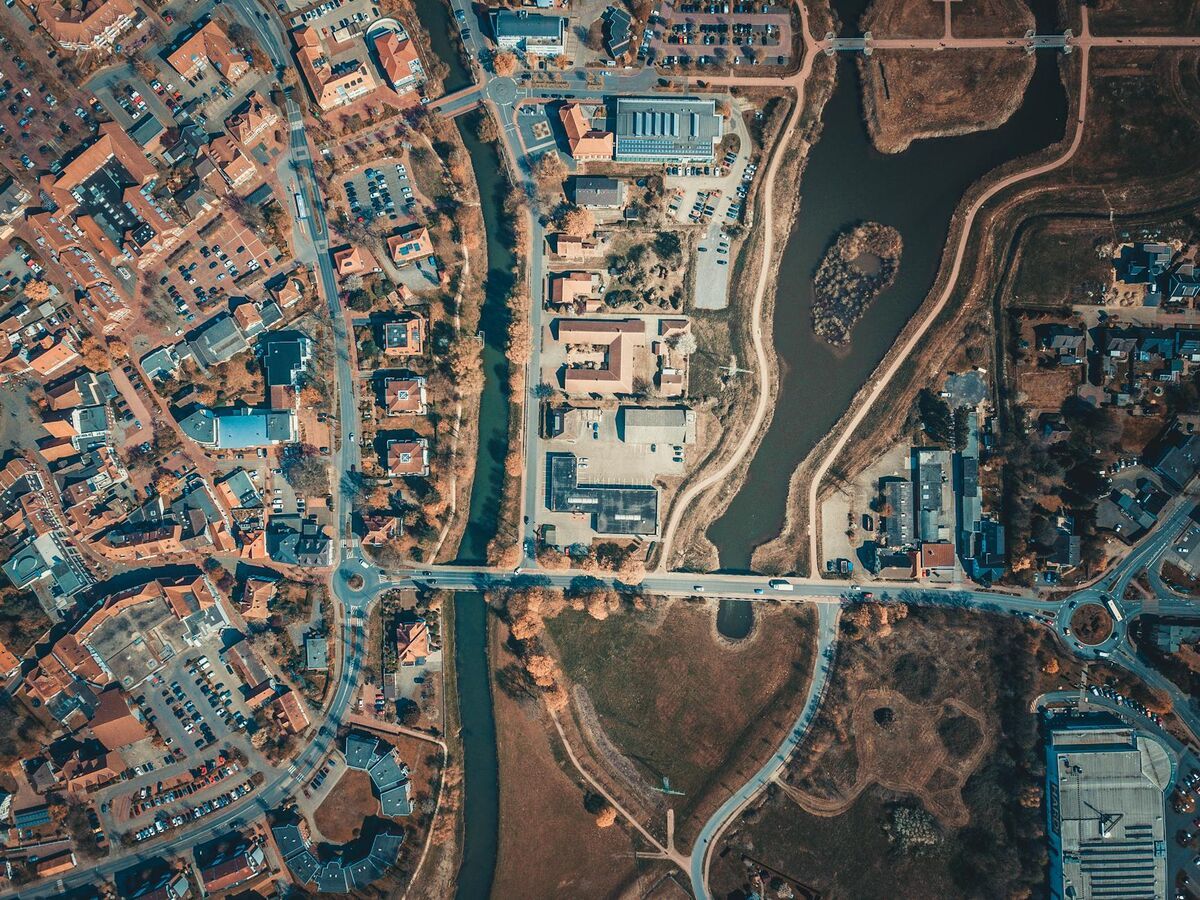
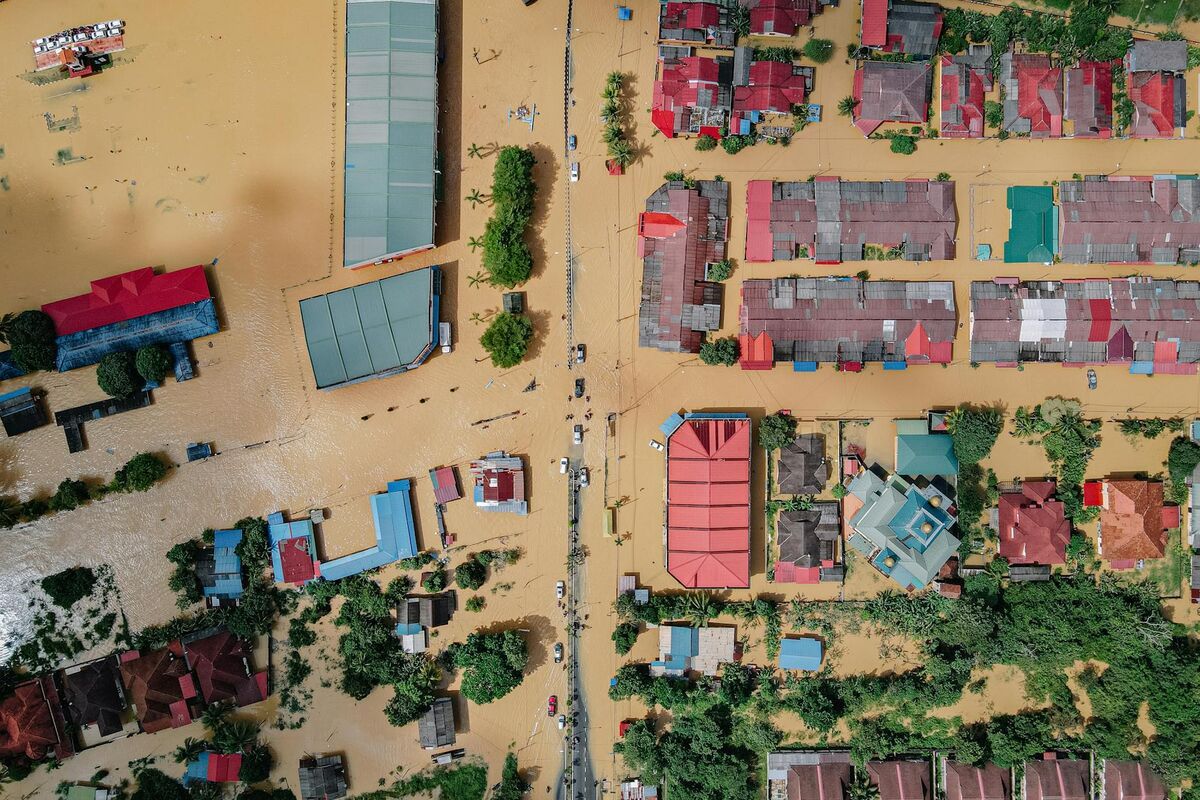
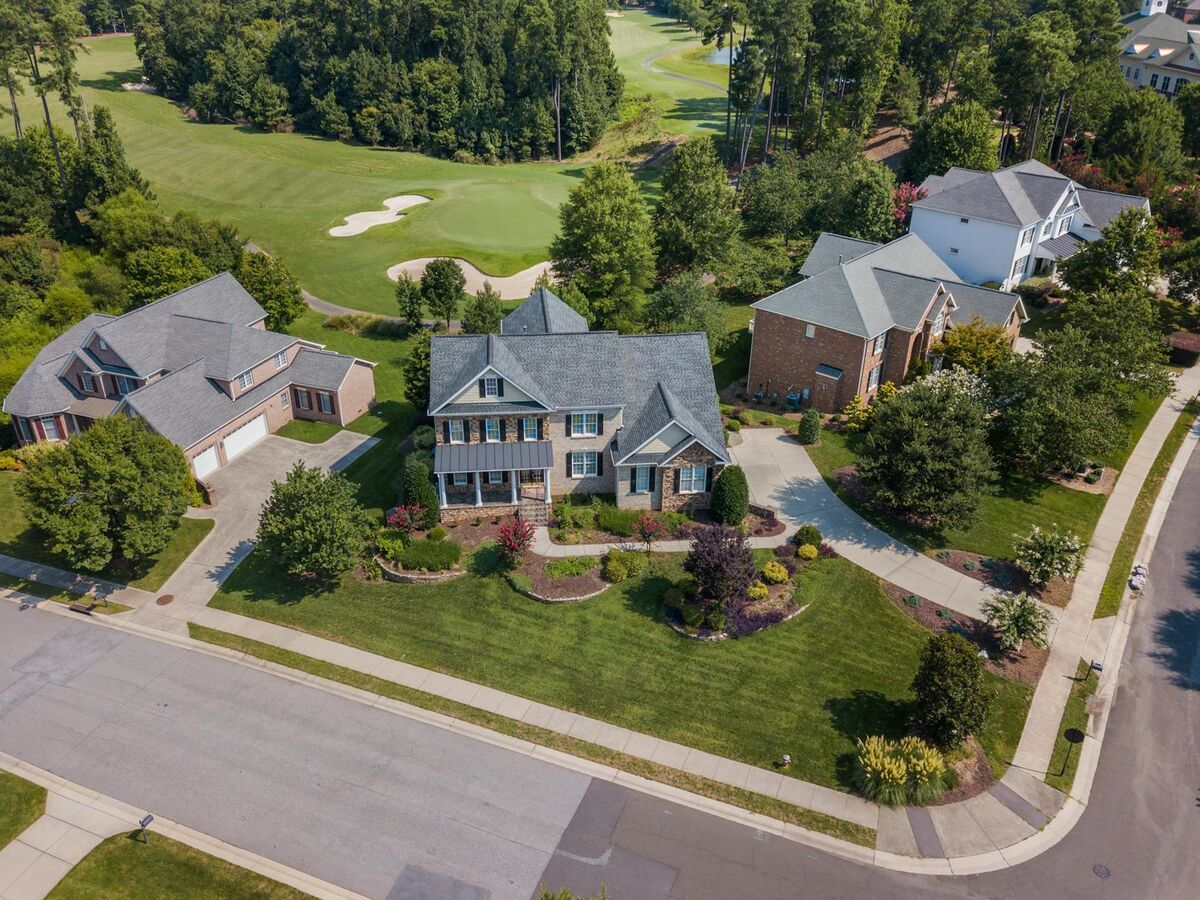
BIM coordination fails when the field condition arrives too late. Design teams may coordinate beautifully in the model, but once work starts, the project needs a fast way to compare what is actually installed against what was supposed to be installed. That is where a BIM coordination drone workflow matters. The drone is not replacing BIM authoring or clash detection. It is accelerating current-condition capture so coordination decisions can happen against reality rather than stale assumptions.
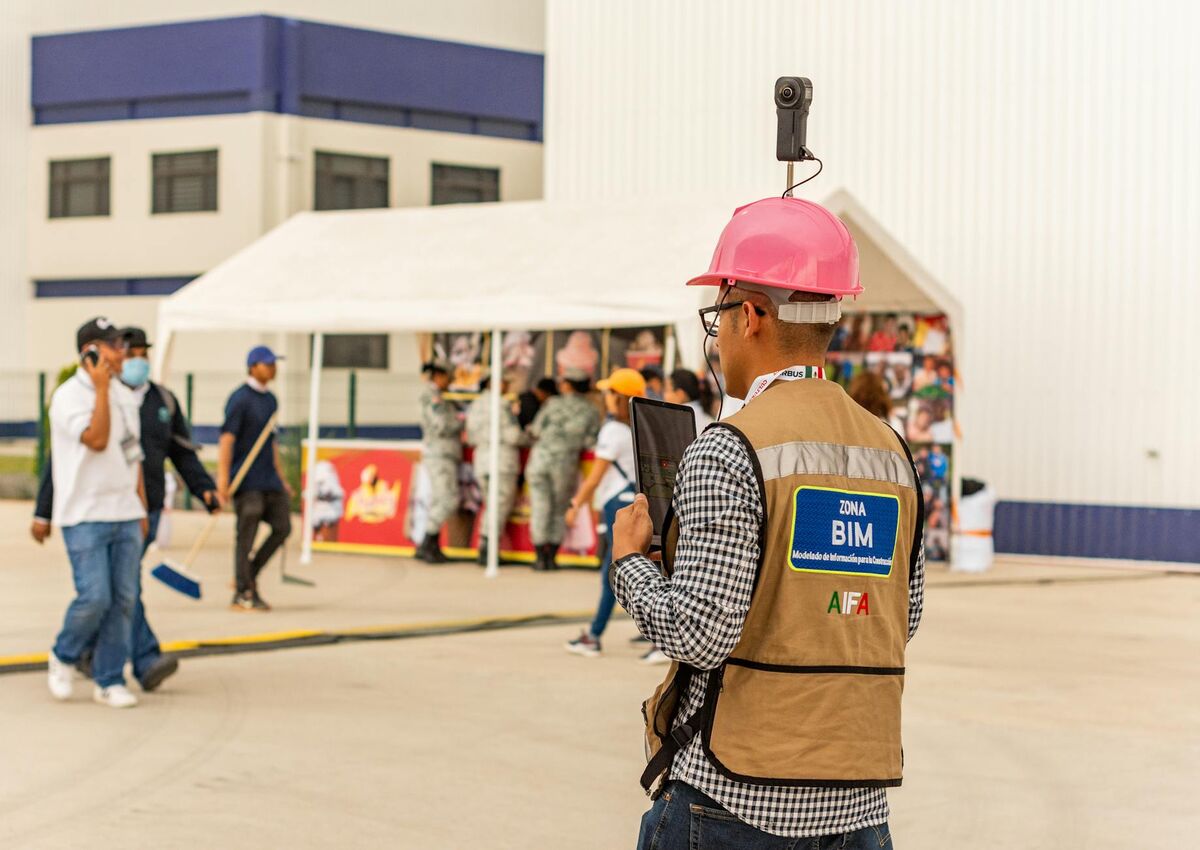
Key Takeaways
- A BIM coordination drone workflow accelerates the model-versus-field comparison step: drone-generated point clouds load into Navisworks or BIM 360 Coordinate to run clash detection against current installed conditions, not stale walk data.
- SkyeBrowse Public Safety & Enterprise at 0.1-inch accuracy (16K processing) satisfies LOD 300–400 requirements for structural and MEP field verification against coordinated design models.
- BIM teams receive current-condition models within minutes of field capture — fast enough to run clash detection and distribute findings to subcontractors on the same day the drone flies.
- SkyeBrowse exports to LAZ, GLB, and GeoTIFF — open formats that import directly into Revit, Navisworks, and BIM 360 without format conversion, preserving the IFC/RVT coordination workflow.
- Drone-based BIM coordination is strongest for exterior and overhead conditions; interior concealed work — MEP rough-ins within chases, slab penetrations — still requires ground-based scanning or manual measurement.
Contents
- What is a BIM coordination drone workflow?
- Why is current-condition capture the coordination bottleneck?
- How do drones improve BIM coordination?
- Where does SkyeBrowse fit in BIM coordination?
- What are the limits of drone-based BIM coordination?
- FAQ
What is a BIM coordination drone workflow?
A BIM coordination drone workflow uses recurring drone capture to generate current-condition spatial data that can be compared against design intent, sequencing plans, or coordination models. The drone strengthens BIM coordination by keeping the physical side of the comparison current and reducing the lag between what is built and what the model reflects.
In practice, the workflow has three steps for a BIM coordinator or VDC manager. First, the drone captures current exterior conditions — a short orbit or grid pass that generates the raw video. Second, that video is processed into a georeferenced point cloud (LAZ) or 3D mesh (GLB) that carries real-world coordinates. Third, the point cloud is imported into Navisworks, BIM 360 Coordinate, or a similar clash detection environment, where it becomes the "actual conditions" layer compared against the design IFC or RVT model. Deviations beyond tolerance — a structural column shifted 2 inches, a roof parapet at the wrong elevation — appear as flagged clashes that feed the project's issue log.
Autodesk's BIM Collaborate workflow centers coordination around shared model review and issue management, while buildingSMART's openBIM definition emphasizes interoperable information flow across disciplines. Both frameworks depend on current field data feeding the model — the piece that drone capture accelerates. Building information modeling, or BIM, refers to the process of creating and managing digital representations of a facility's physical and functional characteristics. Drone capture becomes valuable because the model cannot update itself; it depends on field geometry to stay current. This relationship between physical capture and digital model is also central to digital twin in construction workflows, where the goal is a continuously updated virtual replica of the asset.
Why is current-condition capture the coordination bottleneck?
Current-condition capture is the coordination bottleneck because most teams still have to choose between speed and detail. Fast documentation is often too shallow, while detailed documentation is too slow for routine refresh across an active construction schedule.
That gap matters because BIM coordination is a timing problem as much as a geometry problem. A coordination issue discovered two days earlier is often far cheaper than the same issue discovered after additional trades build on top of it. If current-condition capture takes too long to trigger, too long to process, or too long to review, coordination slips from proactive to reactive.
That is one reason field capture workflows need to fit inside the operational constraints of FAA commercial drone operations rather than becoming a special event every time the team needs an update. When drone flights must be scheduled, justified, and processed over several days, the cadence breaks down and teams fall back on periodic walk documentation or rely on outdated model snapshots.
How do drones improve BIM coordination?
Drones improve BIM coordination by turning exterior site refresh into a repeatable short task instead of a specialist event. One short flight can provide the current-condition baseline needed for faster coordination review across the project team.
Drones also improve the BIM overlay step specifically — the point in the coordination workflow where field geometry gets compared against the design model. A drone-generated point cloud loaded into Navisworks or BIM 360 Coordinate gives the project team a spatially accurate reference for running model-versus-field comparisons: identifying where installed structural steel, concrete walls, or MEP rough-in deviates from the coordinated design. This is different from a folder of site photos, which can document that something looks wrong but cannot measure how wrong or generate a clash report. The point cloud provides the coordinate-referenced geometry that clash detection software needs to flag deviations quantitatively.
Orthomosaics — geometrically corrected aerial images assembled from overlapping drone frames — serve a parallel role in 2D plan comparison: a current orthomosaic overlaid on a floor plan or grading plan instantly shows whether poured concrete, earthwork, or exterior cladding aligns with the permitted design. These same outputs power drone as-built documentation programs that track field-versus-design deviation throughout the project lifecycle, giving all parties the same spatial reference during coordination calls.

| Coordination problem | Drone contribution |
|---|---|
| Exterior work changed since last review | Fast current-condition refresh |
| Site logistics affect sequence | Up-to-date aerial context |
| Owner needs visual verification | Shareable 3D model or map |
| Remote team lacks site visibility | Browser-based spatial review |
| Repeated field walks consume time | Short recurring capture instead of long manual documentation |
Where does SkyeBrowse fit in BIM coordination?
SkyeBrowse fits at the reality-capture side of BIM coordination. It is the fast capture-to-model layer that helps teams keep current-condition information flowing without waiting on a heavy reconstruction cycle that can delay decisions by days.
This is especially useful for teams that need more refresh frequency than traditional photogrammetry comfortably supports. Photogrammetry — the technique of extracting 3D measurements from overlapping photographs — typically requires structured grid flights, ground control points, and processing time measured in hours. SkyeBrowse's videogrammetry approach accepts a short orbit video and returns a usable model in minutes via cloud processing at app.skyebrowse.com, with no desktop hardware required.
BIM teams receive current-condition models within minutes of field capture — fast enough to run clash detection on the same day the drone flies. That same-day turnaround matters because clash detection findings only drive value if the team can act on them before additional trades install on top of the conflict. A VDC coordinator who uploads an orbit video at 10 AM can have the point cloud loaded into Navisworks and a clash report distributed to subcontractors by early afternoon. Autodesk's guidance on digital project delivery highlights the importance of connecting field data back to the design environment quickly — SkyeBrowse shortens that feedback loop without requiring a desktop processing workstation.
For BIM workflows that require formal accuracy verification against design tolerances, SkyeBrowse Public Safety & Enterprise at 0.1-inch accuracy (16K processing with AI-based moving object removal) satisfies LOD 300–400 requirements for field verification against design models. LOD 300 specifies elements modeled to defined quantity, size, shape, location, and orientation — the threshold most structural and MEP coordination workflows require before issuing for construction. SkyeBrowse does not replace BIM authoring tools; it makes them more current by reducing the lag between field condition and reviewable model. The model exports to LAZ, GLB, and GeoTIFF — open formats that import directly into Revit, Navisworks, and BIM 360 without format conversion. Where the coordination discussion extends into owner handoff or recurring operational models, the workflow naturally overlaps with drone digital twin and drone mapping use cases.

What are the limits of drone-based BIM coordination?
Drone-based BIM coordination has clear limits. It is strongest for exterior current-condition capture and broad site context, but it does not replace formal survey or dense interior scanning where fine dimensional verification is required.
Drones cannot easily capture concealed conditions inside walls, within mechanical chases, or in areas with limited flight clearance. For interior coordination problems — such as verifying a MEP rough-in or confirming slab penetration locations — ground-based scanning or manual measurement remains necessary. The right framing is that a BIM coordination drone workflow expands visibility, speed, and review cadence for exterior and overhead conditions. It does not solve every geometry problem on its own.
The value is highest when the project needs frequent exterior refresh, owner communication, and faster coordination response without running a full scanning program every time conditions change. Teams that use drones for exterior coverage and reserve scanning for interior verification tend to get the best overall return on their field documentation investment.
FAQ
Can a drone replace BIM coordination software?
No. The drone captures current conditions. BIM coordination software still manages model comparison, issue tracking, and multidisciplinary review. The two tools serve different roles in the same workflow.
What is the biggest benefit of a drone for BIM coordination?
Speed. The drone gives teams a fast way to refresh exterior reality so coordination decisions are made against recent field conditions rather than stale walk data.
Where does SkyeBrowse help most in a BIM coordination workflow?
SkyeBrowse helps most when teams need same-day or near-same-day current-condition models rather than delayed reconstruction workflows. The platform processes drone video into a usable 3D model in minutes, making it practical for routine coordination refresh rather than reserved for milestone captures only.
Upload your first video free. Create a free SkyeBrowse account, upload a drone video, and get a 3D model processed in the cloud. Freemium organizations that have never had a paid plan can get their first full Commercial model for $5 (normally $24.99), with every Pro tool and export included and 90-day storage.