Photogrammetry has been the standard method for creating 3D models from optical imagery for decades. It works by matching features across hundreds or thousands of overlapping still photographs. Videogrammetry takes a different approach: it extracts frames from continuous video and reconstructs 3D geometry from the resulting image sequence. Both methods produce point clouds, meshes, and orthomosaics, but they diverge sharply in how data is captured, how long processing takes, and what photogrammetry software is required to get from raw input to finished model.
The distinction matters because capture complexity is the biggest bottleneck in operational 3D documentation. Teams struggling with overlap requirements, flight planning, and multi-hour processing times benefit most from understanding where videogrammetry fits as an alternative.
Contents
- How Does Traditional Photogrammetry Work?
- How Does Videogrammetry Work?
- How Do Accuracy and Resolution Compare?
- Is Video More Accurate Than Photos for 3D Mapping?
- What Are the Processing Differences?
- When Does Each Method Fit Best?
- Videogrammetry vs Photogrammetry Comparison Table
- Where Does SkyeBrowse Fit?
How Does Traditional Photogrammetry Work?
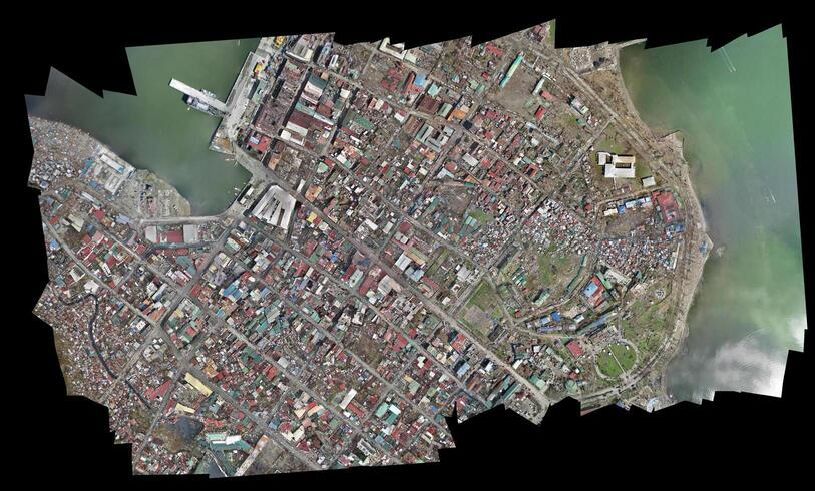
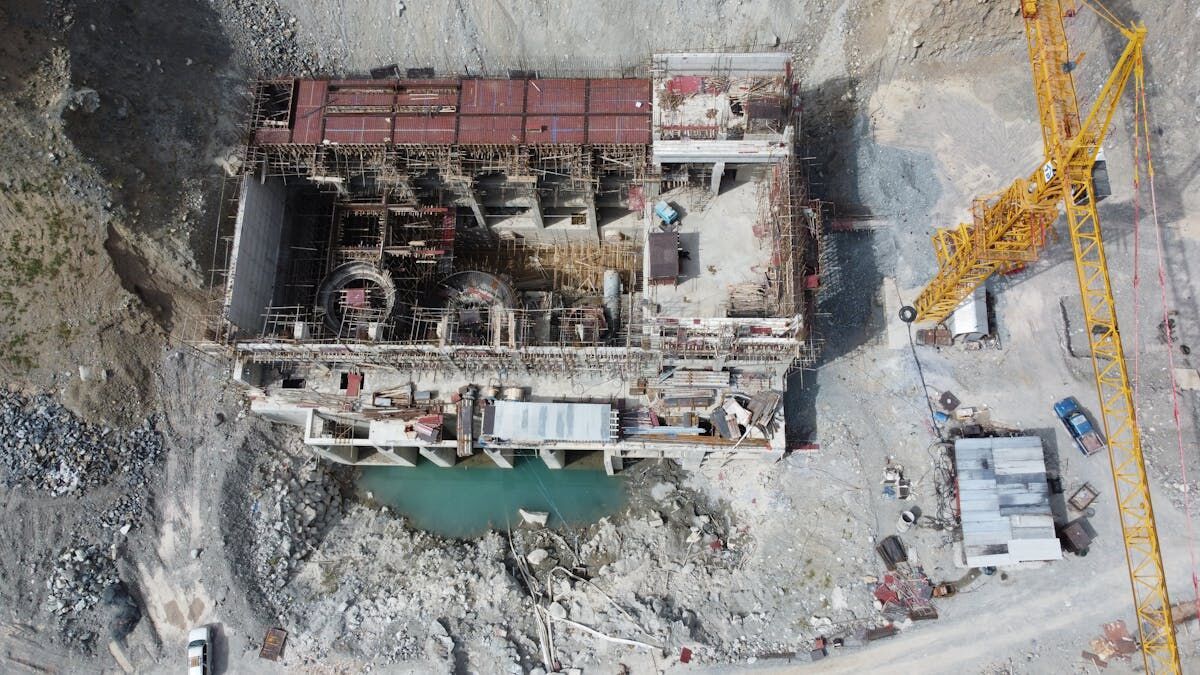
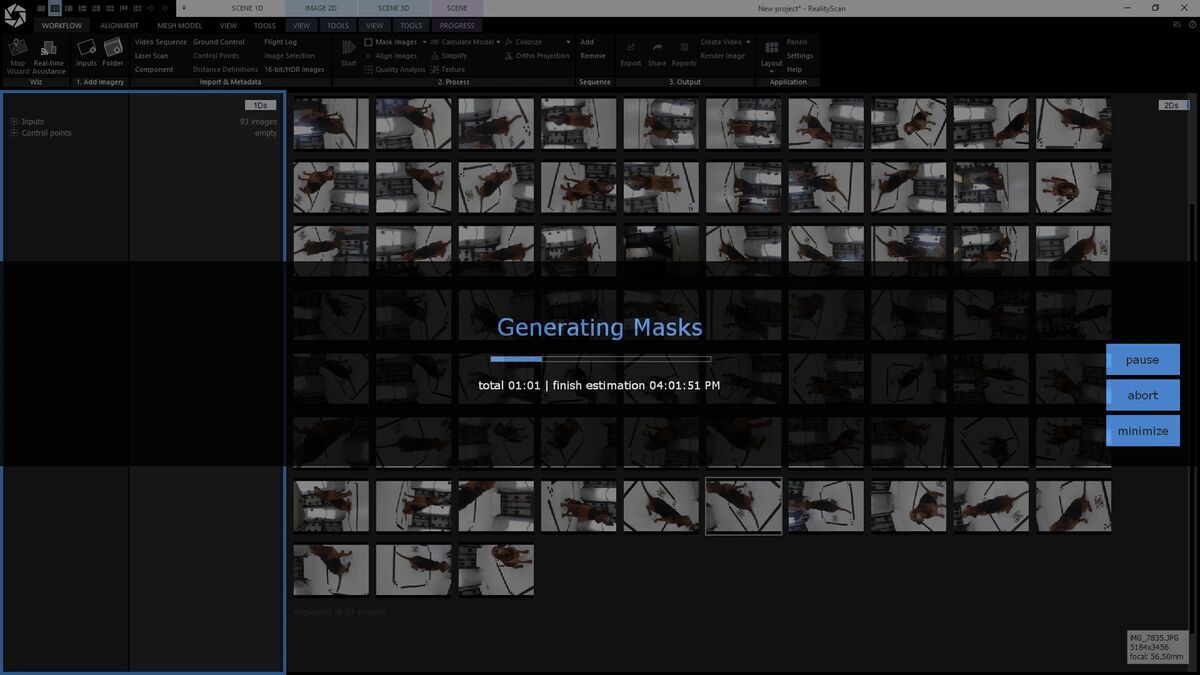
Photogrammetry reconstructs 3D surfaces by detecting identical features across overlapping photographs and triangulating their positions in space. The process requires 60-80% overlap between adjacent images, meaning hundreds or thousands of photos per scene. Software identifies tie points, computes camera positions, and generates a dense point cloud followed by a textured mesh.
The capture phase demands careful flight planning for drone mapping workflows. The pilot programs a grid pattern with specific altitude, speed, and overlap settings. Placing and surveying ground control points (GCPs) can add 30-60 minutes before the drone launches. After capture, processing in desktop photogrammetry software like Agisoft Metashape or Pix4D typically takes 2-8 hours depending on image count and hardware. Output quality is high, but the time investment from capture to delivery is substantial.
How Does Videogrammetry Work?
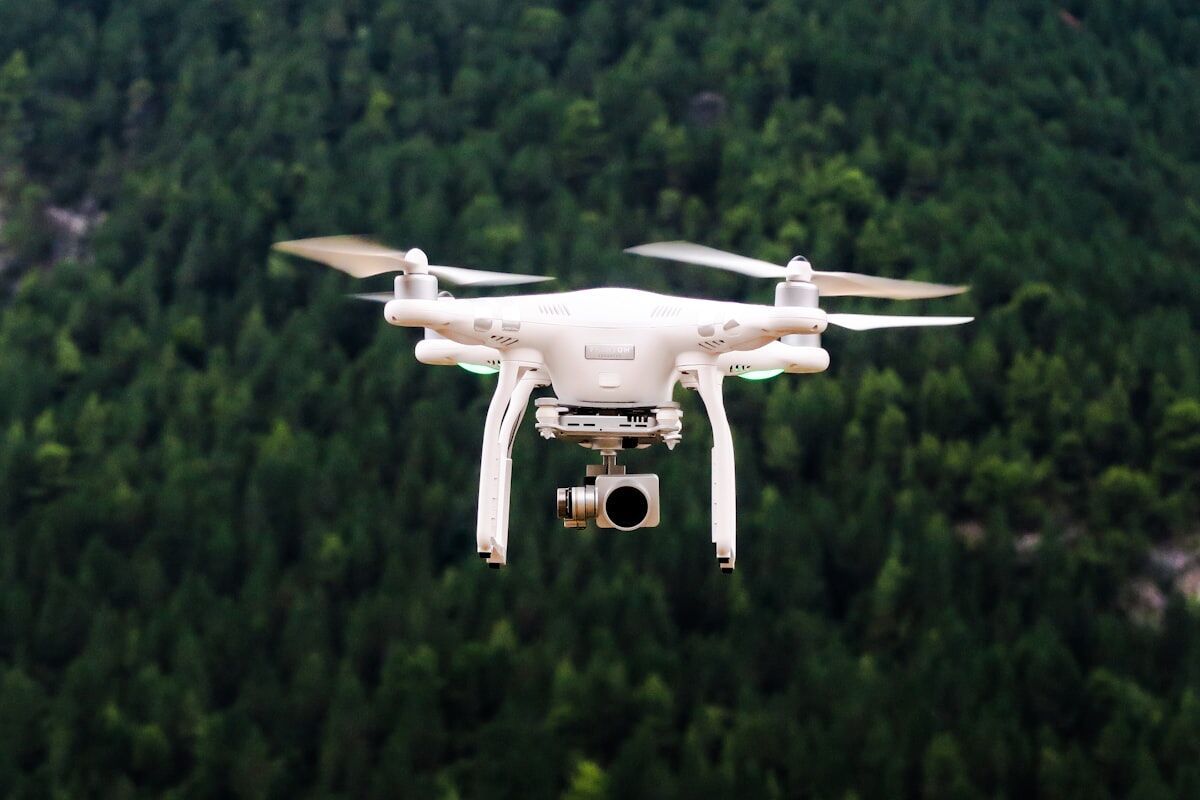
Videogrammetry bypasses individual photo capture entirely. The operator records continuous video — walking, driving, or flying around the subject — and software extracts optimal frames, identifies feature matches, and builds the 3D model. Because video naturally produces overlapping frames at high frequency, the operator does not manage overlap percentages or grid patterns.
The capture workflow is significantly simpler. A drone operator flies a single orbit while recording video. A ground operator walks an interior with a smartphone. The .MP4 or .MOV uploads directly to cloud processing — no image sorting, no tie-point editing, no desktop software. Reduced capture complexity means less training and fewer failed captures from insufficient overlap, the two most common problems in photogrammetry field deployments.
How Do Accuracy and Resolution Compare?
Both methods produce measurement-grade 3D models, but accuracy paths differ. Traditional photogrammetry achieves its highest precision through high-resolution stills, precise GCPs, and extensive processing optimization, reaching sub-centimeter accuracy with RTK positioning and surveyed ground control.
Videogrammetry accuracy depends on video resolution, capture distance, and processing tier. Standard 4K video produces models suitable for operational documentation, while higher processing tiers unlock 8K and 16K reconstruction from the same source, pushing accuracy into the sub-inch range. Continuous video supplies hundreds of overlapping frames per object and complete coverage without gaps, and accuracy tightens as the camera moves closer.
For most operational use cases — accident reconstruction, construction progress, insurance claims — both methods clear the accuracy threshold that matters, and in head-to-head testing video came out ahead. In an independent accuracy study by AirBorne Works (January 2021), SkyeBrowse video models came closest to Leica BLK360 laser-scan ground truth on 8 of 9 measurements, outperforming photo-based Pix4D Mapper and Leica BLK3D.
Is Video More Accurate Than Photos for 3D Mapping?
In independent testing, yes. In AirBorne Works' QC study of a staged night-time crash scene, SkyeBrowse video models came closest to Leica BLK360 laser-scan ground truth on 8 of 9 measured lines, ahead of photo-based Pix4D Mapper and Leica BLK3D. Continuous video gives hundreds of overlapping frames per object with no coverage gaps, and accuracy scales with capture distance.
What Are the Processing Differences?
Processing is where the two methods diverge most dramatically. Traditional photogrammetry runs on local hardware — a workstation with a high-end GPU processes images through alignment, dense cloud generation, mesh construction, and texturing. Large datasets (1,000+ images) can take overnight or longer, and teams without dedicated workstations wait days for results.
Videogrammetry processing is cloud-based and automated. The video uploads, the platform handles frame extraction, alignment, and reconstruction without intervention. Processing scales roughly 1:1 with capture duration — a 10-minute video returns a finished model in about 10 minutes. Investigators review 3D scene models while still on location, and construction managers share progress documentation the same afternoon.
When Does Each Method Fit Best?
Choose traditional photogrammetry when the project demands maximum per-image resolution, when surveyed GCPs are in place, and when the operator has training in complex flight planning. Survey-grade mapping, archaeological documentation, and large-area topographic surveys benefit from photogrammetry's precision controls.
Choose videogrammetry when speed from capture to deliverable is the priority, when multiple operators with varying skill levels need to capture, or when the scene is time-sensitive. Videogrammetry also fits when you need to accept video from diverse sources — drones, smartphones, body cameras — without desktop software or dedicated processing hardware.
Videogrammetry vs Photogrammetry Comparison Table
| Videogrammetry | Traditional Photogrammetry | |
|---|---|---|
| Input | Continuous video (.MP4, .MOV) | Hundreds of overlapping still photos |
| Capture Complexity | Simple orbit or walkthrough | Planned grid, overlap management, GCPs |
| Operator Training | Minimal — record video around subject | Moderate to high — flight planning, QA |
| Processing Location | Cloud-based, automated | Local workstation or cloud service |
| Processing Time | Minutes (roughly 1:1 with video) | Hours to days |
| Accuracy Ceiling | 0.1 inch at 16K without GCPs; laser-scanner-level in independent testing | Sub-centimeter with GCPs and RTK |
| Texture Quality | Good — extracted from video frames | Excellent — from full-resolution stills |
| Device Flexibility | Any video-capable camera | Typically drone or DSLR |
Where Does SkyeBrowse Fit?
SkyeBrowse is built on videogrammetry. The platform accepts .MP4 and .MOV video from any source through Universal Upload and processes it in the cloud at app.skyebrowse.com — no desktop photogrammetry software required. The SkyeBrowse Flight App automates drone capture with a single orbit, removing the flight planning step that causes most capture failures. Processing tiers scale from Commercial and Pro (8K, 0.5 inch) to Public Safety & Enterprise (16K, 0.1 inch with AI moving object removal). Exports include LAZ, GLB, and GeoTIFF. For teams that need photogrammetry-grade outputs without the complexity, SkyeBrowse delivers through a faster pipeline.
Try SkyeBrowse Free
If your team spends more time processing photos than analyzing the results, see how videogrammetry can compress your workflow from hours to minutes.
Upload your first video free. Create a free SkyeBrowse account, upload a drone video, and get a 3D model processed in the cloud. Freemium organizations that have never had a paid plan can get their first full Commercial model for $5 (normally $24.99), with every Pro tool and export included and 90-day storage.