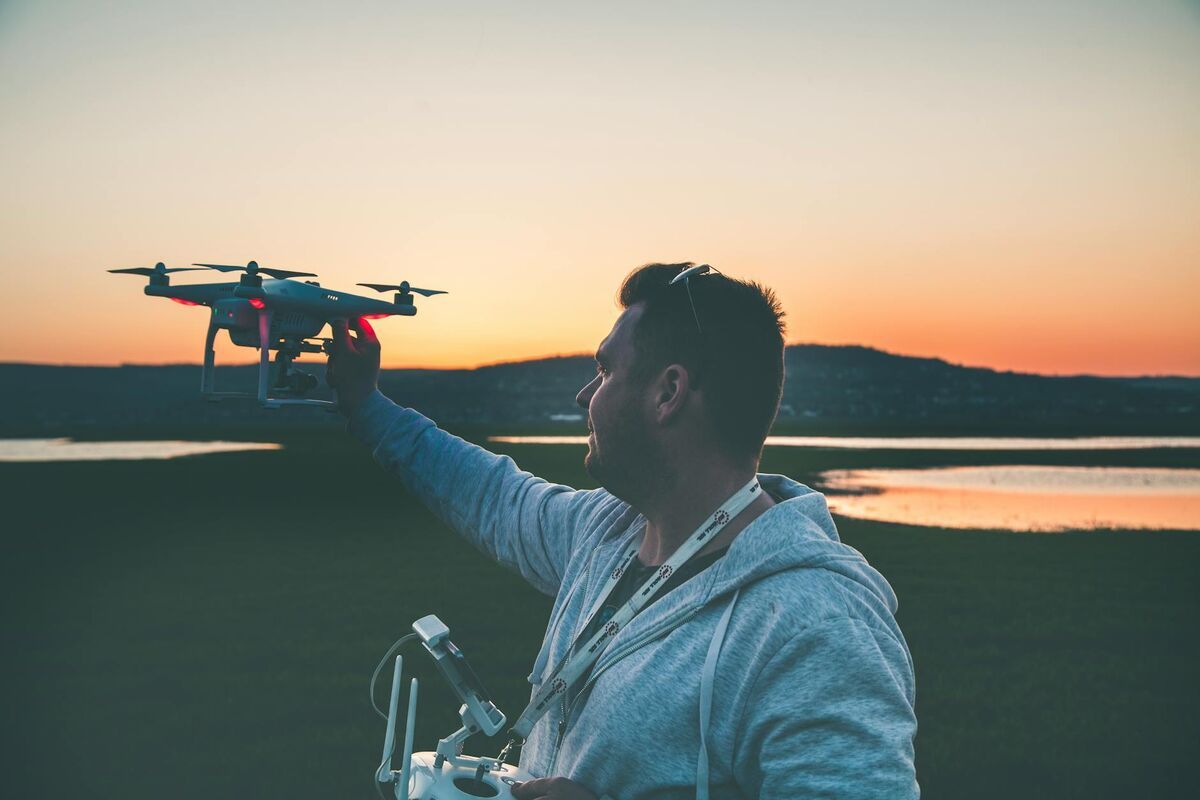
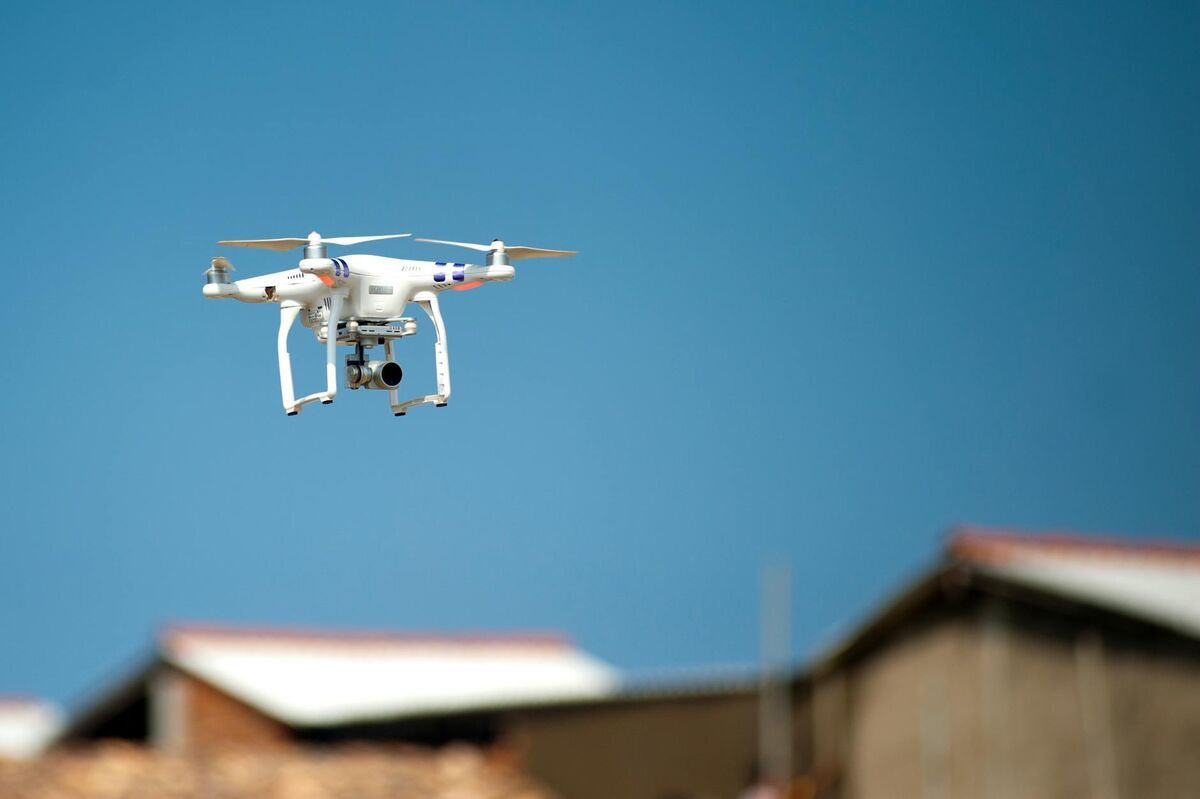
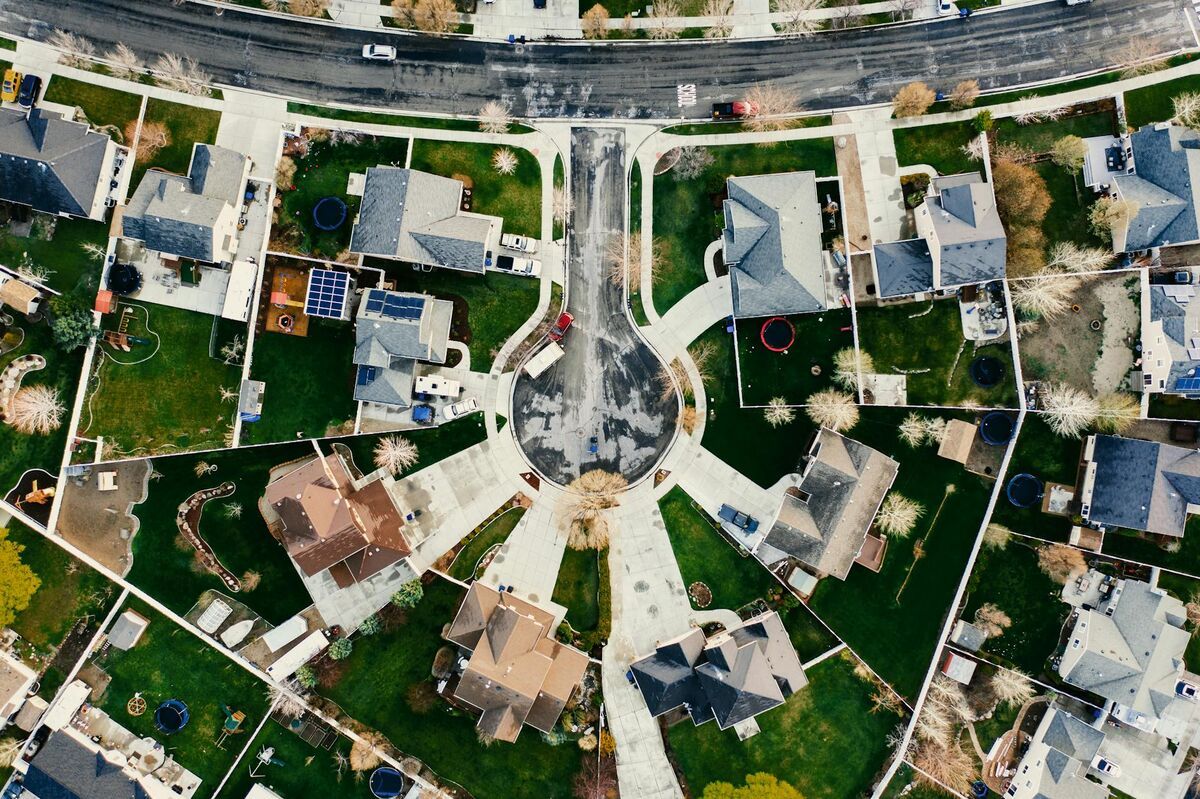
A home inspection drone — an unmanned aerial vehicle (UAV) flown over a residential property — gives home inspectors and property buyers close-up access to roofs, chimneys, gutters, and siding without ladders or lifts. When the drone footage is processed through videogrammetry software (technology that reconstructs 3D geometry from overlapping video frames), the result is a documented, shareable 3D model that buyers can reference months after closing and sellers can use to disclose known conditions before a transaction. This guide covers when a residential drone inspection adds value, how FAA rules apply to inspection practice, which equipment to choose, and how to deliver 3D documentation alongside a standard inspection report.

Key Takeaways
- FAA Part 107 certification is required for any drone used in a commercial home inspection; the certificate pairs naturally with ASHI and InterNACHI credentials and adds a billable inspection upgrade.
- Inspectors who decline steep or high-pitch roof access face E&O exposure — a drone closes that documentation gap without putting the inspector on an unsafe surface.
- SkyeBrowse's Commercial tier captures overall roof condition at 0.5 inch accuracy, the right resolution for pre-purchase assessment and standard inspection report delivery.
- Inspectors add a drone orbit to their standard walkthrough and deliver a 3D roof model alongside the inspection report, giving buyers visual evidence of roof condition that flat photos cannot match.
- A full residential roof survey — ridge, valley, chimney crown, gutters — can be captured in a single 10-to-15-minute flight with a consumer-grade drone and delivered as a browser link with no software installation required.
Contents
- Why are drones useful for residential property inspections?
- What FAA and liability rules apply to drone home inspections?
- Which drone and camera are best for home inspection work?
- How does video-to-3D processing create inspection documentation?
- Who benefits from home inspection drone deliverables?
- FAQ
Why are drones useful for residential property inspections?
Drones allow inspectors to safely survey roofs, chimneys, gutters, and upper-story siding without setting foot on potentially compromised surfaces. A single flight can cover the entire roofline from multiple angles, capturing details — cracked ridge caps, lifted flashing, blocked downspout outlets — that are invisible from the ground and dangerous to access by ladder on steep or high-pitch roofs.
The American Society of Home Inspectors (ASHI) Standards of Practice require inspectors to report on roof-covering materials, flashing, gutters, and chimneys. However, the ASHI Standards of Practice also acknowledge that inspectors are not required to walk surfaces that may be unsafe. That carve-out has historically meant that steep roofs — those exceeding 6:12 pitch — often receive only a partial ground-level inspection. A drone closes that gap.
Beyond safety, drone footage captured during a pre-purchase inspection provides buyers with a timestamped visual baseline that flat photos cannot replicate. A buyer who views a 3D roof model on closing day has a navigable record of what was and was not visible at inspection — documentation that matters if a leak appears within months of moving in. For sellers, a pre-listing drone inspection identifies issues early enough to remediate before buyers request credit during due diligence. For a deeper look at what a drone can document on a residential roof, see our drone roof inspection guide.
What FAA and liability rules apply to drone home inspections?
Any drone flight conducted for compensation — including a fee charged for a home inspection that includes aerial footage — falls under FAA Part 107 regulations. Home inspectors adding drone services to their practice need a Part 107 certificate from the FAA, which pairs well with existing inspection certifications like ASHI or InterNACHI and positions drone documentation as a premium service tier rather than a separate business.
The FAA Part 107 framework is straightforward for standard residential inspections: most single-family homes sit well clear of controlled airspace, and flights stay well under 400 feet. Pilots should check the FAA's B4UFLY or LAANC system before each flight to confirm airspace authorization — properties near airports or heliports may require a LAANC authorization that takes only seconds to obtain via an approved app.
From an E&O insurance standpoint, the calculus is equally important. Inspectors who decline steep or high-pitch roof access — a common and defensible decision under ASHI Standards of Practice — nevertheless face the perception that the inspection was incomplete. A drone closes that gap: the inspector documents the full roof without setting foot on an unsafe surface, which satisfies both the liability concern and the buyer's expectation of thorough coverage. Some E&O carriers offer premium discounts for inspectors who document declined-access areas with drone footage. Obtaining signed property owner consent as part of the inspection agreement is best practice and removes ambiguity about airspace use. For HOA properties with drone-specific restrictions, our drone HOA inspection guide covers the relevant considerations.
Which drone and camera are best for home inspection work?
For most residential drone inspection work, a compact drone with a 1-inch or larger sensor camera, electronic image stabilization, and at least 4K video recording capability provides the image quality needed to identify roofing defects. The DJI Mini 4 Pro, DJI Air 3, and DJI Mavic 3 are common choices — all weigh under 250 grams to 895 grams, fold for transport, and record high-resolution video with telemetry-embedded SRT files that improve georeferencing accuracy.
Key equipment considerations for residential inspection work:
- Camera resolution. 4K at 30fps is the minimum for defect identification. Higher-resolution options (like the Mavic 3's 5.1K sensor) produce cleaner still frames from video for report attachments.
- Obstacle avoidance. Residential environments have trees, power lines, and overhead utilities. Front-and-side obstacle sensing reduces risk during close-range roof approaches.
- Flight time. Most residential roofs can be documented in 10 to 15 minutes. Drones with 30-plus minute flight times offer comfortable margin. Carrying a second battery is standard practice.
- Telemetry files. DJI drones generate .SRT telemetry files alongside video. When uploaded with the video to a platform like SkyeBrowse, these files improve the geolocation accuracy of the resulting 3D model.
Inspectors who perform both roof inspections and broader property assessments — including driveway condition, grading, and drainage — benefit from the wider aerial perspective a drone provides compared to traditional ladder-based inspection. Our roof assessment guide details how drone-captured imagery maps to specific inspection report line items.
How does video-to-3D processing create inspection documentation?
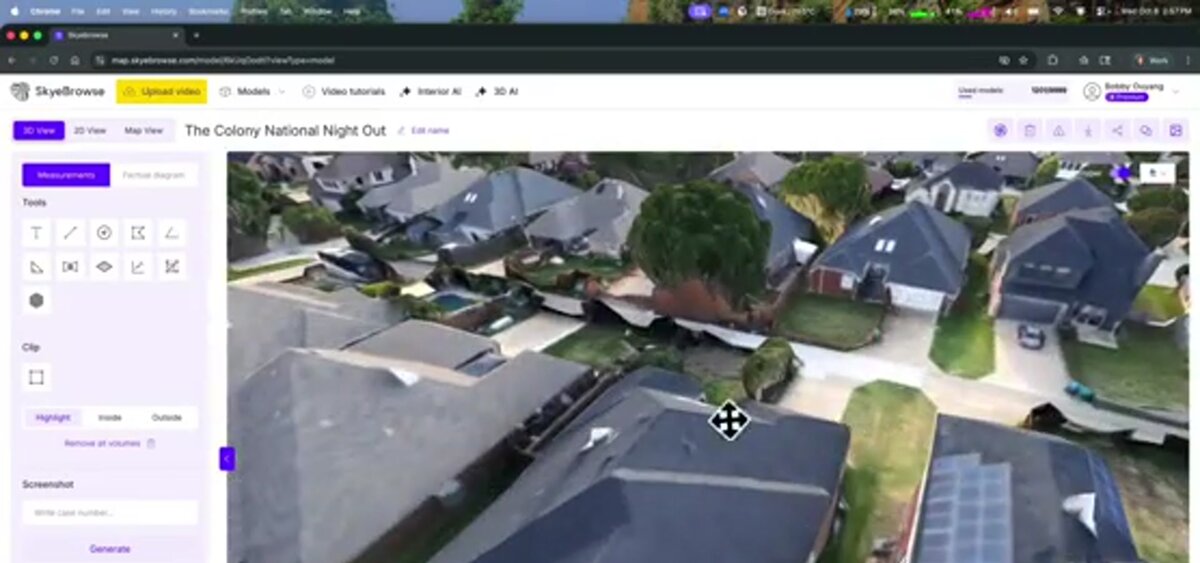
Videogrammetry software — technology that extracts 3D geometry from overlapping video frames, similar to photogrammetry but using continuous video rather than discrete still images — reconstructs a scaled 3D model of the property from drone footage. The inspector uploads the video file to a cloud platform, which automatically matches frames, calculates depth, and produces a navigable 3D mesh and a 2D orthomosaic (a georeferenced, top-down composite image) within minutes.
Inspectors upload drone video directly at app.skyebrowse.com — no proprietary flight app required, and any .MP4 or .MOV file works regardless of drone brand. Once processed, the resulting 3D model can be:
- Shared as a link with the buyer, seller, real estate agent, or insurance adjuster — no software installation required.
- Annotated with pins marking defects, areas of concern, or measurement callouts.
- Exported in GLB (3D mesh) format for archiving or embedding in third-party report platforms.
- Used to generate orthomosaics in GeoTIFF format, which can be overlaid on property boundary maps.
For home inspection use, SkyeBrowse's Commercial processing tier captures overall roof condition at 0.5 inch accuracy, the right resolution for pre-purchase assessment. Inspectors add a drone orbit to their standard walkthrough and deliver a 3D roof model alongside the inspection report, giving buyers visual evidence of roof condition at the time of purchase that flat photos cannot match. The browser-shareable link means buyers, sellers, and real estate agents can view the same model without any software installation. For situations requiring precise measurement — such as quantifying the extent of damage visible during a pre-listing inspection — Pro ($49.99 per model) at 0.5-inch accuracy with exports provides the detail needed to support contractor estimates.
Because the model is timestamped and contains embedded GPS data from the telemetry file, it serves as a defensible record of property condition at a specific date and time. Buyers who discover a roof issue within months of closing have documented evidence of what was visible — and what was not — at the inspection date.
Who benefits from home inspection drone deliverables?
Buyers, sellers, real estate agents, and HOA boards all benefit from residential drone inspection deliverables. Buyers receive visual proof of the property's roof condition at the time of purchase. Sellers can identify and disclose defects proactively. Agents use aerial footage in listings. HOA boards document common-area roofs before maintenance disputes arise.
Residential inspection is more intricate than commercial: inspectors must capture valley intersections, chimney crowns, penetrations (vents, skylights, HVAC equipment), and gutters at close range, often navigating mature trees and utility lines. That environment drives specific workflow adaptations:
- Orbit maneuvers around chimneys and dormers ensure all faces are captured, not just the nadir (directly downward) view.
- Close-range passes along gutters and fascia boards — flown at 15 to 25 feet above the surface — capture detail invisible from standard mapping altitude.
- Multiple altitude bands (high overview at 100 feet, mid at 50 feet, close at 15 to 25 feet) create a layered record that supports both overview and defect-level review.
For sellers, a pre-listing drone inspection converts an opaque risk — unknown roof condition — into a known, quantified item that can be addressed or priced before buyers discover it in due diligence. For HOA communities, periodic drone inspections establish a documented maintenance baseline that reduces disputes about pre-existing damage and supports reserve fund planning. Pricing for residential drone inspection work typically runs $150–$400 per property — see the drone roof inspection cost guide for a full breakdown. For broader context on drone inspection across asset types, see our drone inspection services guide.
FAQ
Do home inspectors need an FAA license to fly a drone?
Yes. Home inspectors adding drone services to their practice need a Part 107 Remote Pilot Certificate from the FAA, which pairs well with existing inspection certifications like ASHI or InterNACHI. Obtaining the certificate involves passing a knowledge test at an FAA-approved testing center — typically two to four weeks of self-study is sufficient. Recreational rules do not apply to commercial inspection work. More information is available at the FAA's UAS commercial operators page.
What can a drone see during a home inspection that a ladder cannot?
A drone can safely hover over steep or high-pitch roofs, capture valley intersections, inspect chimney crowns, and photograph gutters at close range from multiple angles — all without a ladder. It can also cover an entire roofline in a single flight, providing a comprehensive record that a ground-level walkthrough misses. Roofs steeper than 6:12 pitch and those on multi-story structures are especially well-suited to drone inspection.
How is drone video turned into a 3D model for a home inspection report?
Videogrammetry software like SkyeBrowse analyzes overlapping frames from drone video to reconstruct a scaled 3D model of the property. The inspector uploads the .MP4 or .MOV file to the cloud platform at app.skyebrowse.com, and processing completes in minutes — producing a navigable 3D mesh and 2D orthomosaic that can be shared as a link with buyers, sellers, or insurers.
Upload your first video free. Create a free SkyeBrowse account, upload a drone video, and get a 3D model processed in the cloud. Freemium organizations that have never had a paid plan can get their first full Commercial model for $5 (normally $24.99), with every Pro tool and export included and 90-day storage.