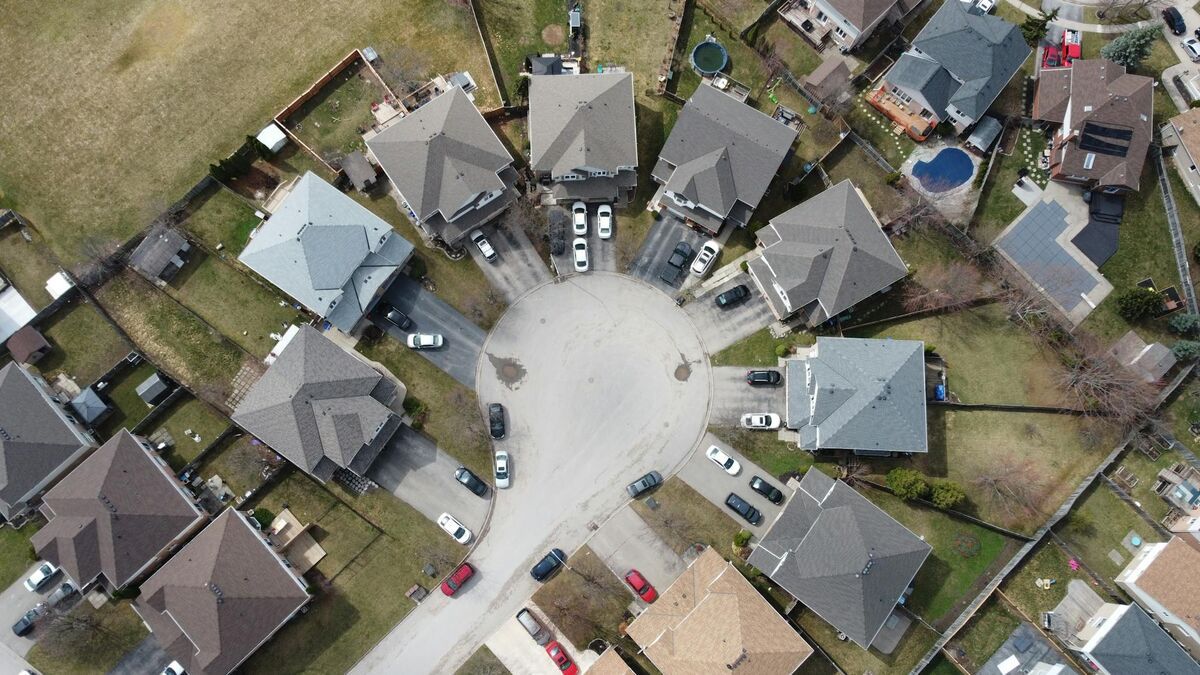
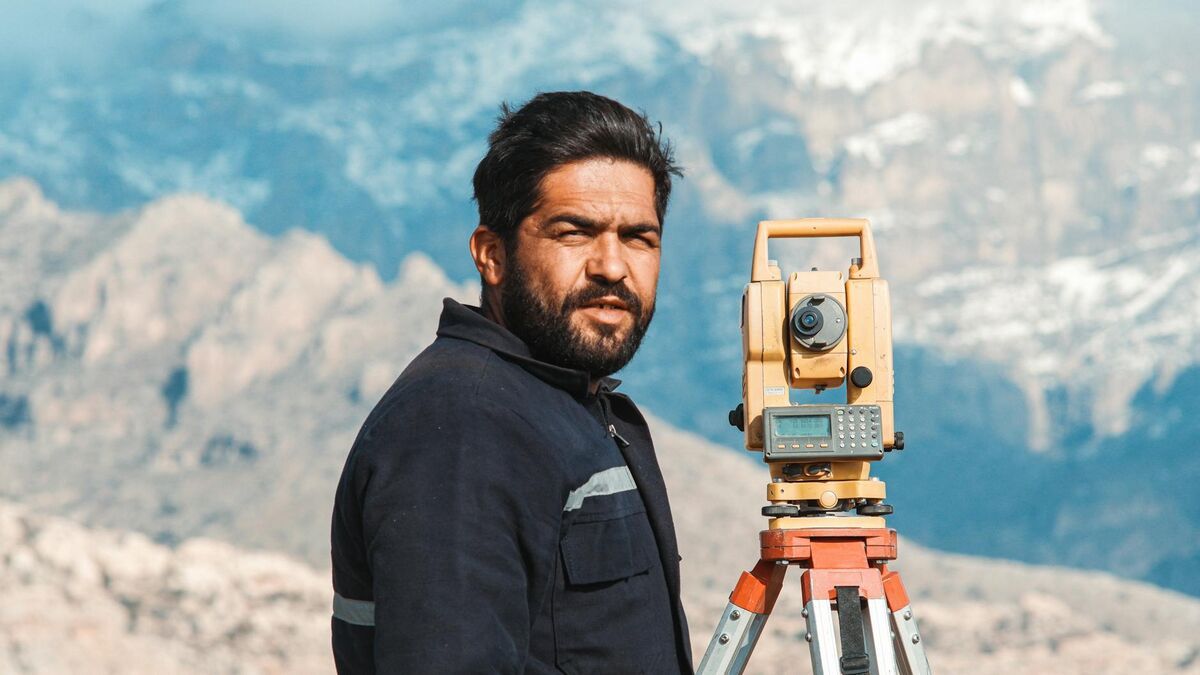
A drone 360 tour is an aerial walkthrough of an exterior, captured by flying a drone in an orbit or recorded with a 360-degree camera mounted on the aircraft, that lets viewers explore a property, construction site, or landscape from every angle. Traditional virtual-tour platforms like Matterport, Kuula, and CloudPano are built for indoor photo-stitching; none of them process drone video or produce exterior 3D models. SkyeBrowse is built to do exactly that: upload drone footage, and the platform uses videogrammetry (the process of deriving spatial measurements and 3D geometry from video frames) to generate a fully navigable 3D model in minutes.
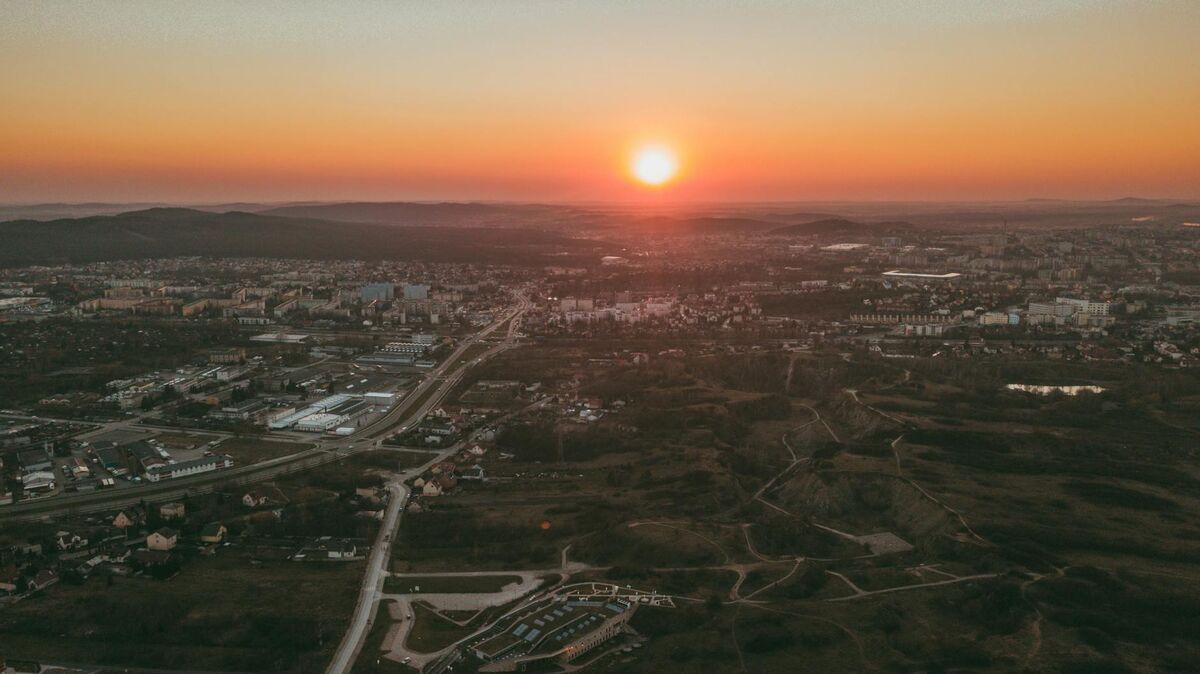
Key Takeaways
- Drone 360 capture works with any video-capable drone, no special flight app or hardware required.
- Existing virtual-tour platforms are indoor-only; SkyeBrowse is the only cloud-based tool that turns drone and 360-camera footage into shareable exterior 3D models.
- A standard orbit flight of 3 to 6 minutes produces enough footage to generate a full exterior 3D model ready to share via a link.
- SkyeBrowse's free tier supports unlimited basic models, making it accessible without a paid commitment.
- Processed models are accurate to roughly 2 to 6 inches on the standard tier, sufficient for property marketing, site documentation, and venue overviews.
Contents
- What is drone 360?
- How do you capture a 360 view with a drone?
- How do you turn drone footage into a virtual tour?
- What drones and cameras work for 360 capture?
- What are the best use cases for aerial 360 tours?
- FAQ
What is drone 360?
"Drone 360" refers to full-surround aerial capture: either a drone flying an orbital path around a subject while recording video, or a 360-degree camera mounted on a drone to capture an equirectangular sphere at altitude. The result is footage that covers every exterior angle of a building, property, or site, which software can then stitch into a panorama, an aerial virtual tour, or a navigable 3D model.
The term is used two ways in practice. First, it describes the flight maneuver: a drone circles a subject at a fixed radius and altitude, keeping the camera pointed inward, covering a full 360 degrees of horizontal rotation. Most drones with a point-of-interest or orbit mode automate this. Second, it describes hardware: a dedicated 360-degree camera (such as an Insta360 or GoPro MAX) attached to the drone captures an omnidirectional sphere with a single lens system, rather than the standard forward-facing sensor.
Either approach produces video footage that covers the full exterior of a subject. The key distinction from indoor virtual tours is environment: drone 360 is designed for large exteriors where a camera operator cannot physically walk through the space. Standard virtual-tour tools have no capability for this. They require the photographer to be physically present at each scan location inside a room. Drone 360 capture solves the exterior problem that indoor platforms leave unaddressed.
How do you capture a 360 view with a drone?
The simplest method is an orbit flight: set a point of interest in your drone's flight app, choose a radius of 30 to 60 feet for a building, and let the drone circle while recording at the highest quality available. Aim for 2 to 4 complete orbits at different altitudes so the processed model captures both the walls and the roofline. Total flight time is typically 3 to 6 minutes.
For property and venue work, altitude variation matters more than you might expect. A single flat orbit captures the facade but misses the roofline and grade-level details. Flying two passes, one at 20 feet and one at 45 feet, both circling inward, gives the processing software enough overlapping geometry to reconstruct the full structure. The FAA's UAS integration guidelines require pilots to maintain visual line of sight and comply with local airspace restrictions; for most residential and commercial properties, a standard Part 107 authorization covers this workflow.
If you are using a dedicated 360 camera mounted on the drone, flight path matters less because the omnidirectional sensor captures all angles simultaneously. A simple straight-line pass over the subject at 50 feet is often sufficient. The trade-off is that 360-camera footage is large and may require a fisheye correction step before upload, depending on the platform.
For standard drone video, record in .MP4 or .MOV at the drone's native resolution. If your drone saves a telemetry file (.SRT for DJI or .ASS for Autel), keep it alongside the video: it improves georeferencing and positioning accuracy in the processed model.

How do you turn drone footage into a virtual tour?
Upload the drone video to SkyeBrowse via Universal Upload, select the model tier, and the platform processes the footage into a 3D model within minutes. Once processing completes, you receive a shareable link that anyone can open in a browser, no plugin or download required. The 360 Image Viewer feature lets viewers explore the model from any angle, giving clients and stakeholders a full exterior virtual tour.
The upload workflow accepts .MP4 and .MOV files from any source: drone, phone, body camera, action camera, or 360 camera. Drag the clip into Universal Upload at app.skyebrowse.com, optionally pair the telemetry file, and submit. SkyeBrowse's cloud infrastructure handles the rest without requiring desktop hardware or local rendering, a key contrast with desktop photogrammetry tools like Agisoft Metashape.
The resulting model renders in a browser-native viewer with pan, zoom, and orbit controls. Share the link with a buyer, project owner, or public safety commander. They click and explore from any device. No account is required to view a shared model. SkyeBrowse's free tier supports unlimited basic models, so pilots can start without a subscription. For precision work, paid tiers offer sub-inch accuracy. Learn more in the drone 3D mapping guide.
What drones and cameras work for 360 capture?
Any drone that records .MP4 or .MOV video works with SkyeBrowse, including DJI Mavic, Mini, Air, and Matrice series; Autel Evo and Max series; and most consumer and enterprise platforms. Dedicated 360 cameras (Insta360, Ricoh Theta, GoPro MAX) are also supported through Universal Upload. No proprietary flight controller, SDK integration, or special camera mode is required.
The hardware flexibility matters in practice. Pilots who already own a DJI Mavic 3, Mini 4 Pro, or Autel Evo Lite can start capturing drone 360 tours today. The full supported drone list spans hobbyist quads to enterprise Matrice platforms. For pilots evaluating software before buying hardware, see the best 3D mapping software comparison.
SkyeBrowse's videogrammetry engine processes equirectangular video from 360 cameras the same way it handles standard drone footage: by extracting spatial geometry from overlapping frames throughout the clip, not from still photos. Pilots interested in the indoor counterpart can compare the workflow in the interior mapping guide.
What are the best use cases for aerial 360 tours?
Aerial 360 tours are most valuable when stakeholders need to understand a site from the outside without visiting in person: real estate exterior marketing, construction site progress sharing, campus and venue overviews for facility management, property marketing for insurers and adjusters, and public safety scene documentation where a shareable 3D record is needed after the drone leaves the site.
Real estate exterior marketing. A drone 360 model lets a buyer orbit the property, examine the roofline, and measure the lot before scheduling a showing. A flat aerial video clip can't do that. For deeper real-estate marketing context, see the real estate marketing article.
Construction site progress tours. A 5-minute drone orbit uploaded to SkyeBrowse gives remote owners a spatially accurate exterior model to compare against plan documents each week. The free drone mapping software guide covers how to set this up at no cost.
Campus and venue overviews. Facility managers at universities, sports venues, and industrial campuses use aerial 360 tours for pre-event planning and maintenance scheduling. According to the ASPRS Positional Accuracy Standards, sub-decimeter accuracy is achievable with consumer drones, well within the tolerance needed for facility documentation.
Public safety scene documentation. Law enforcement, fire departments, and emergency management agencies fly drones at incidents before clearing the scene. Uploading that footage to SkyeBrowse produces a permanent 3D record that investigators and commanders can access remotely long after the site is released.
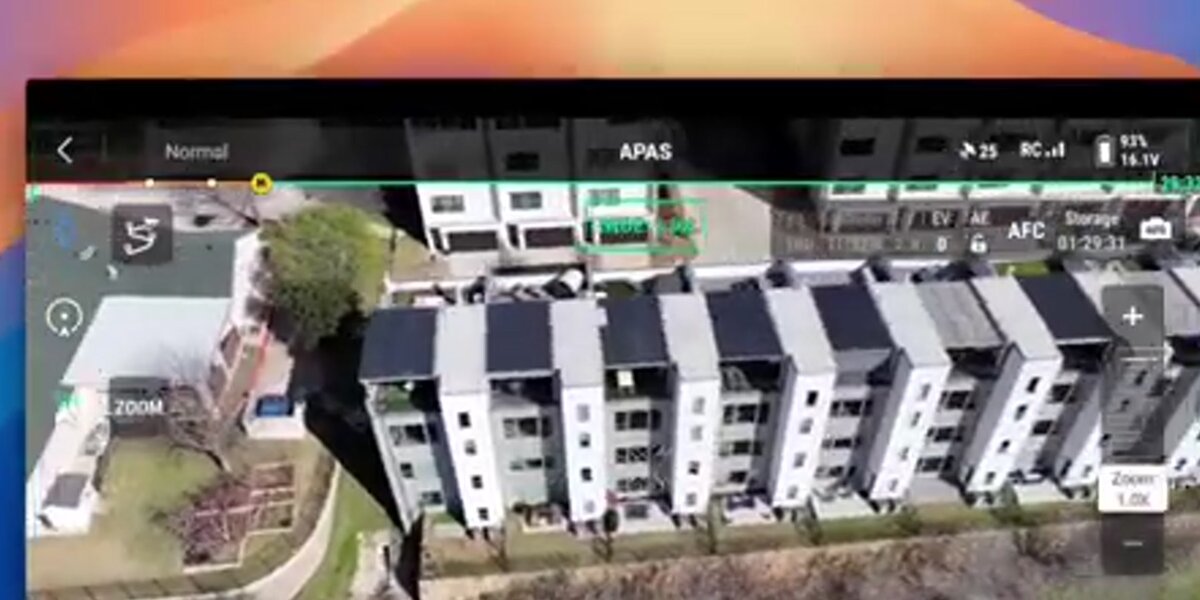
FAQ
What is a drone 360 view?
A drone 360 view is an aerial perspective captured by flying a drone in an orbit around a subject or by mounting a 360-degree camera on the aircraft. Unlike indoor virtual tour platforms that require a photographer to be physically present at each scan position, drone 360 covers the full exterior of a building or site from above. SkyeBrowse processes this footage into a navigable 3D model that viewers can access through a browser link.
Can any drone create a 360 virtual tour?
Yes. SkyeBrowse accepts .MP4 and .MOV files from virtually any drone (DJI, Autel, Parrot, and others) as well as footage from dedicated 360 cameras such as Insta360 or GoPro MAX. No special flight mode or hardware integration is required. Check the full supported drone list to confirm your specific model.
How long does it take to process a drone 360 tour?
SkyeBrowse processes a typical drone clip into a 3D model within minutes of upload. The cloud-based engine runs without any local rendering on your device: you submit the video and receive a shareable link once processing is complete. Processing time scales with clip length and selected quality tier, but most exterior property flights under 10 minutes are ready in under 15 minutes total.
Do I need ground control points for a drone 360 model?
No. SkyeBrowse does not require ground control points (GCPs) for standard exterior models. Telemetry files from the drone (.SRT for DJI, .ASS for Autel) improve georeferencing when available, but they are optional. This means pilots can capture and process an aerial 360 tour with only the drone and the video file: no surveying equipment or field markers needed.
How does SkyeBrowse differ from Matterport for virtual tours?
Matterport is designed for interior scanning using a 360 camera walked through a building room by room. It cannot process drone video and has no exterior or aerial capability. SkyeBrowse processes video from drones and 360 cameras to produce exterior 3D models and aerial virtual tours. For teams that need both interior and exterior coverage, SkyeBrowse supports interior 360 mapping as well.
Upload your first video free. Create a free SkyeBrowse account, upload a drone video, and get a 3D model processed in the cloud. Freemium organizations that have never had a paid plan can get their first full Commercial model for $5 (normally $24.99), with every Commercial tool, every export, and 90-day storage.