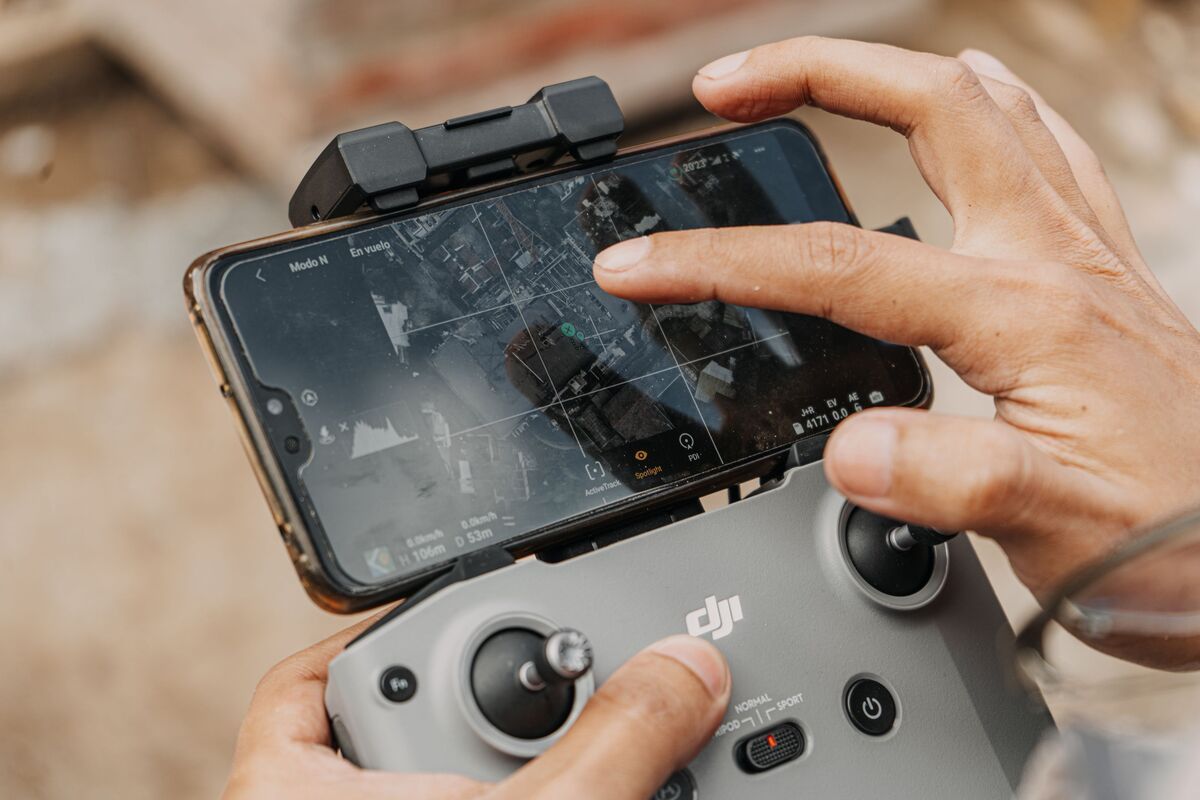
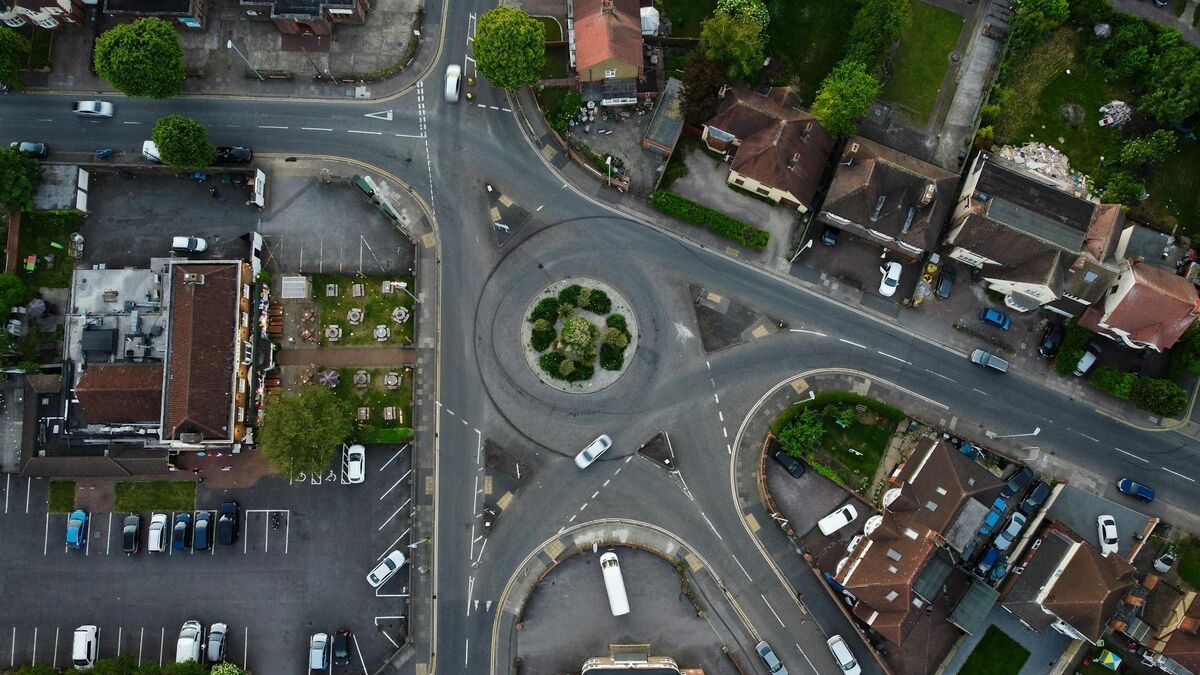
DJI Mavic 4 Pro mapping is possible today even though most mapping apps have not caught up to the drone yet. Photogrammetry is the science of measuring real objects from overlapping images, and its video cousin, videogrammetry, extracts the same 3D geometry from a continuous clip instead of individual photos. The Mavic 4 Pro ships with the best consumer mapping camera DJI has ever built, so the question is not whether it can map. The question is which workflow gets you a measurable 3D model right now. This guide covers the camera, capture settings, ground sampling distance, and the exact upload path that works.
Key Takeaways
- The Mavic 4 Pro main camera is a 100MP Type 4/3 Hasselblad sensor (17.4 x 13 mm) with a 28mm equivalent lens, the sharpest consumer mapping camera DJI has released.
- The Mavic 4 Pro is not on the SkyeBrowse Flight App supported list, so the reliable path is a manual orbit or grid flight plus Universal Upload of the video.
- Recording the DJI subtitle file (.SRT) alongside your video auto-georeferences the 3D model without any ground control.
- At the 100MP setting the drone can reach roughly 0.4 cm per pixel ground sampling distance at 40 meters, fine enough for detailed inspection models.
- For visual 3D models and small sites the Mavic 4 Pro competes with enterprise drones, but it lacks the RTK positioning needed for survey-grade absolute accuracy.
Contents
- Can the DJI Mavic 4 Pro make 3D models?
- What camera settings should you use for Mavic 4 Pro mapping?
- What ground sampling distance can the Mavic 4 Pro reach?
- When does a Mavic 4 Pro beat an enterprise mapping drone?
- How do you build a Mavic 4 Pro 3D model in SkyeBrowse?
- FAQ
Can the DJI Mavic 4 Pro make 3D models?
Yes. The Mavic 4 Pro is not yet on the SkyeBrowse Flight App supported list, so automated orbit capture is unavailable. The working method is to fly a manual orbit or grid, record video, and upload the clip through Universal Upload at app.skyebrowse.com, where the cloud builds a measurable 3D model in minutes.
Every mapping platform depends on drone SDK support to automate flights, and the Mavic 4 Pro launched ahead of that support across the industry. That is a timing gap, not a hardware limit. SkyeBrowse sidesteps the gap with Universal Upload, which accepts any .MP4 or .MOV video from any drone. You fly the pattern yourself, the footage becomes the input, and the videogrammetry engine reconstructs the geometry the same way it would from an automated flight.
Confirm the current status before you buy an app subscription by checking the official supported drones list, since compatibility changes as SDK access expands. If you also own a supported drone, the automated Flight App path is covered in our drone mapping app roundup.
What camera settings should you use for Mavic 4 Pro mapping?
Lock the main 28mm Hasselblad lens, shoot 4K video at a steady frame rate, and fix exposure and white balance so brightness stays constant across the flight. Turn on the video subtitle file so a .SRT telemetry log records with the clip. Keep the gimbal near 45 degrees for orbits and fly slow, smooth passes.
The Mavic 4 Pro carries a triple-camera system, but mapping wants one focal length for the whole flight. Use the 100MP main camera and avoid switching to the 70mm or 168mm lenses mid-capture, since mixed focal lengths confuse reconstruction. DJI lists the main sensor as a 100MP Type 4/3 CMOS with a 28mm equivalent field of view, which gives wide coverage per pass.
Set exposure manually. Auto exposure that hunts between a bright roof and a shaded wall creates seams in the model. Lock ISO, shutter, and white balance before you launch. In the drone camera menu, enable the video caption or subtitle recording option so the .SRT file saves next to your footage. That single toggle is what lets SkyeBrowse georeference the model automatically. For still-photo shooters moving to video, our Mavic 3 Pro 3D model guide covers the same settings logic on the previous flagship.
What ground sampling distance can the Mavic 4 Pro reach?
Ground sampling distance is the real-world size of one pixel on the ground, and it sets how much detail a model holds. With the 100MP main camera, the Mavic 4 Pro reaches roughly 0.4 cm per pixel at 40 meters and about 1.0 cm per pixel at 100 meters. Lower altitude means finer detail and more passes.
GSD is computed from sensor width, focal length, flight altitude, and image width. Using the verified 17.4 mm sensor width, the 28mm equivalent lens (roughly 14 mm actual focal length on the 4/3 sensor), and the 12288-pixel wide 100MP output, the Mavic 4 Pro produces the following at common mapping altitudes.
| Altitude | Approx. GSD (100MP main camera) |
|---|---|
| 40 m | 0.4 cm/pixel |
| 60 m | 0.6 cm/pixel |
| 100 m | 1.0 cm/pixel |
Those numbers describe resolution, not absolute survey accuracy. The ASPRS positional accuracy standards separate the two: a sharp pixel is necessary but not sufficient for a survey-grade deliverable, which also needs positional control (ASPRS). To recompute GSD for your own altitude, use the GSD calculator. The takeaway is that this camera resolves sub-centimeter detail at low altitude, which is exceptional for a folding drone.
When does a Mavic 4 Pro beat an enterprise mapping drone?
The Mavic 4 Pro wins on portability, camera sharpness, and cost for visual 3D models, inspections, and sites under a few acres. An enterprise drone wins when you need RTK-corrected absolute accuracy, thermal imaging, or automated grid missions across large areas. Match the tool to the deliverable.
For a roof, a facade, a small construction pad, or an accident scene, the Mavic 4 Pro camera captures more than enough detail, and its 51-minute flight time and folding body make it faster to deploy than a case-carried enterprise rig. The 100MP Hasselblad sensor and 15.5 stops of dynamic range hold shadow and highlight detail that lets the reconstruction lock onto texture cleanly.
The gap appears when a client demands survey-grade coordinates. The Mavic 4 Pro has no onboard RTK, so absolute accuracy depends on ground control points you place and measure. Enterprise drones like the Matrice 4 series add RTK for centimeter positioning out of the box, which our DJI Matrice 4 mapping guide details. If your work is measurement of relative geometry and visual documentation, the Mavic 4 Pro is the better value. Video-based measurement holds up there: in an independent accuracy study by AirBorne Works, SkyeBrowse video models came closest to Leica BLK360 laser-scan ground truth on 8 of 9 measurements, outperforming photo-based Pix4D Mapper and Leica BLK3D.
How do you build a Mavic 4 Pro 3D model in SkyeBrowse?
Fly two slow orbits of the subject at about 45 degrees of camera tilt, add a grid pass for larger sites, then upload the .MP4 or .MOV video with its .SRT file through Universal Upload. Cloud processing returns a measurable 3D model, orthomosaic, and point cloud in minutes, with no desktop software.
The manual capture recipe is simple. For a small scene, orbit the subject twice at a 45-degree gimbal angle, keeping motion slow and steady and the zoom locked. For a larger site, add a back-and-forth grid pass at nadir on top of the orbit. Avoid pointing the camera at open sky for long stretches, since featureless frames give the reconstruction nothing to track. Our full how to make a 3D model with a drone walkthrough covers the pattern in detail.
Upload happens at app.skyebrowse.com, the browser-based drone mapping software that does the processing. Drop the video and its subtitle file into Universal Upload, and the platform pairs them, georeferences the model, and processes in the cloud. A free Freemium account uploads at no cost with a 2 GB file cap, which is plenty for a single scene, so you can test the Mavic 4 Pro on your own footage before committing. The output is a model you can measure, not just a picture to look at.

FAQ
Can the DJI Mavic 4 Pro make 3D models?
Yes. The Mavic 4 Pro cannot run the SkyeBrowse Flight App yet, so you fly a manual orbit or grid, record video, and use Universal Upload at app.skyebrowse.com. The cloud turns that footage into a measurable 3D model in minutes. Always confirm current app support on the supported drones list.
What is the best GSD the Mavic 4 Pro can achieve?
Using the 100MP Hasselblad main camera, the Mavic 4 Pro reaches roughly 0.4 cm per pixel at 40 meters and about 1.0 cm per pixel at 100 meters, computed from its 17.4 mm sensor width and 12288-pixel image width. Lower your altitude for finer detail.
Is the Mavic 4 Pro good enough to replace an enterprise mapping drone?
For visual 3D models, small sites, and inspection work, the Mavic 4 Pro camera rivals enterprise hardware. For survey-grade absolute accuracy you still need RTK positioning and ground control, which the Mavic 4 Pro does not provide.
Upload your first video free. Create a free SkyeBrowse account, upload a drone video, and get a 3D model processed in the cloud. Freemium organizations that have never had a paid plan can get their first full Commercial model for $5 (normally $24.99), with every Pro tool and export included and 90-day storage.